
Professional router packshots
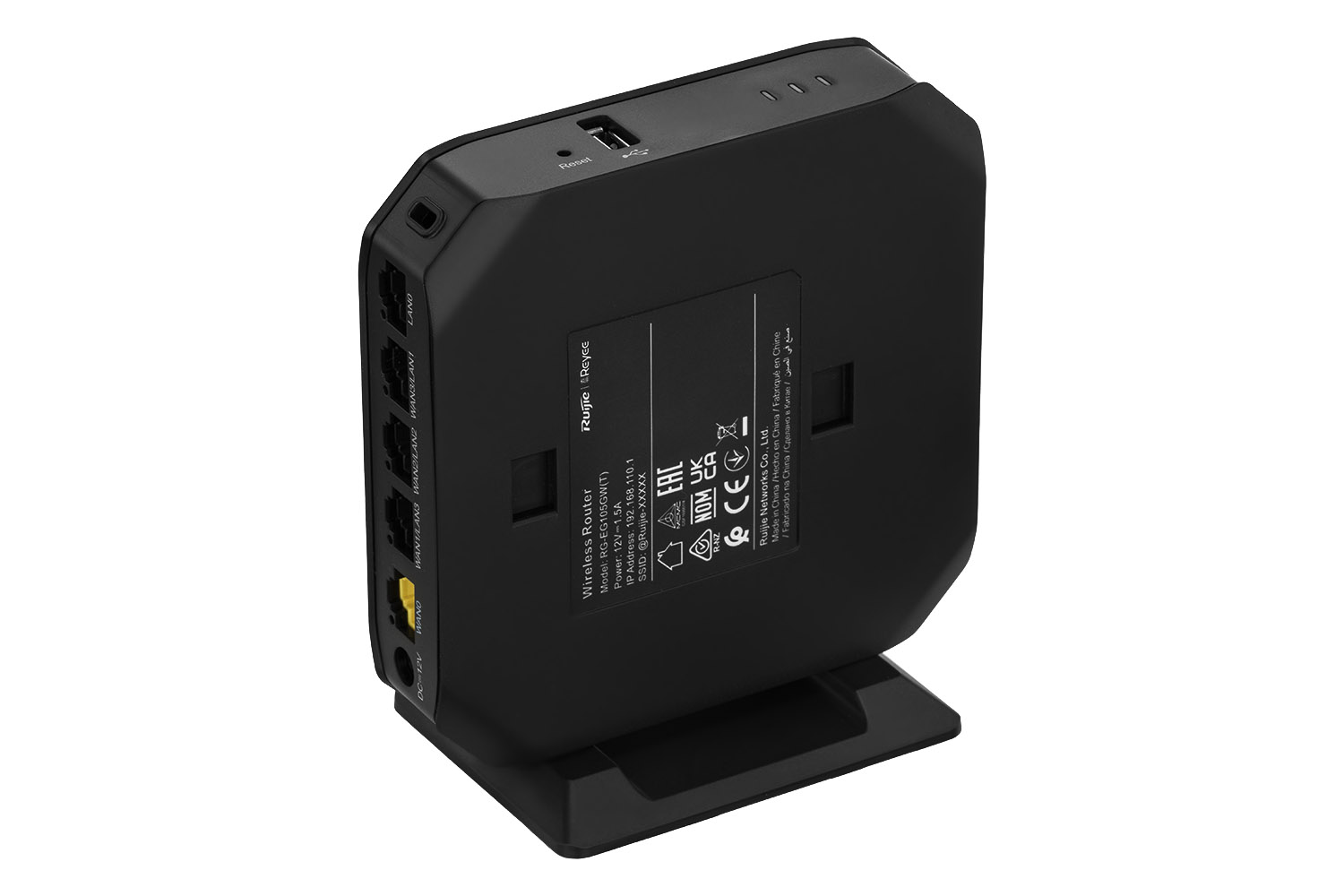
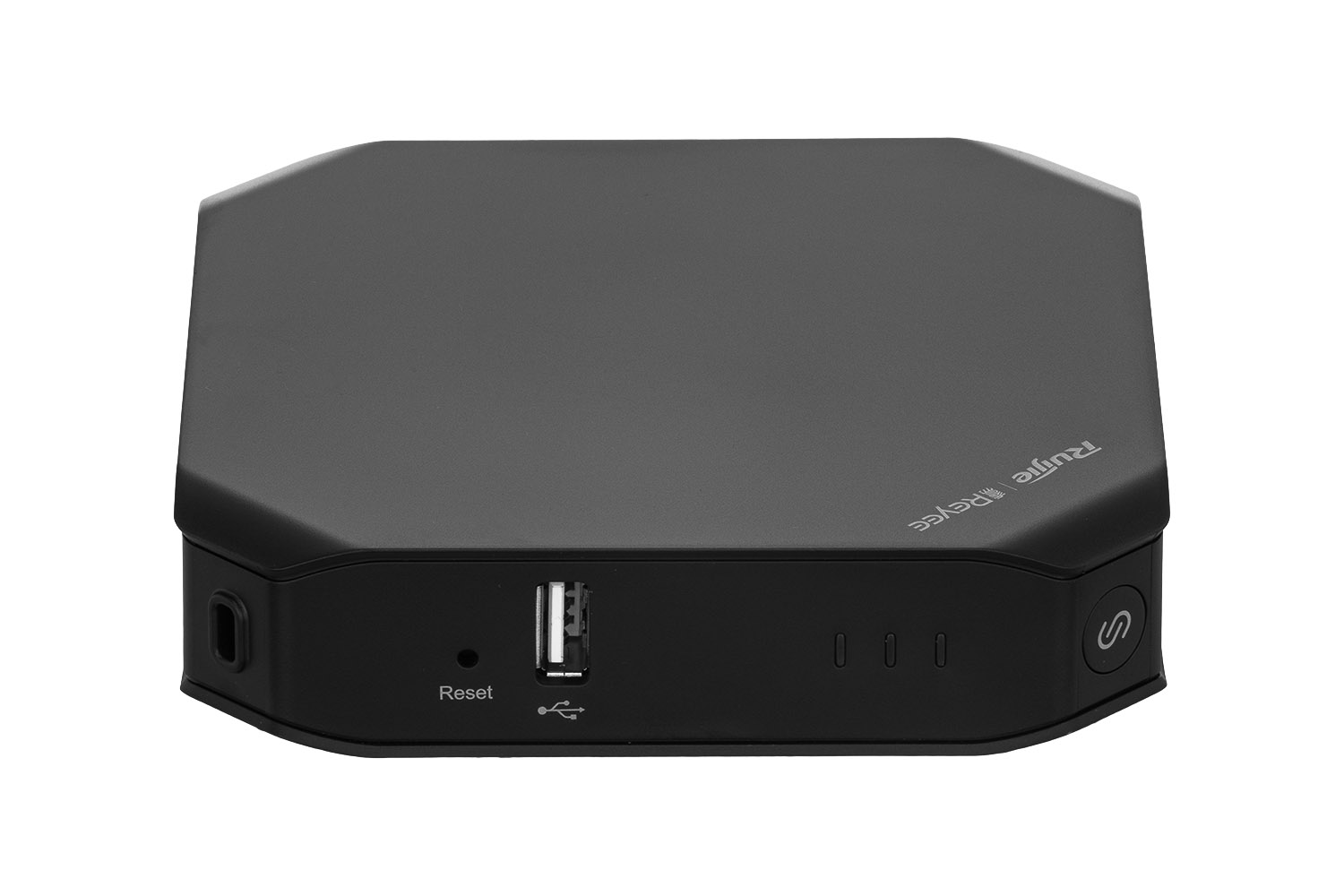
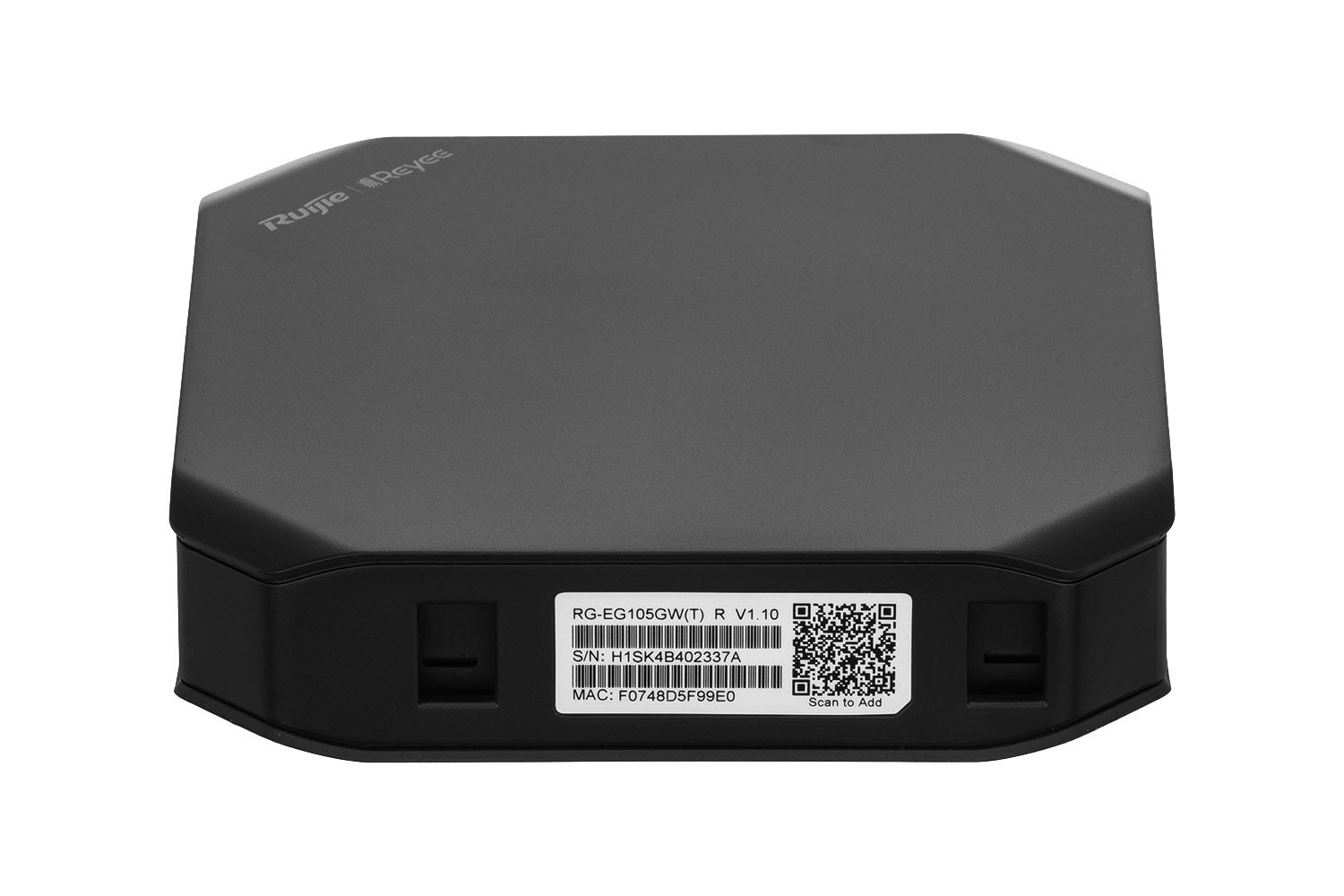
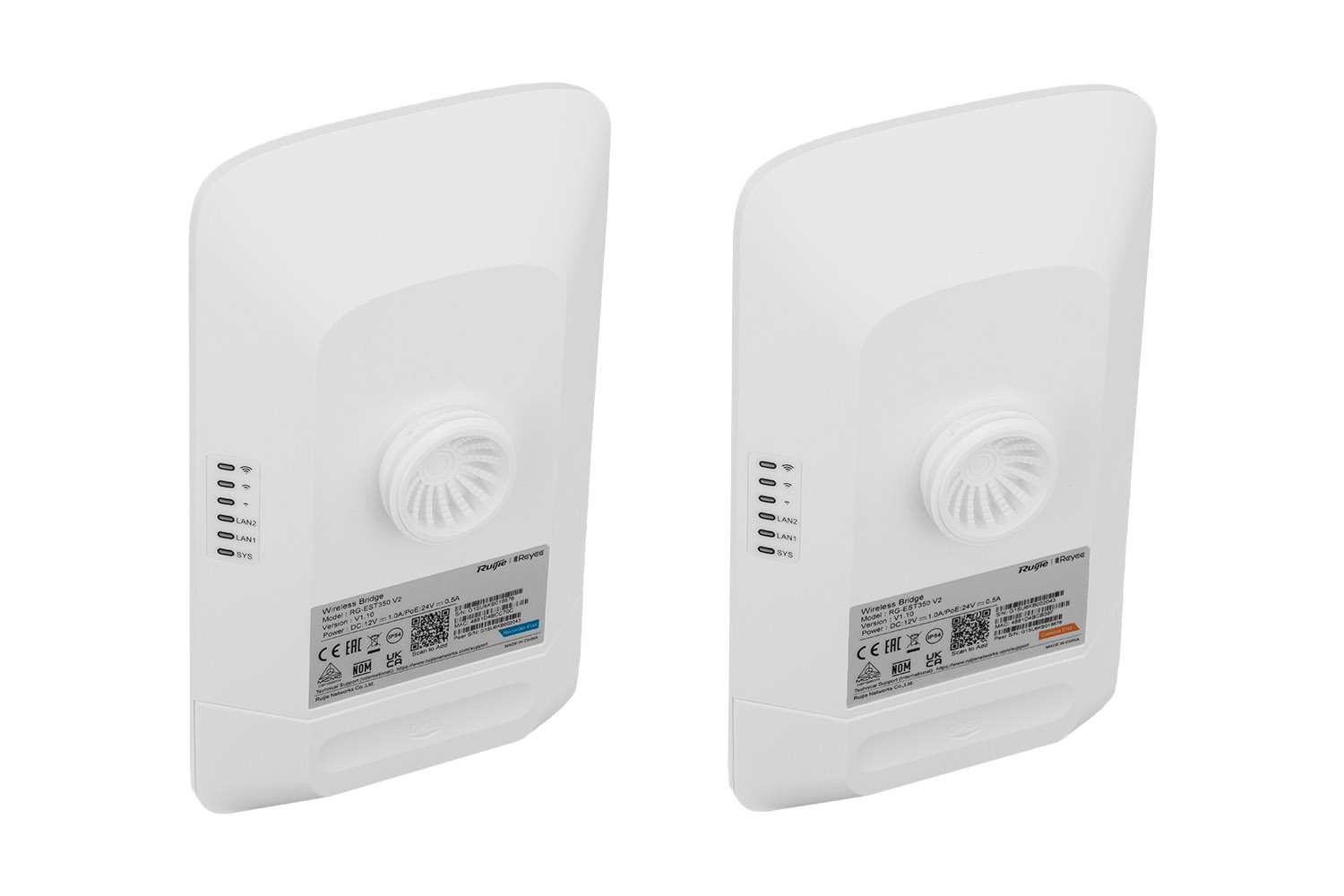
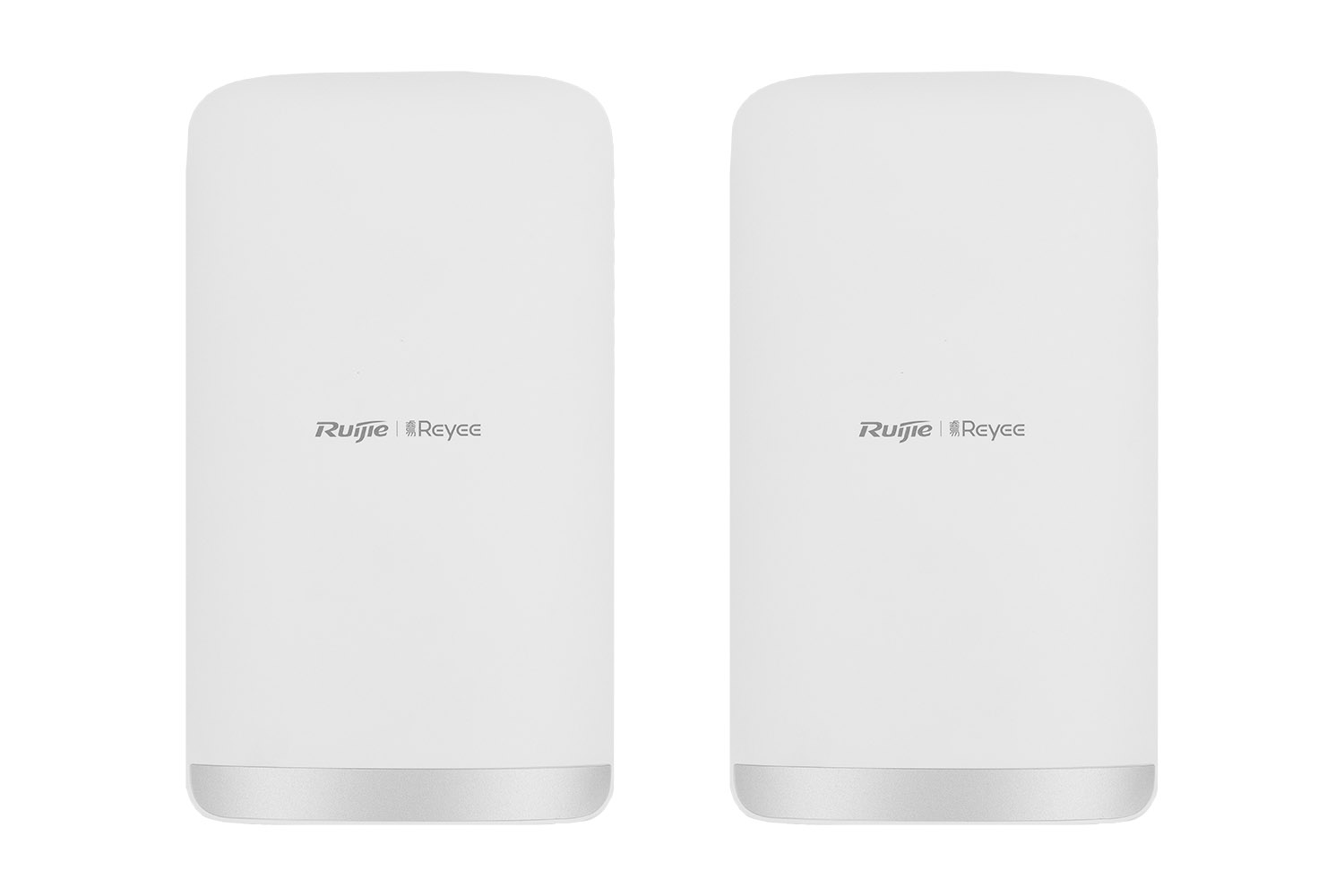
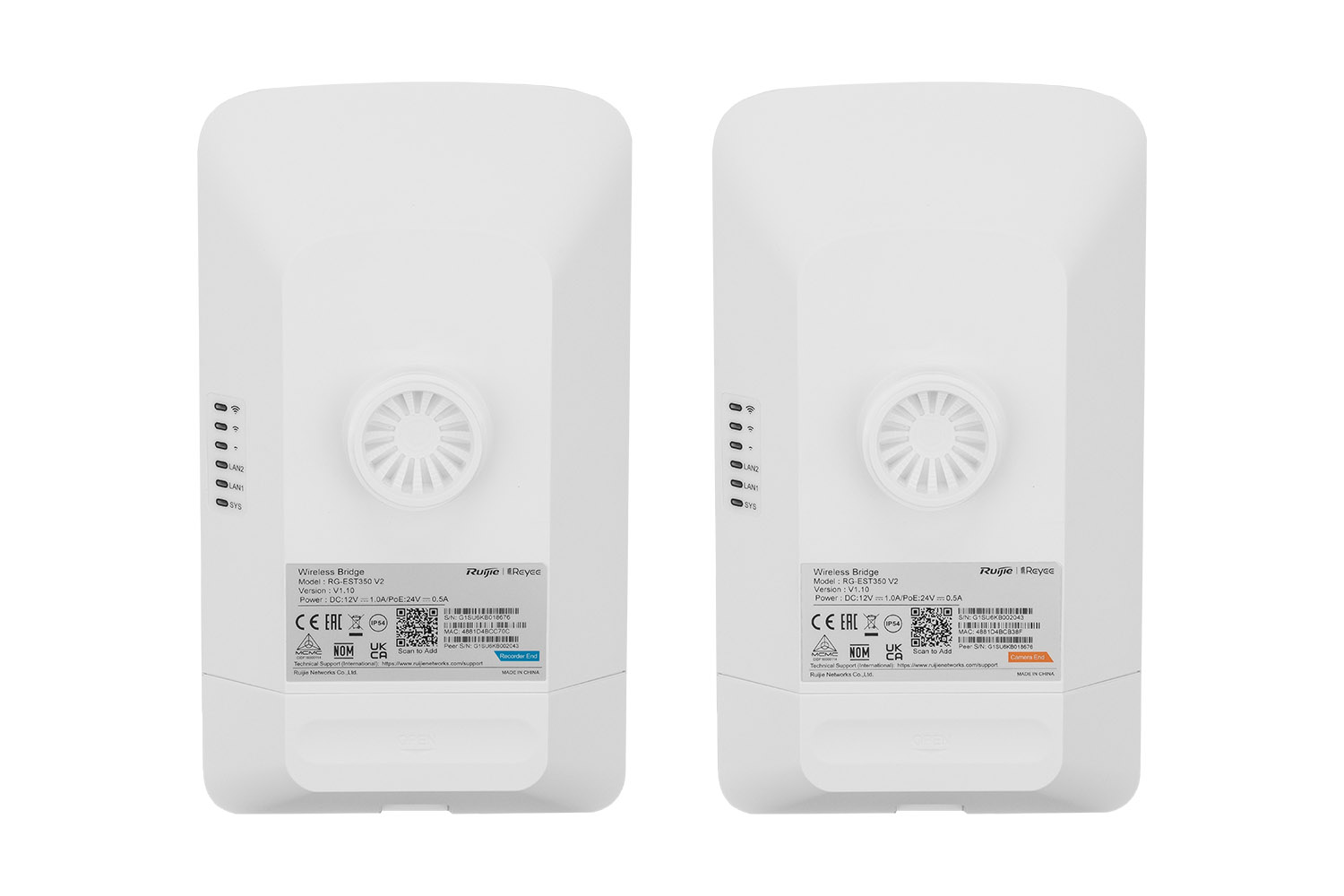
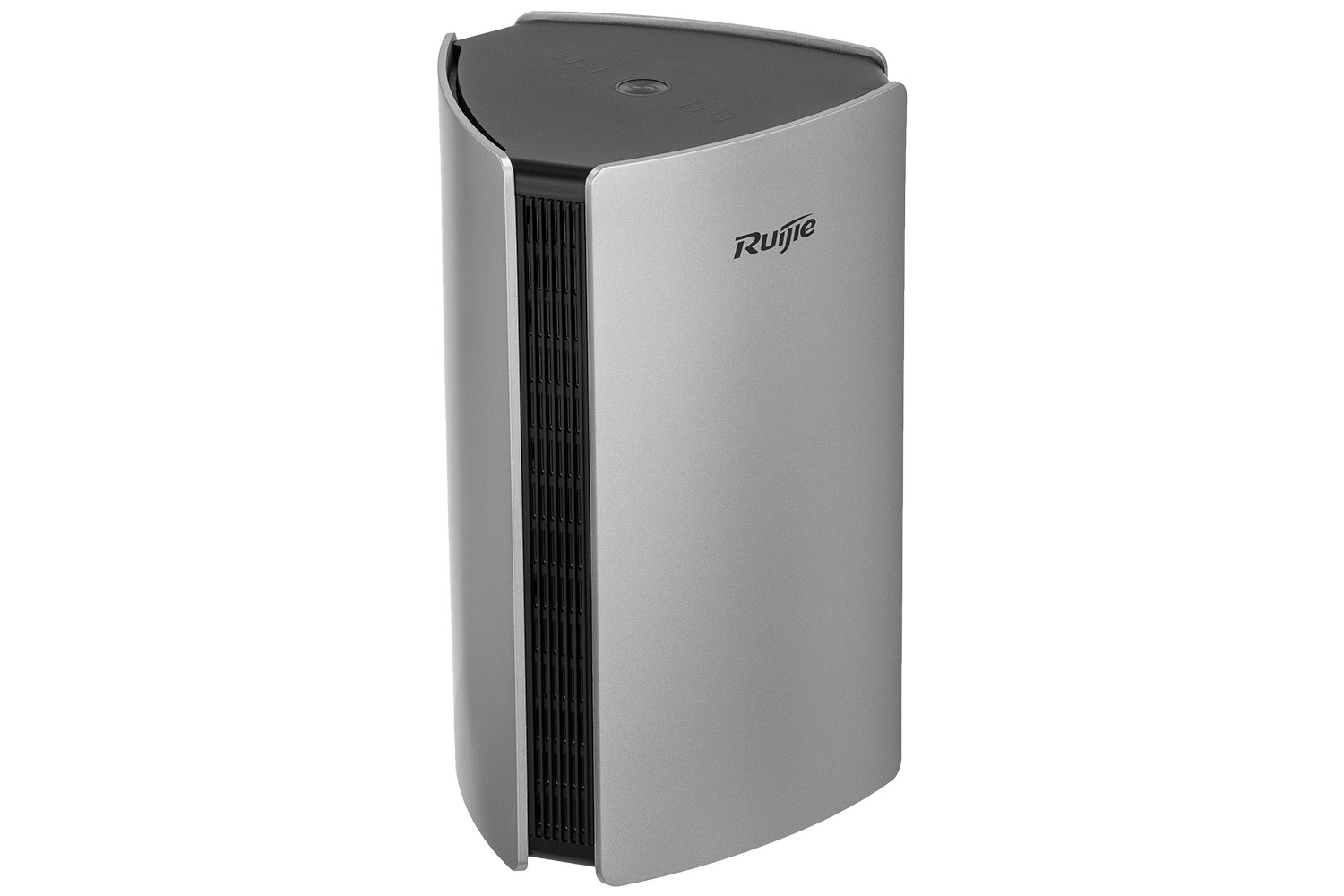
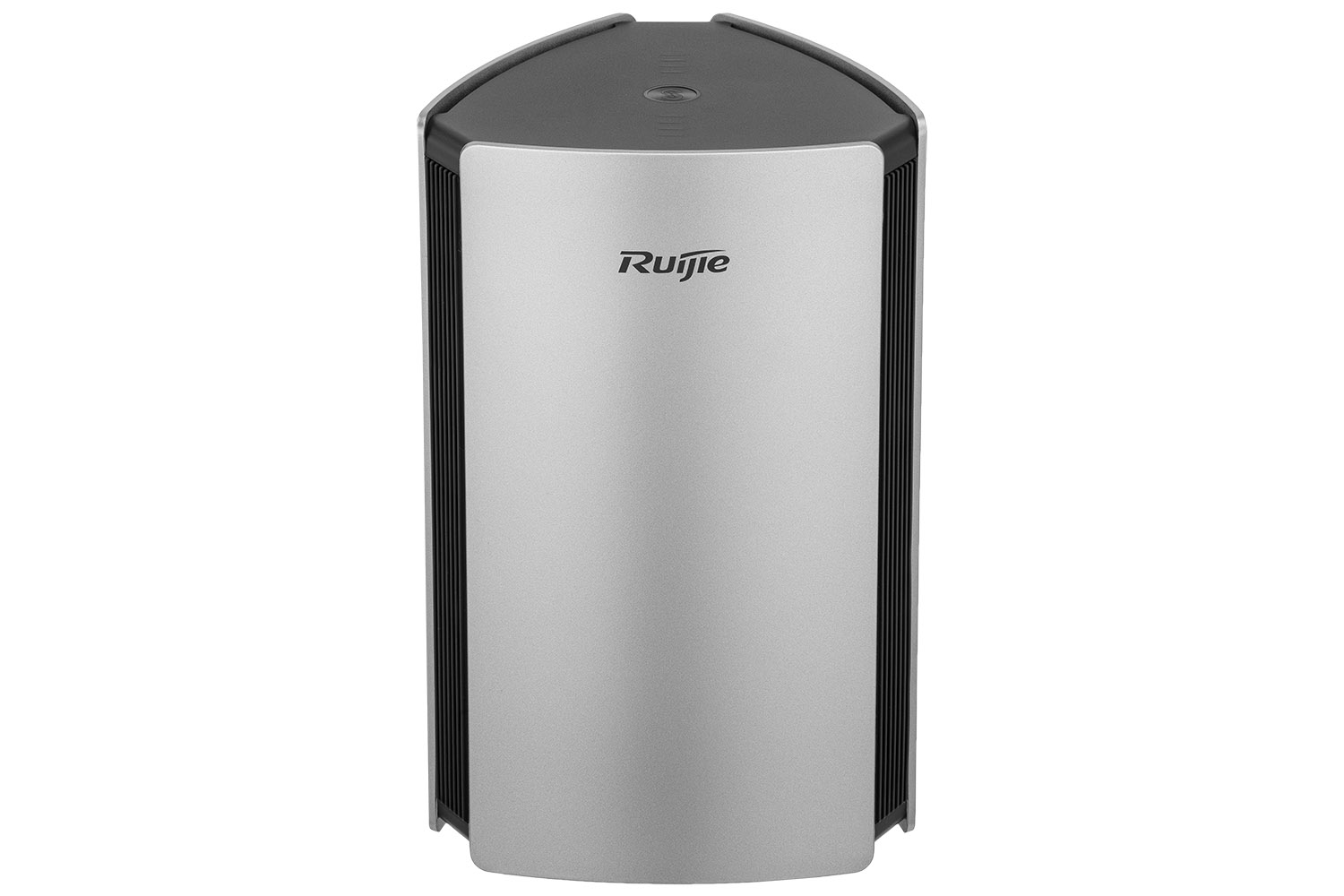
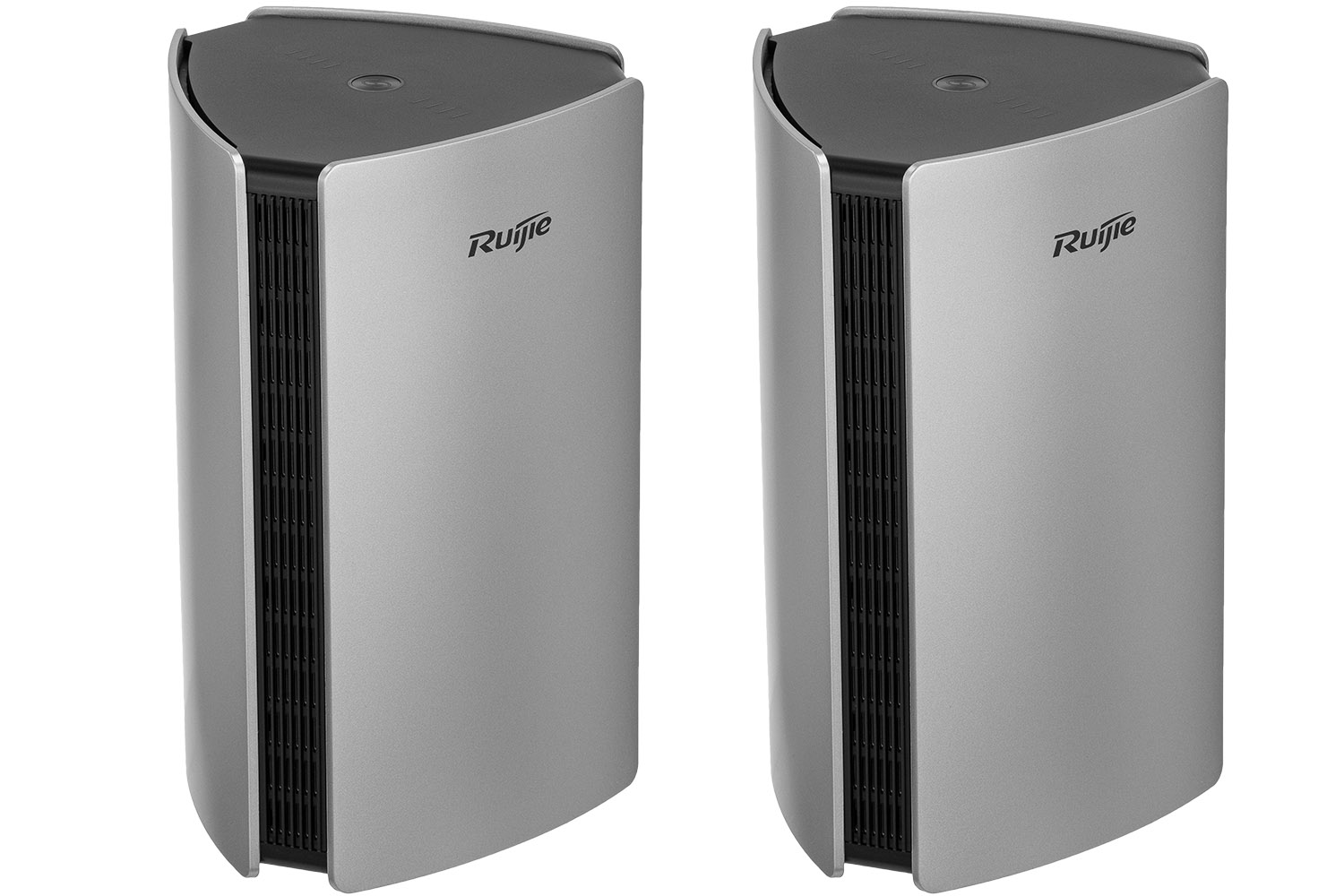
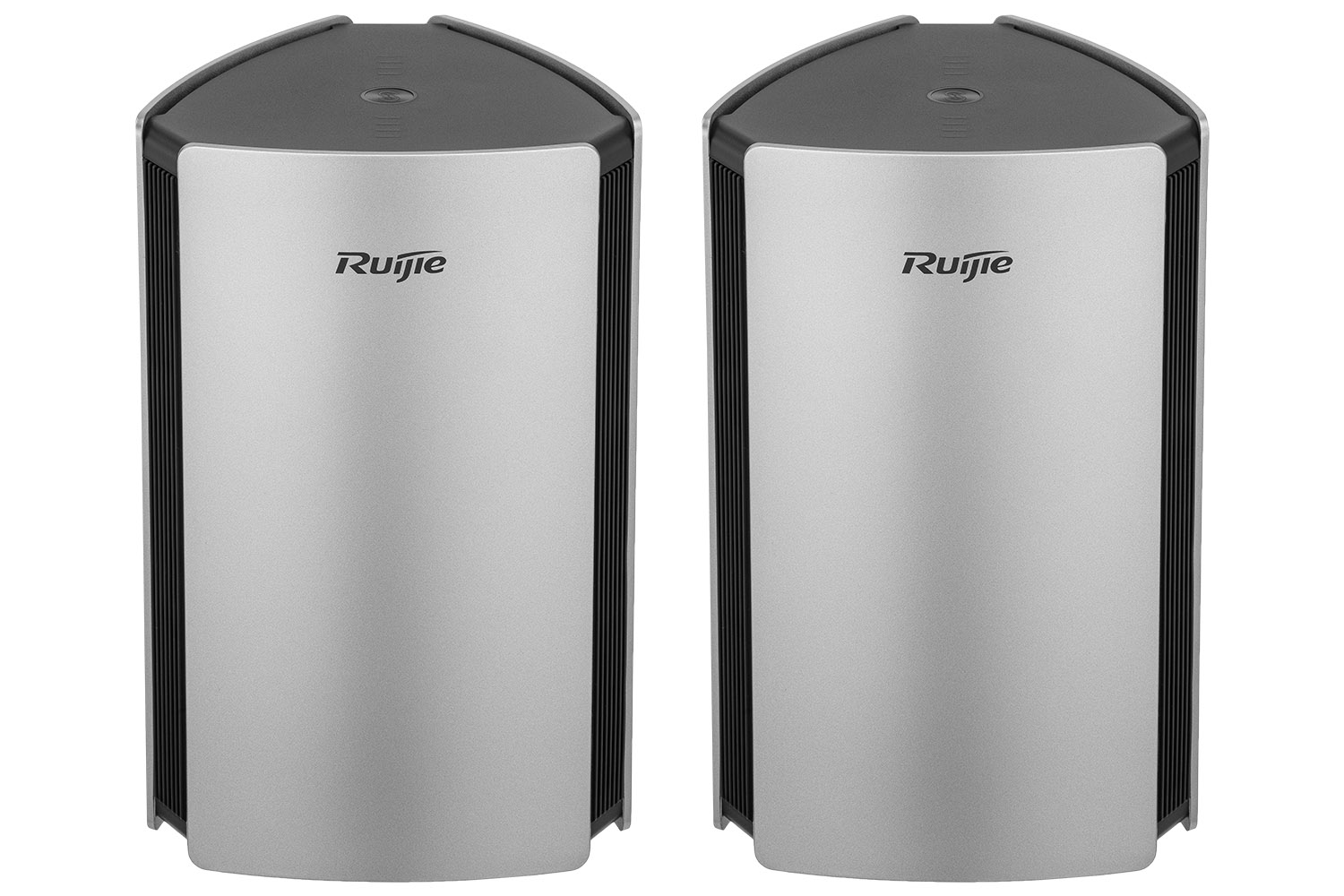
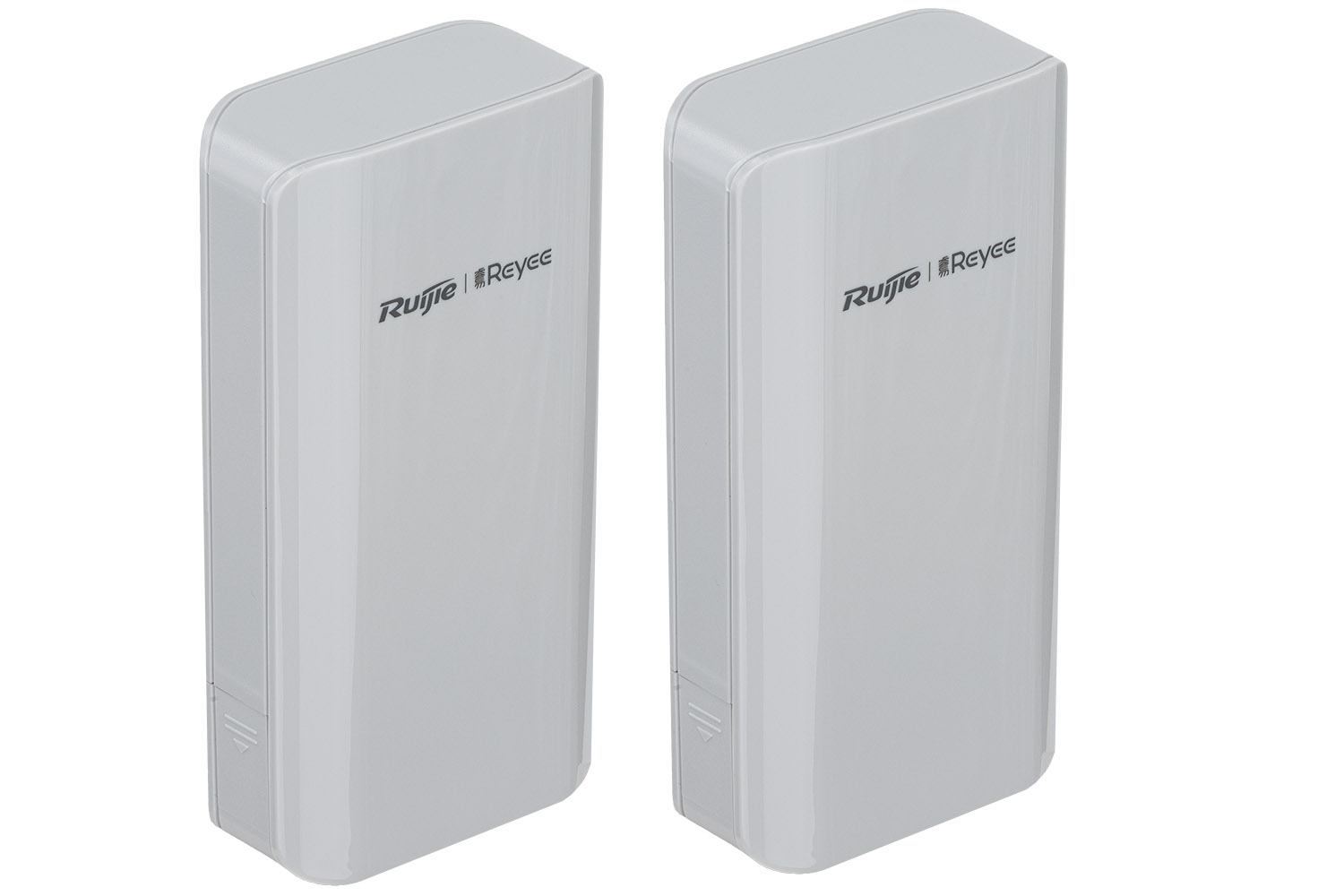
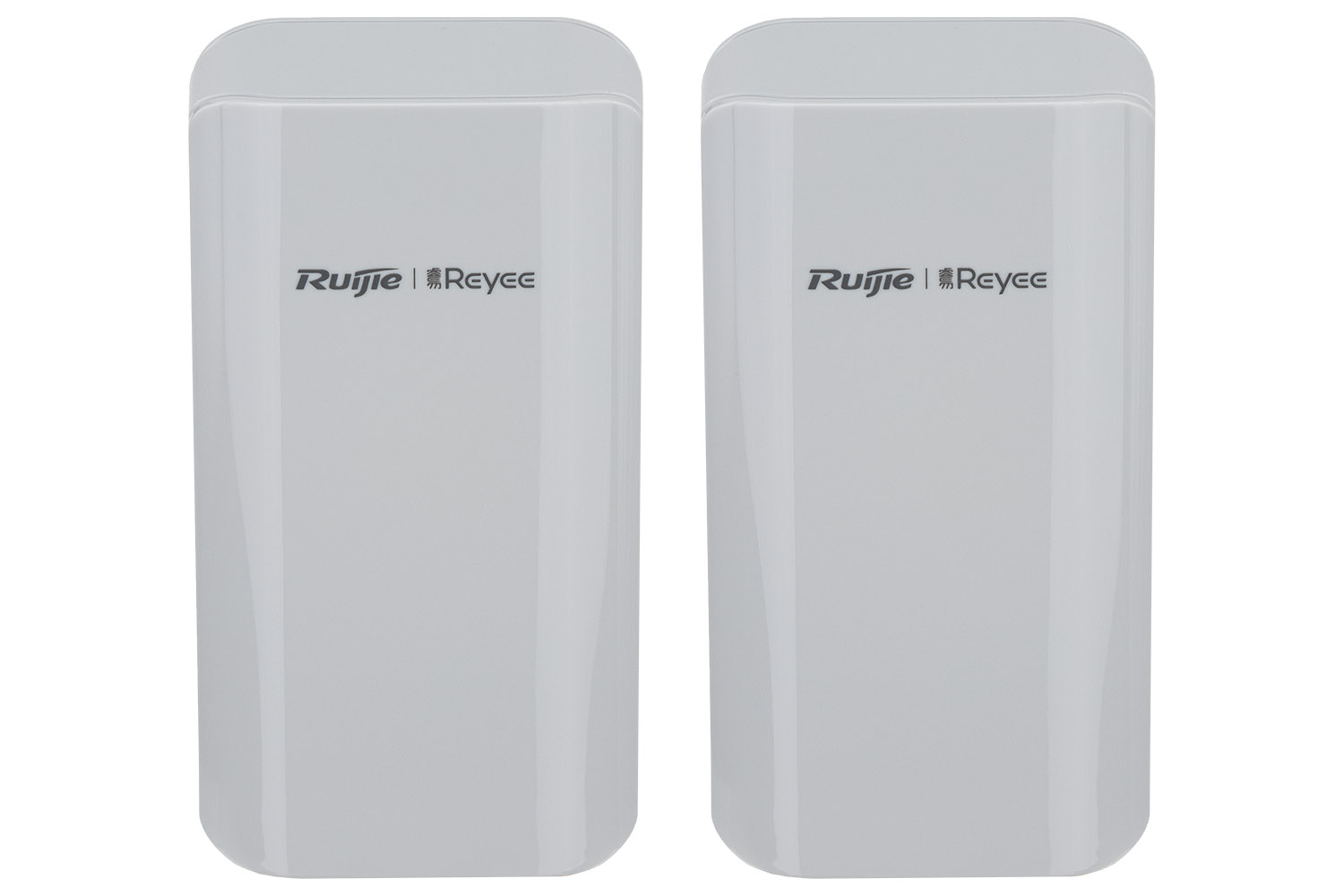
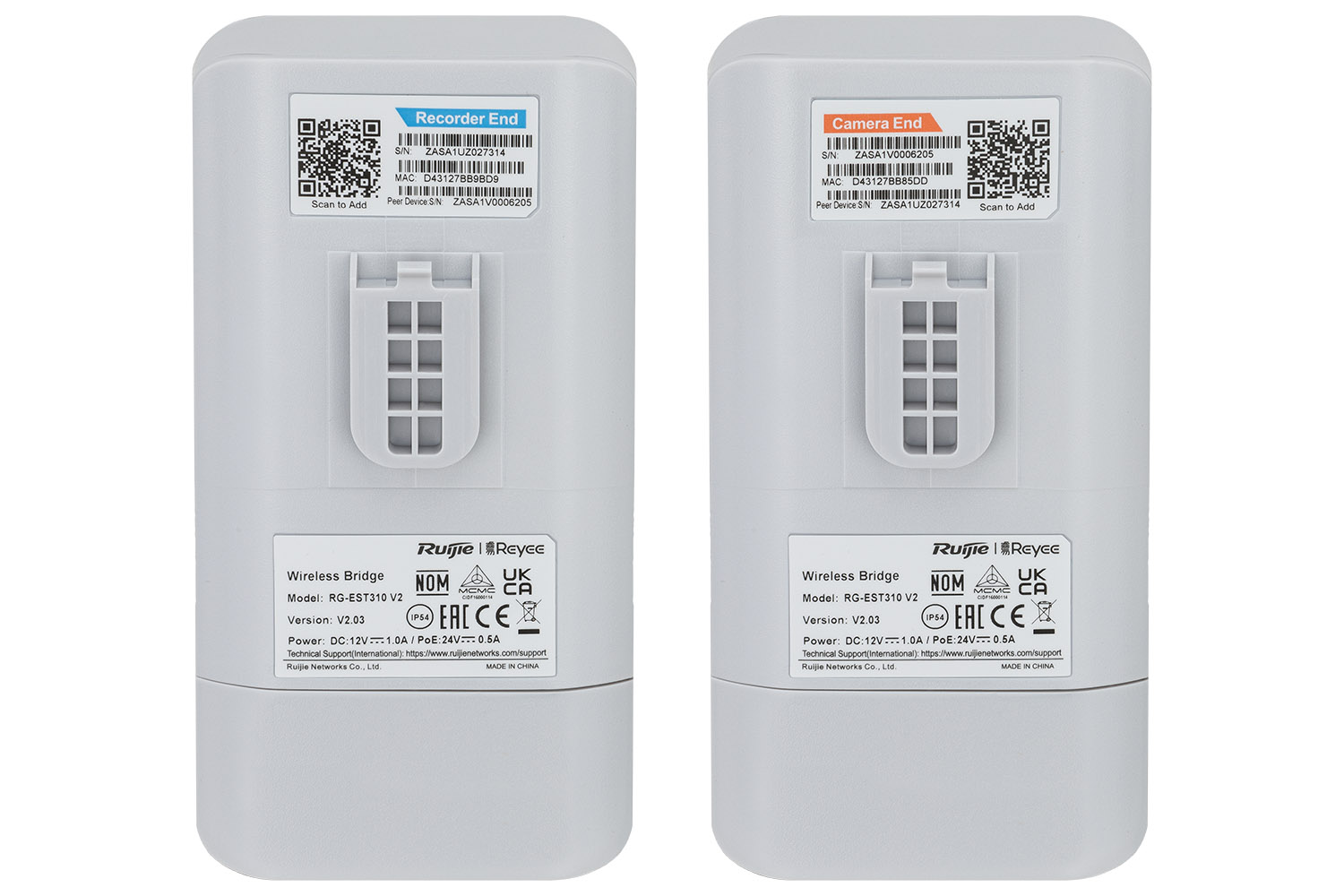
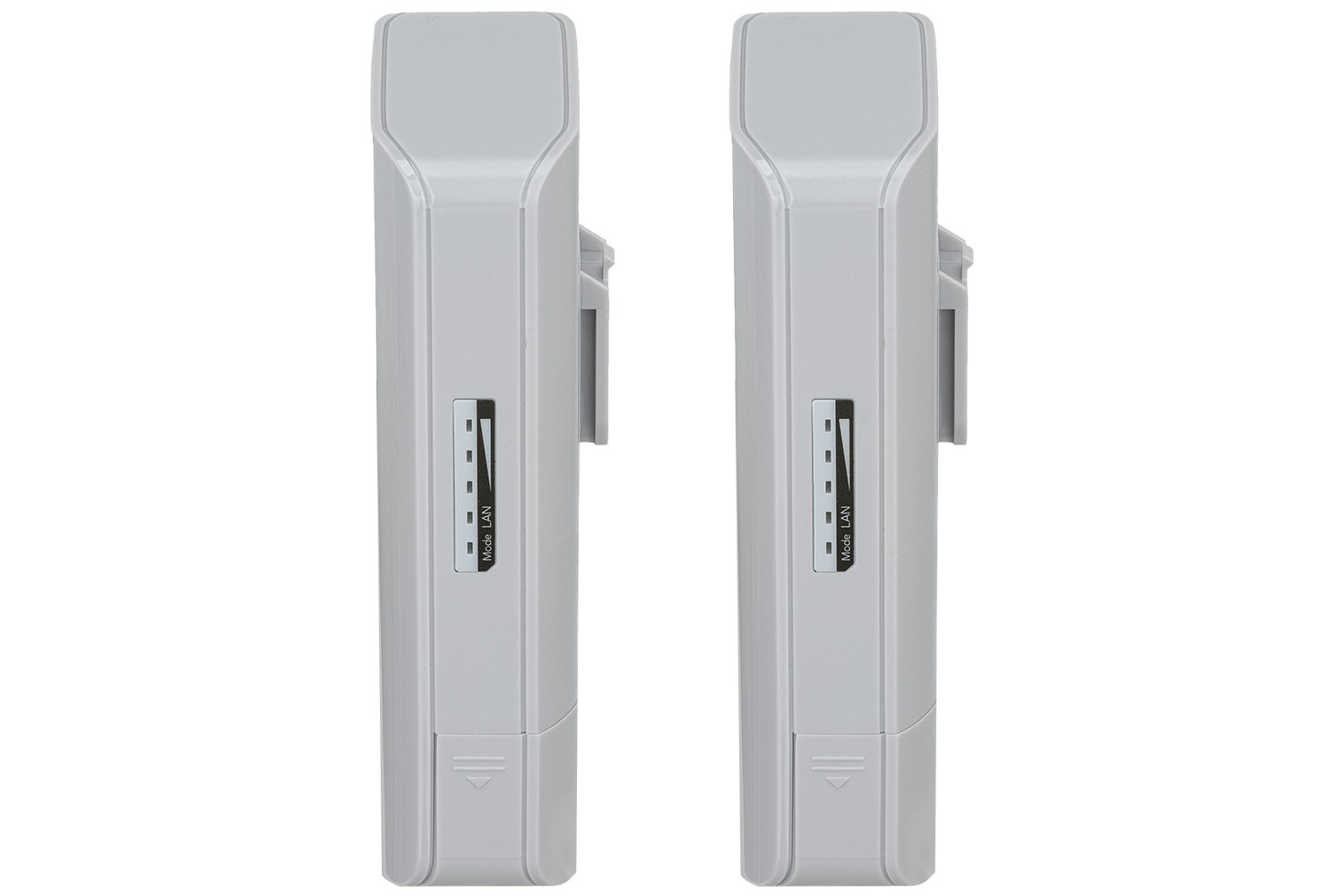
Product photos of consumer electronics such as routers or network switches are a double challenge. On the one hand, we are dealing with items that for a layman are "simply plastic boxes", on the other – we must emphasize their modernity, solidity and functionality.
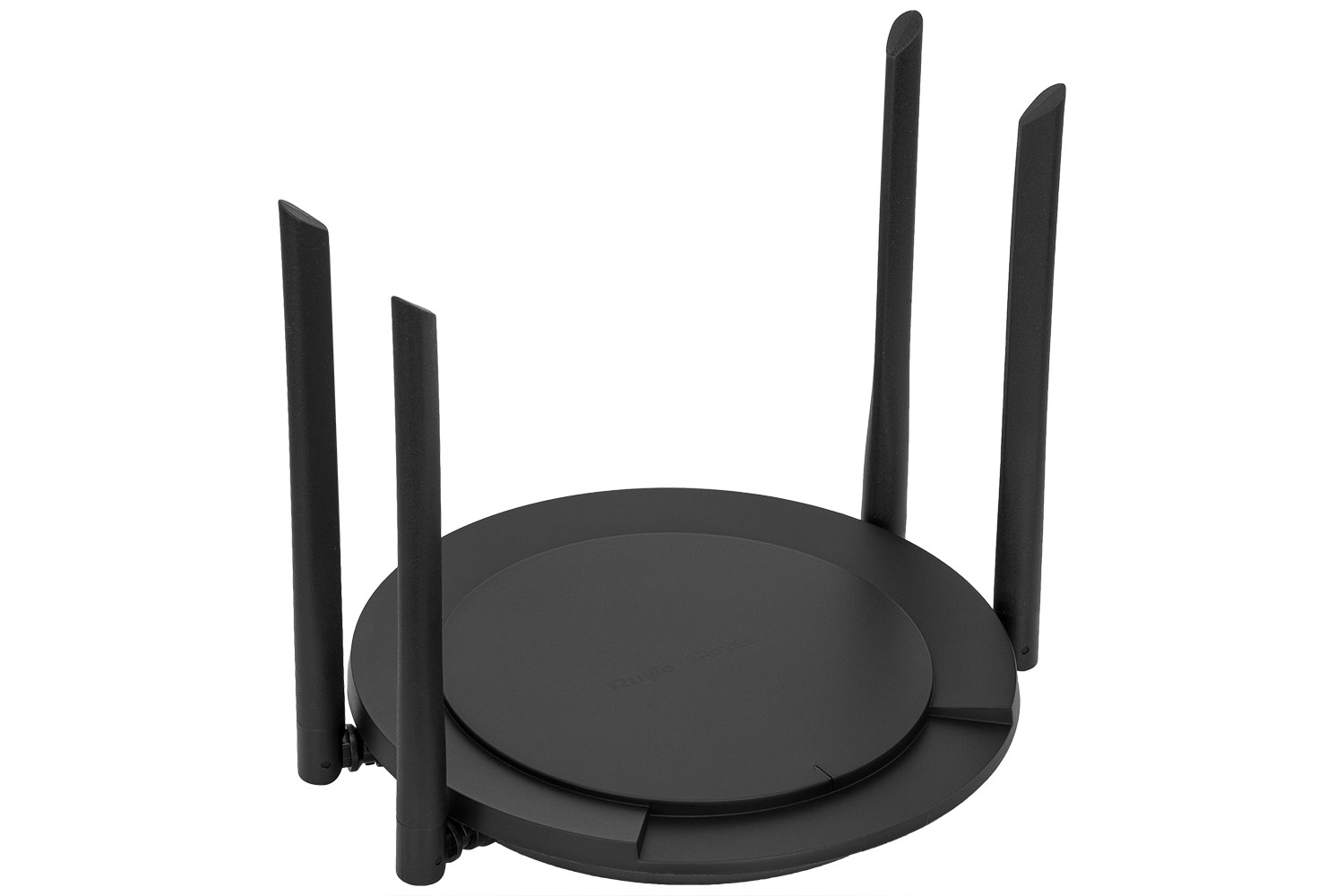
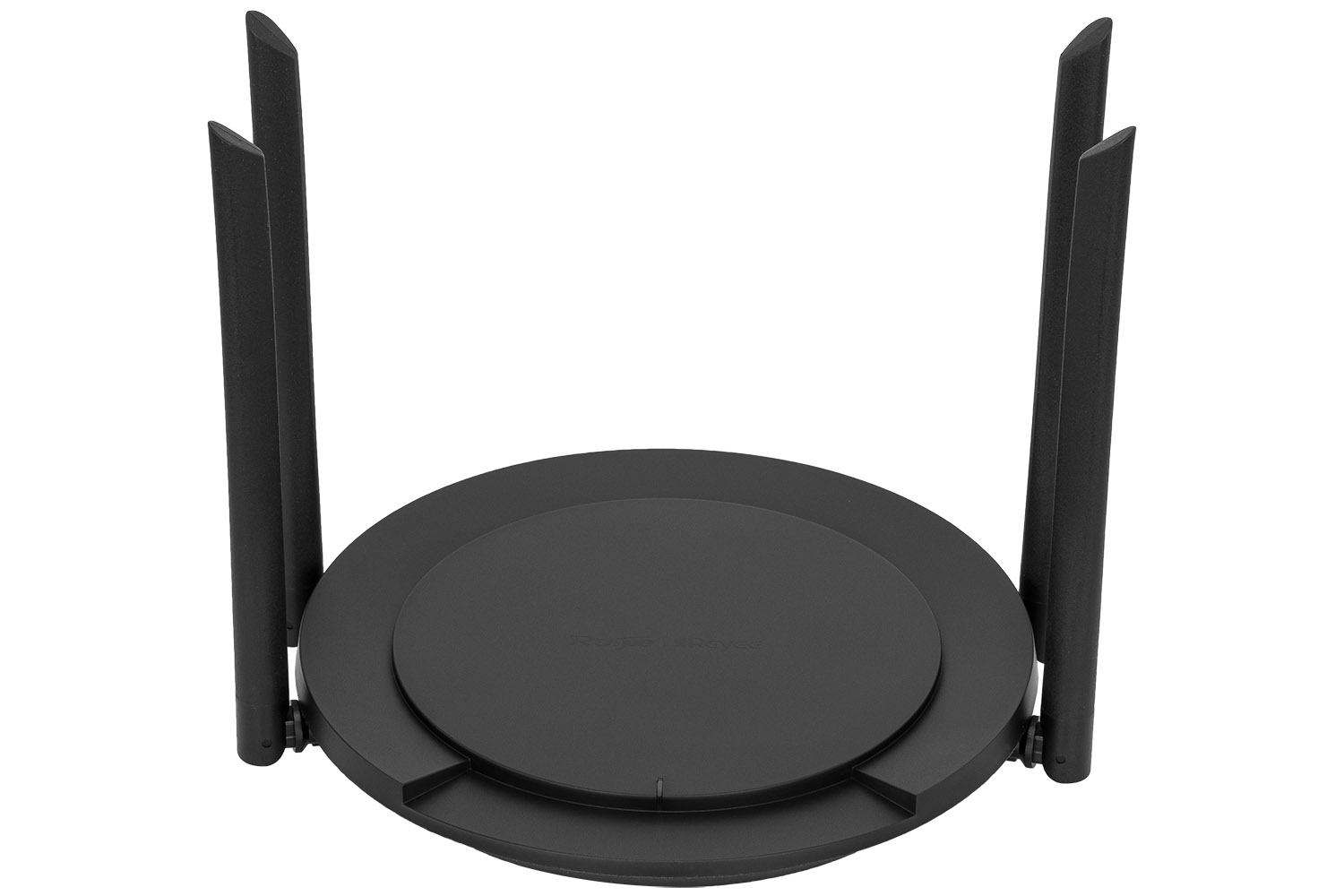
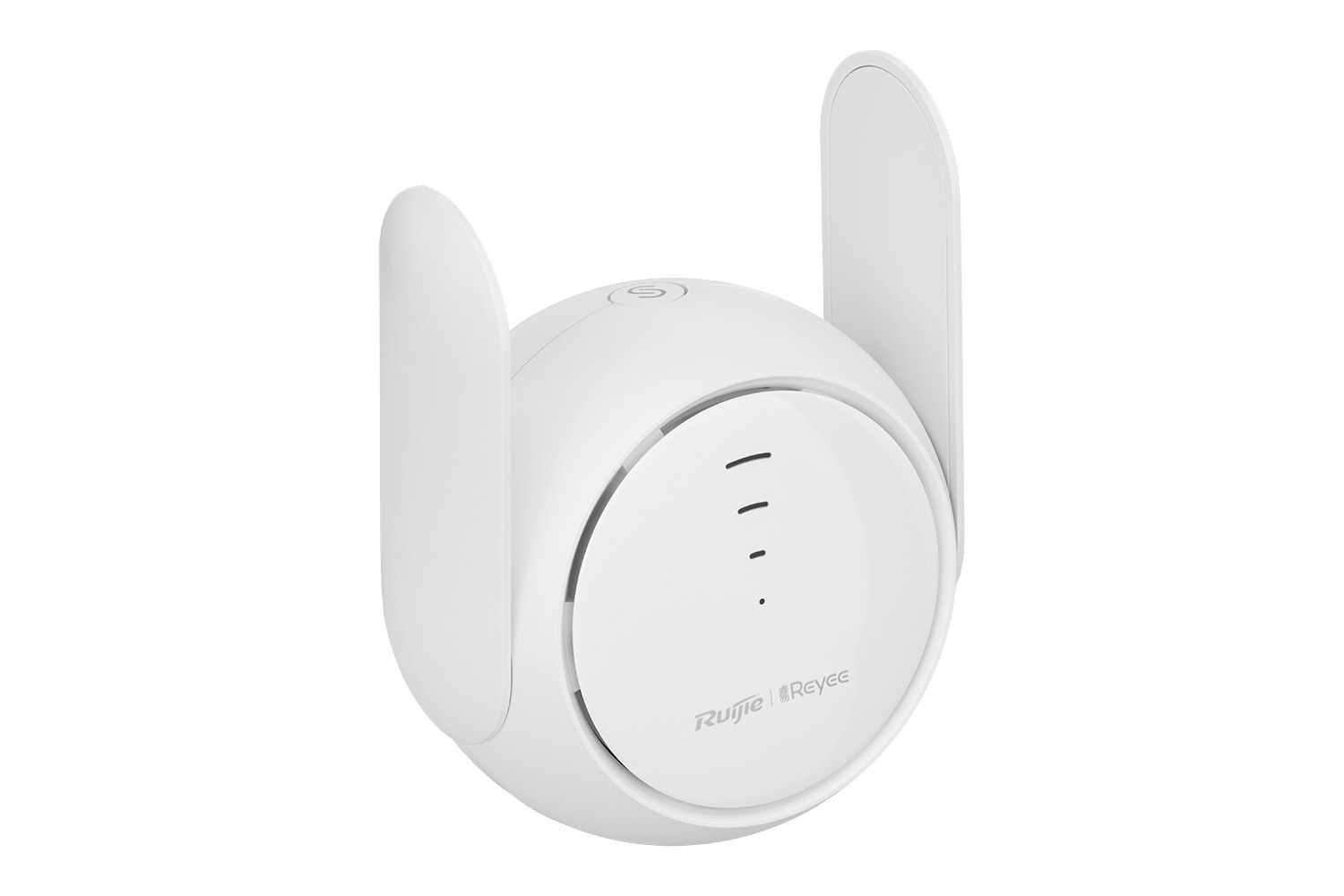
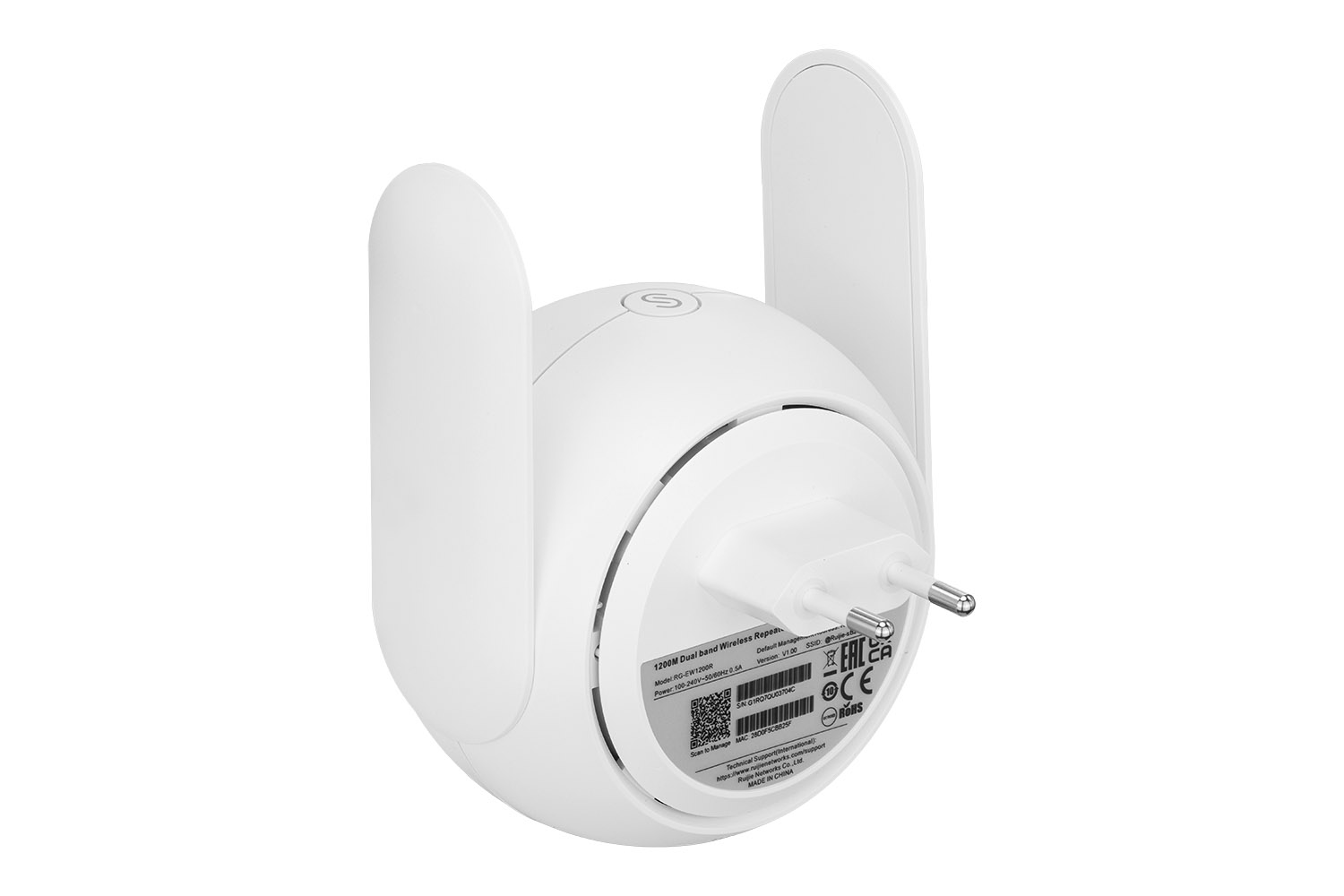
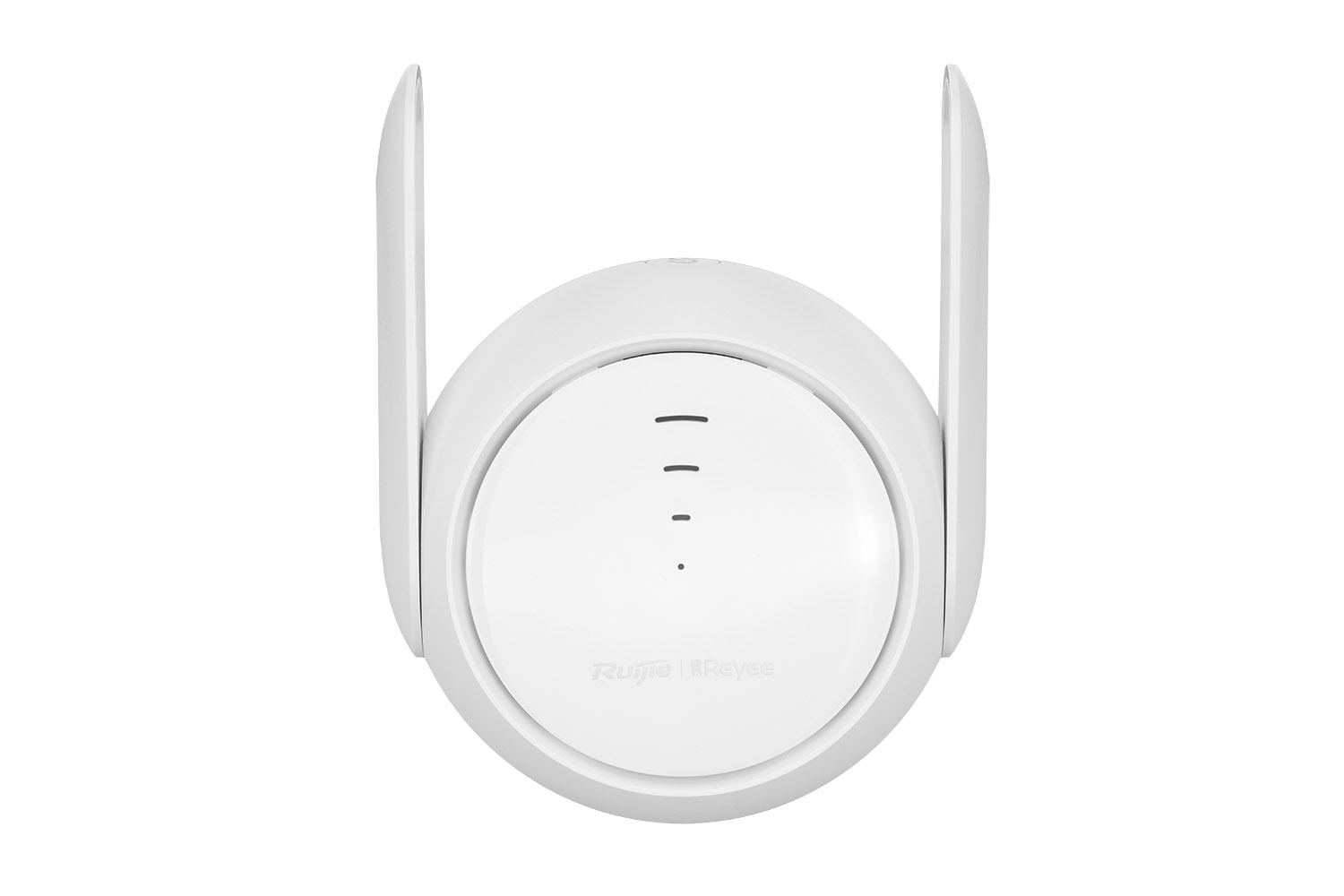
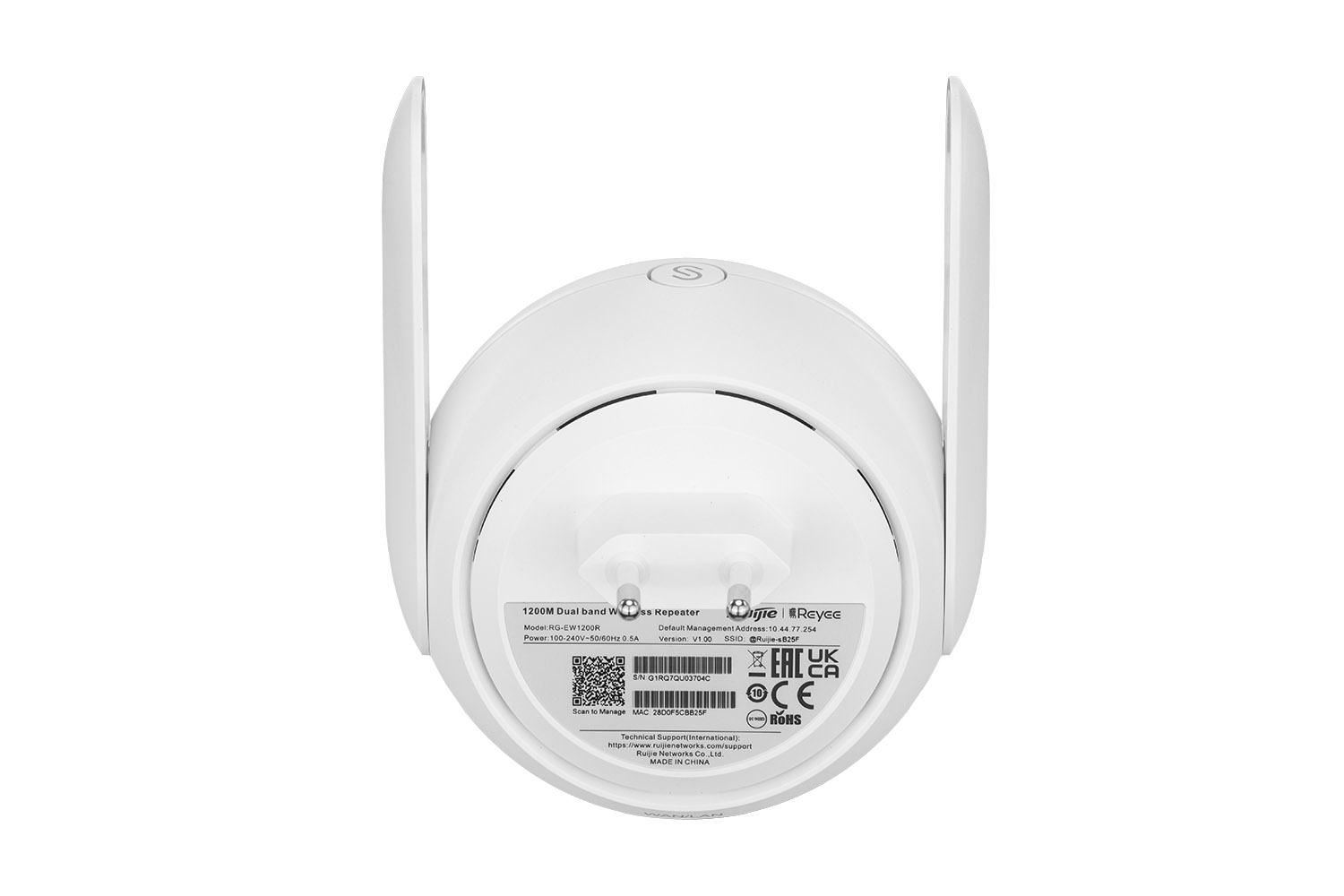
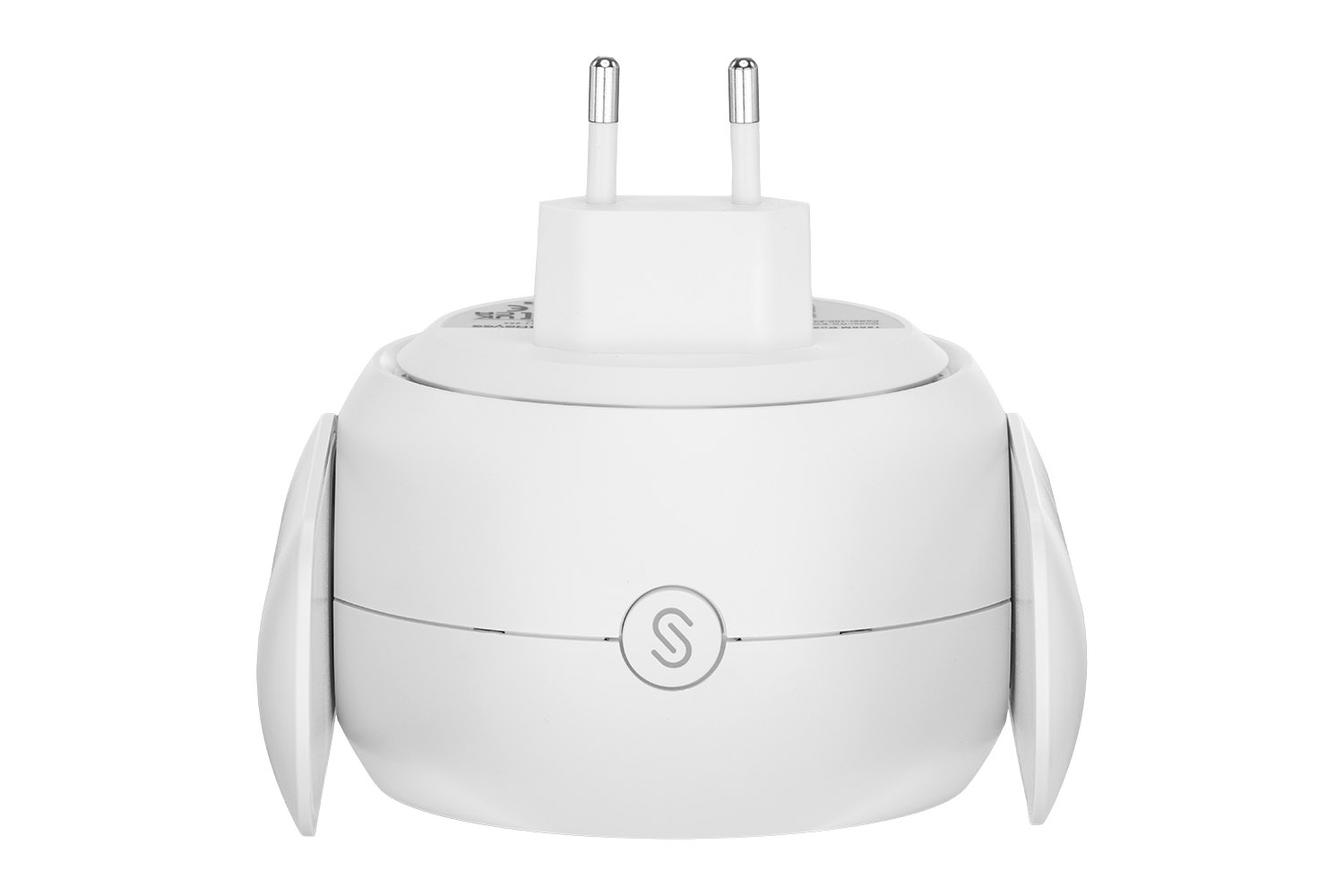
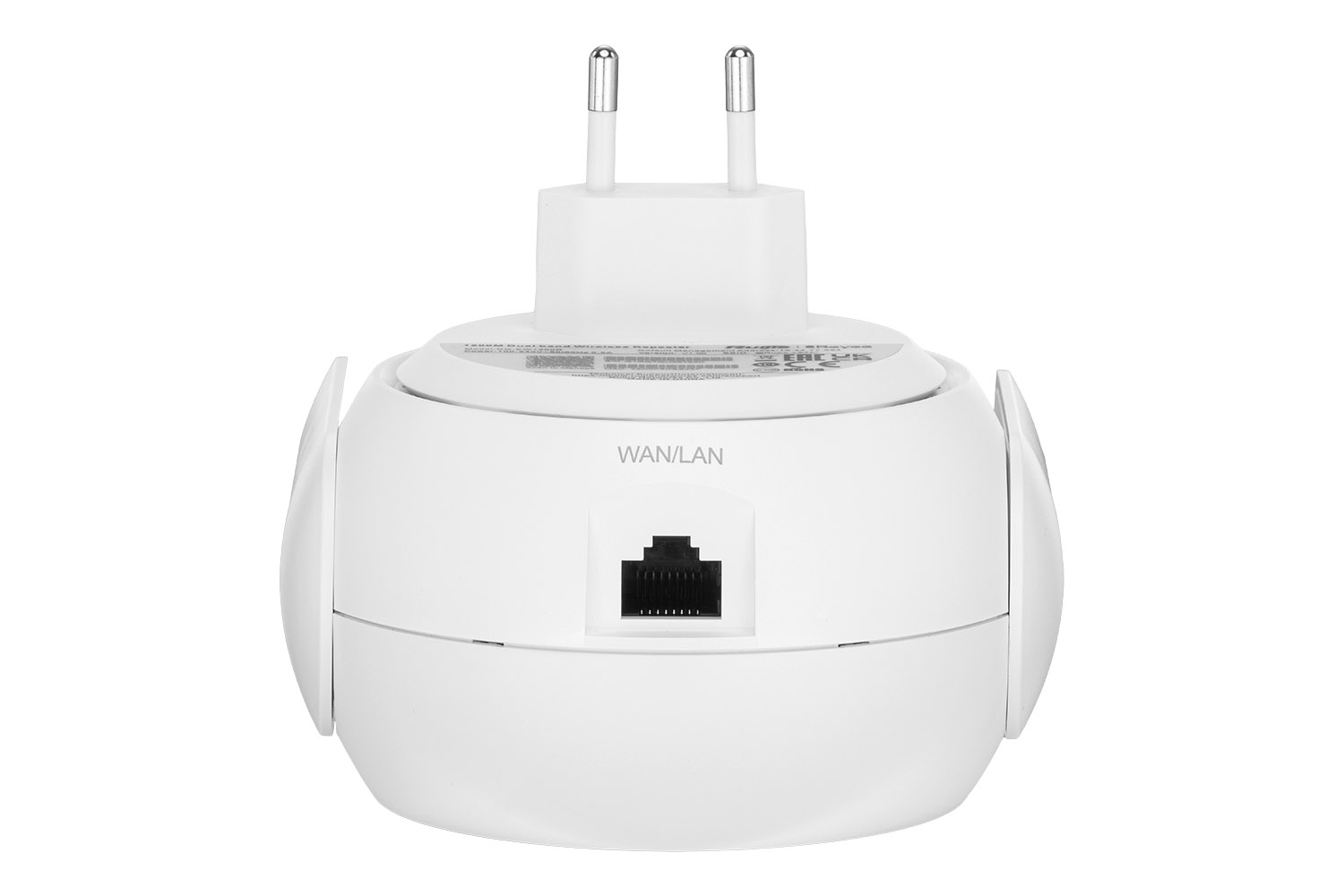
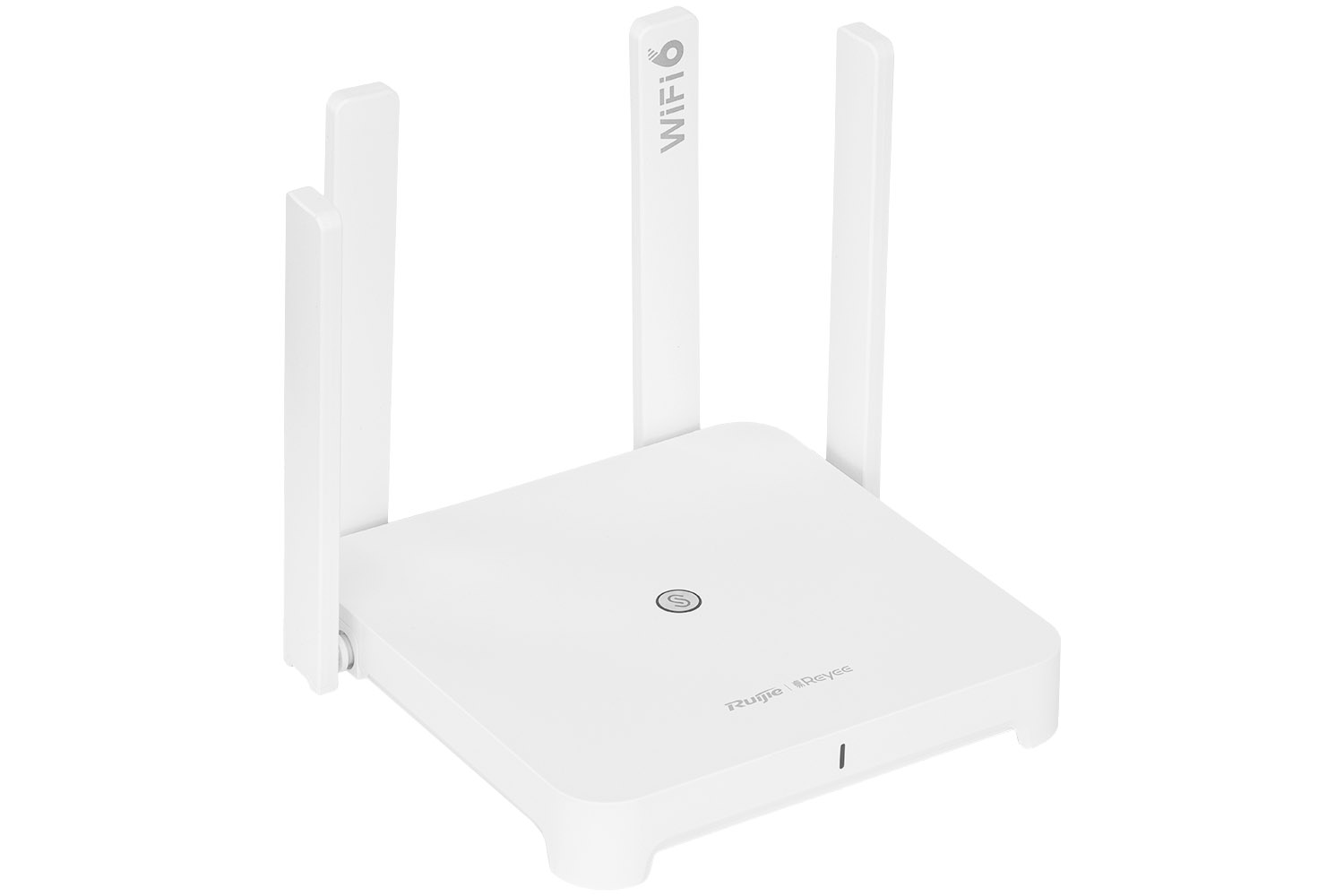
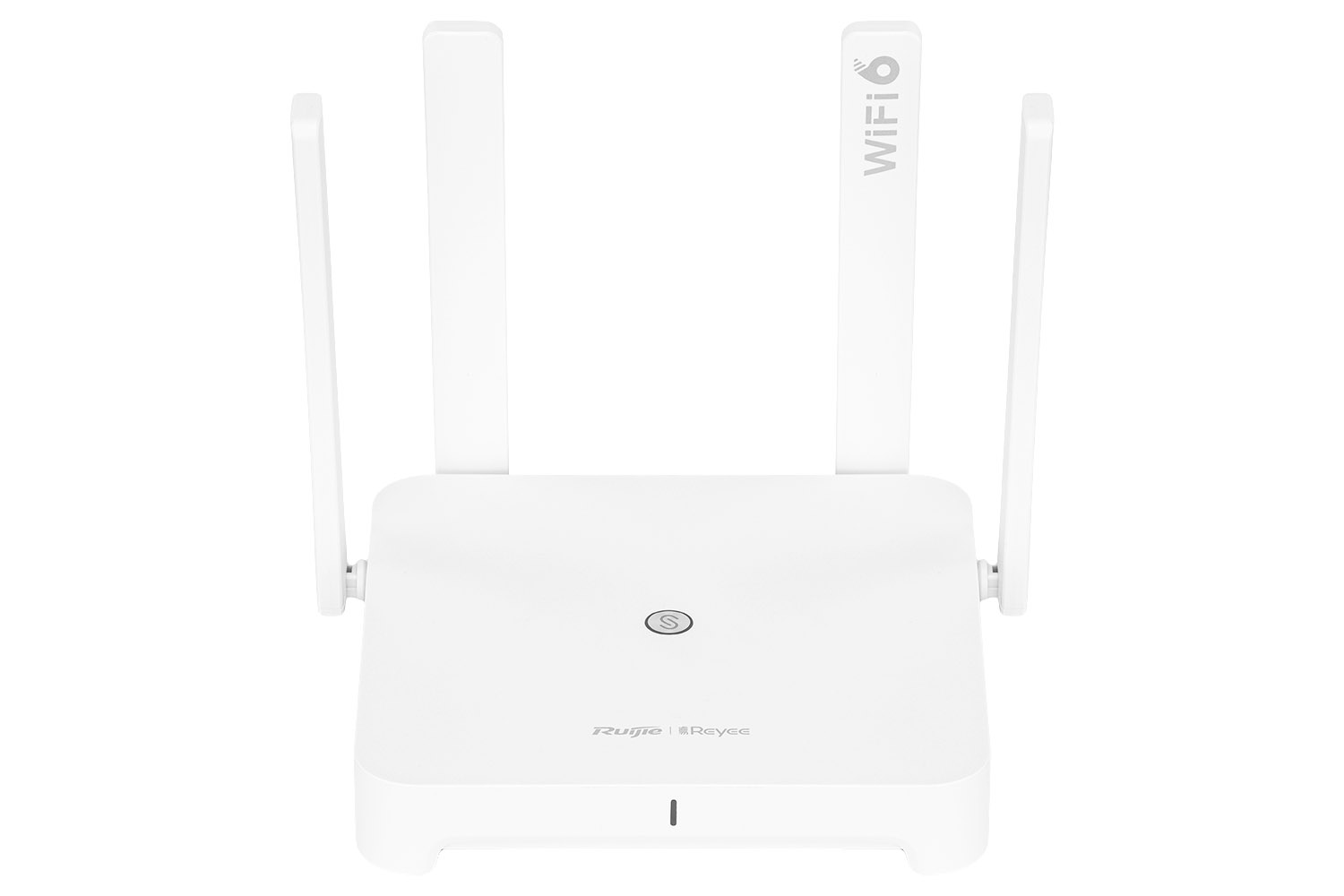
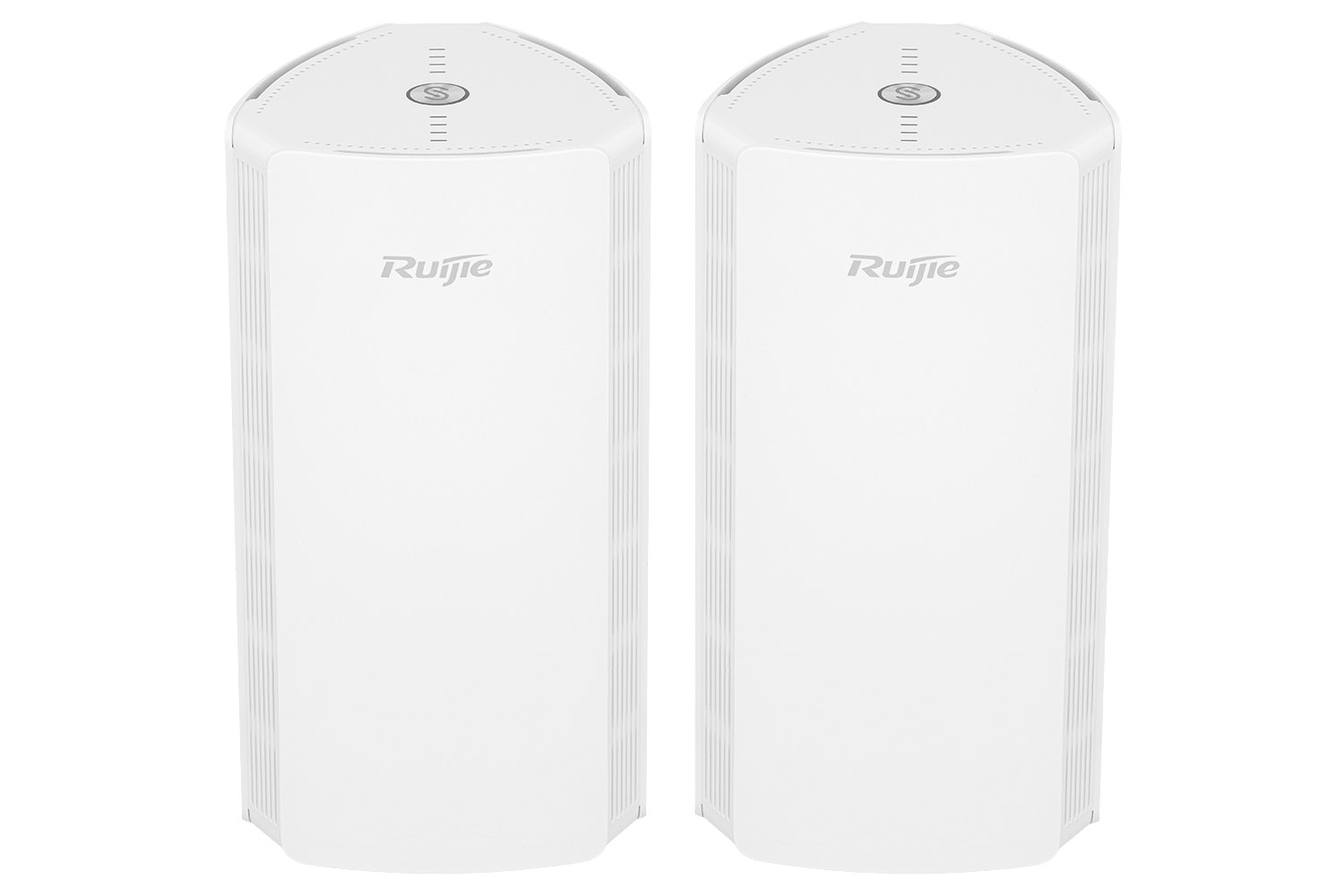
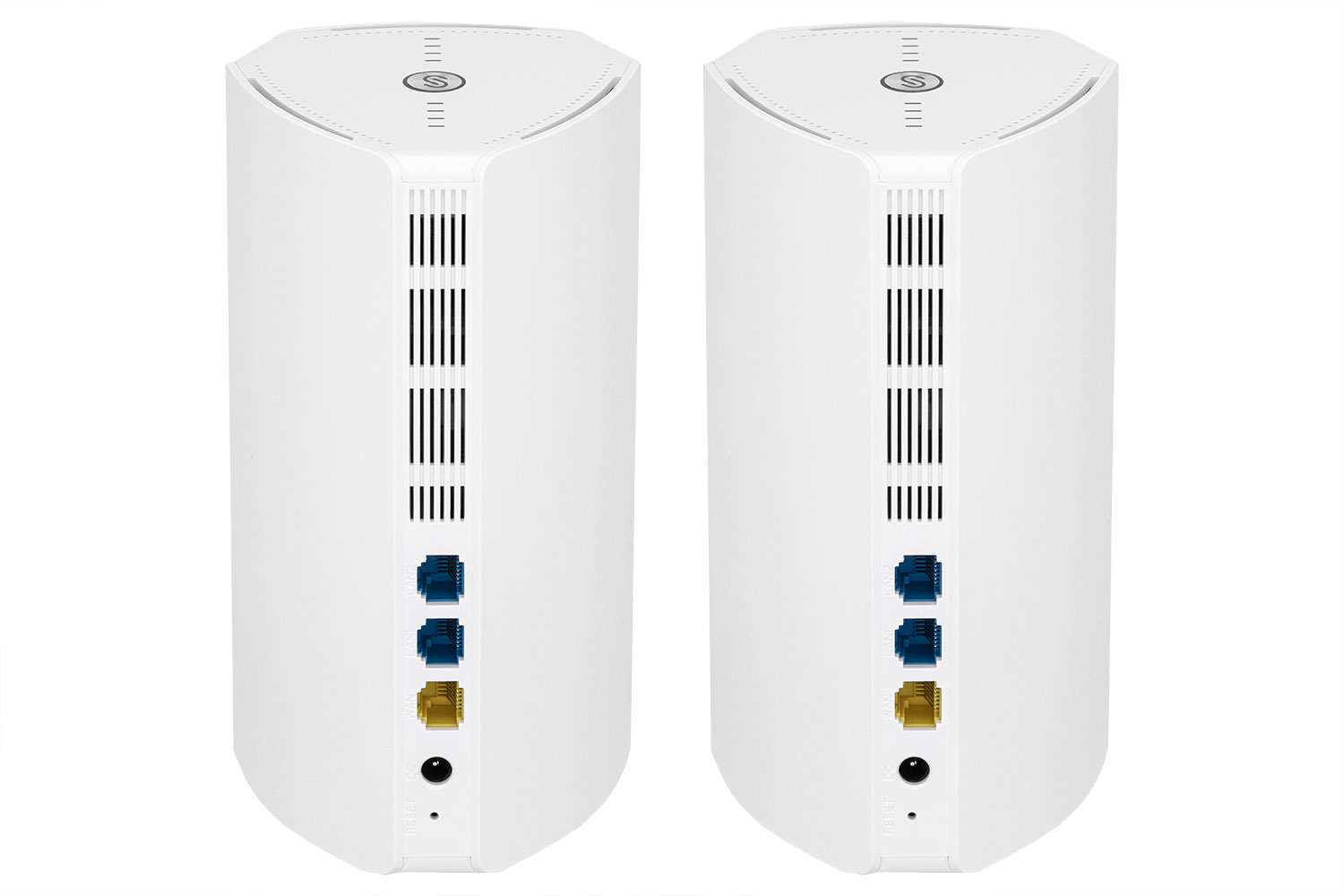
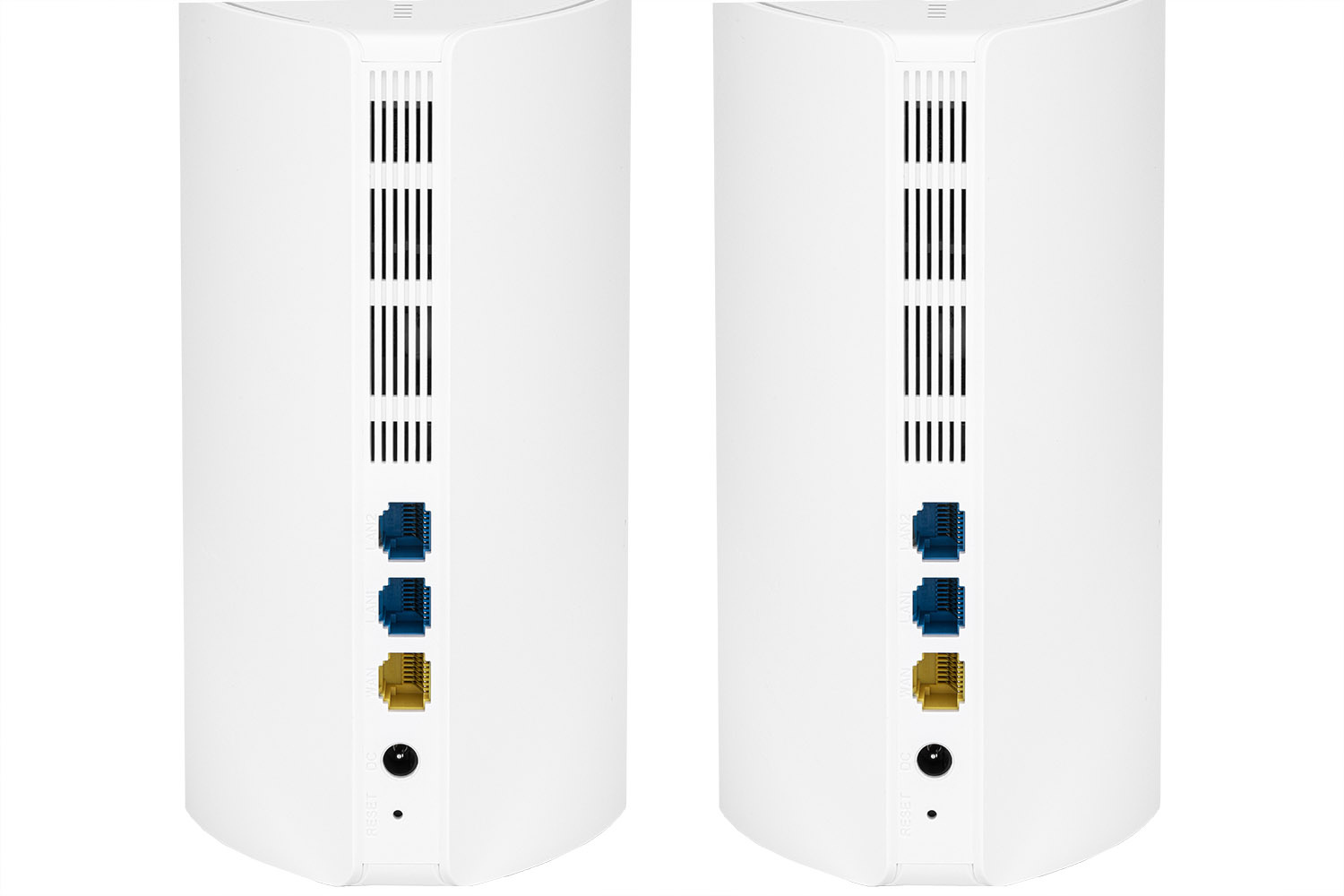
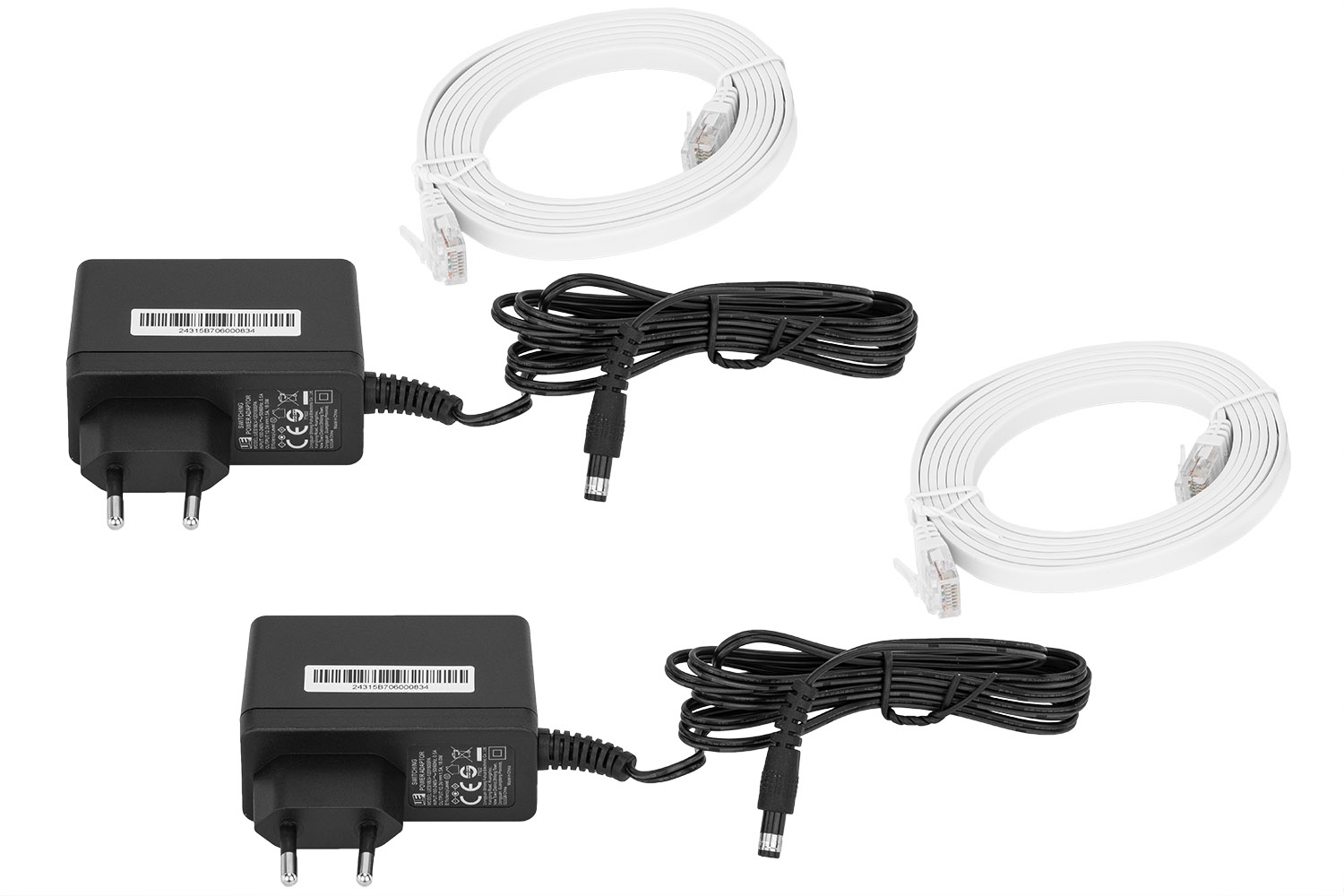
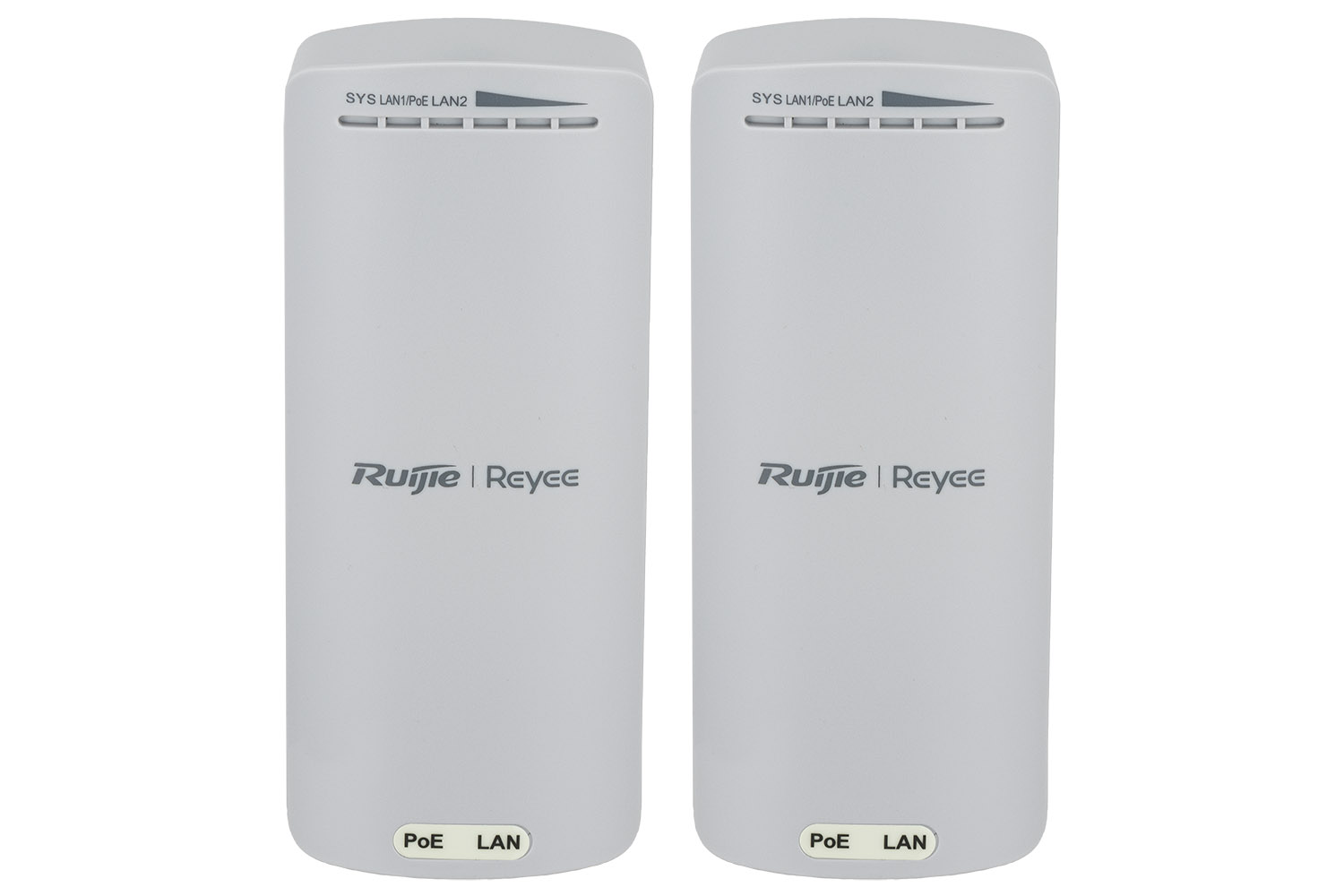
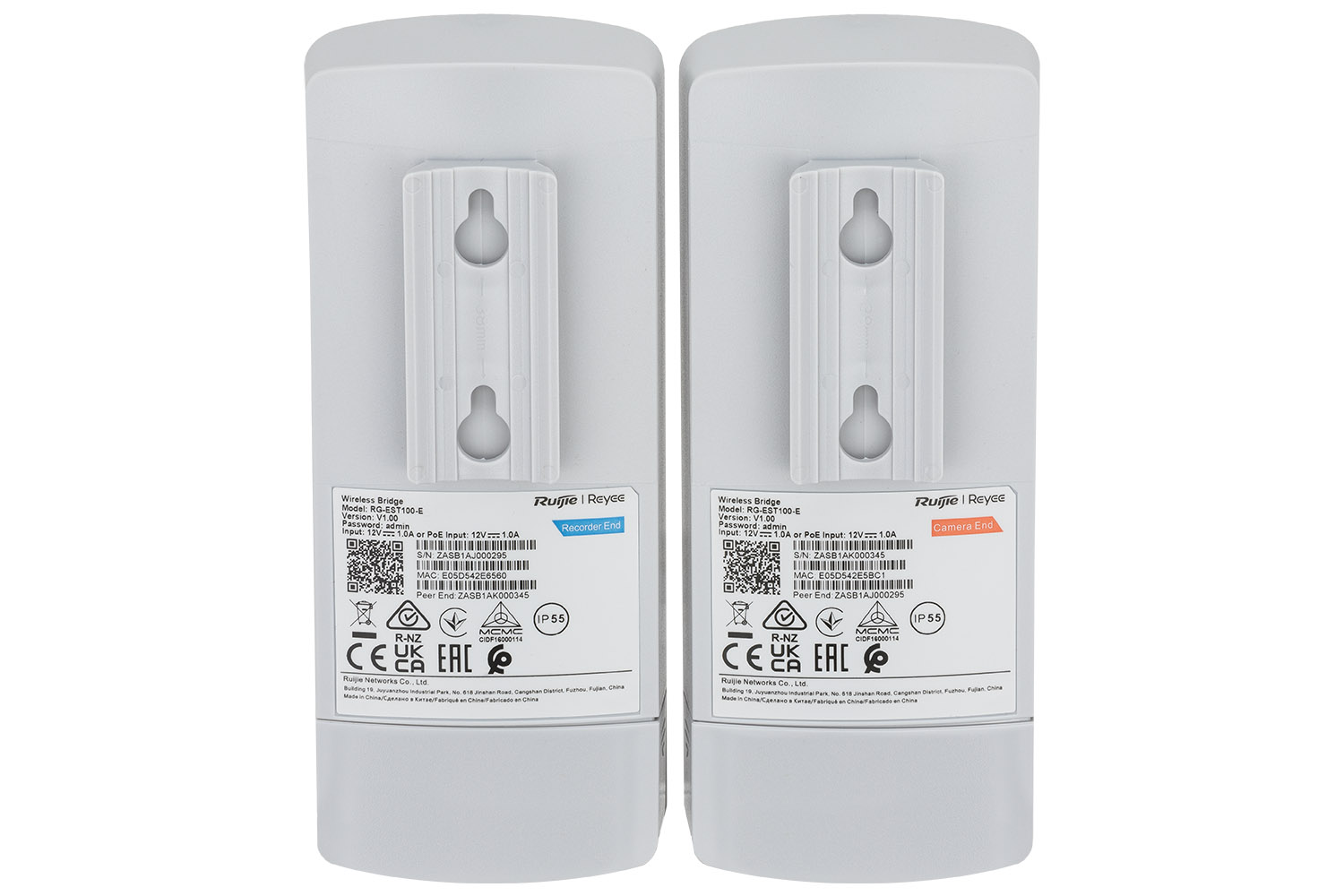
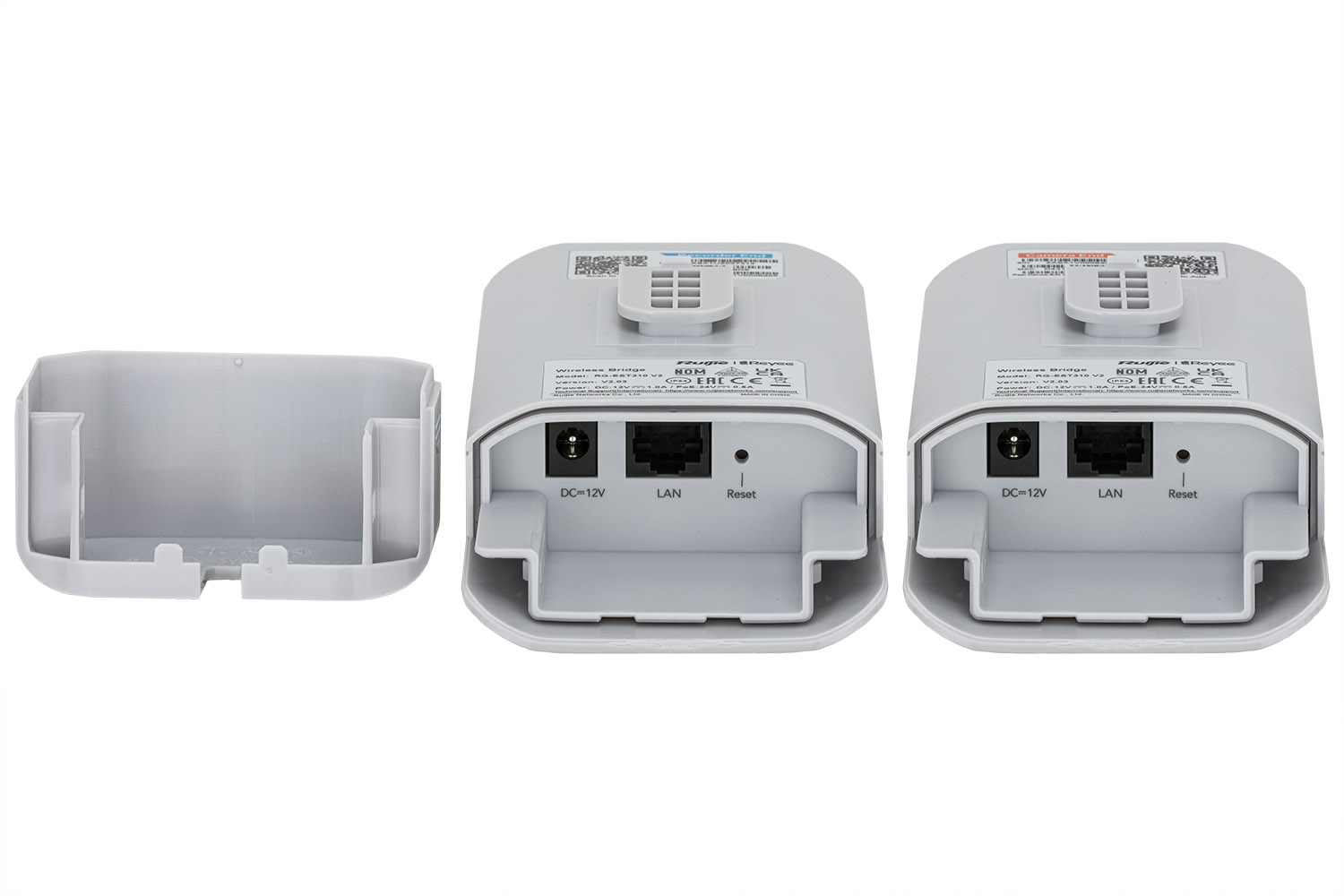
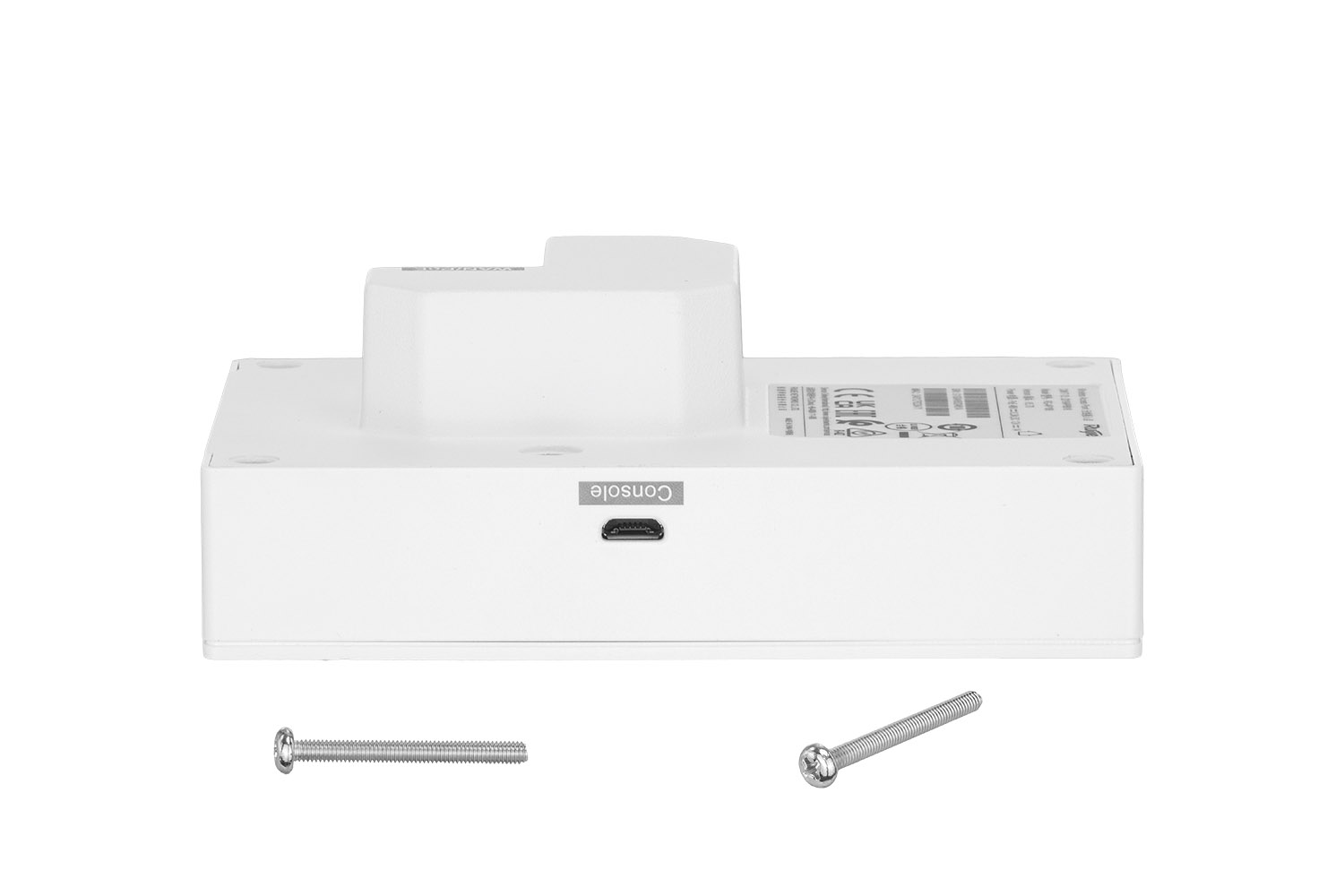
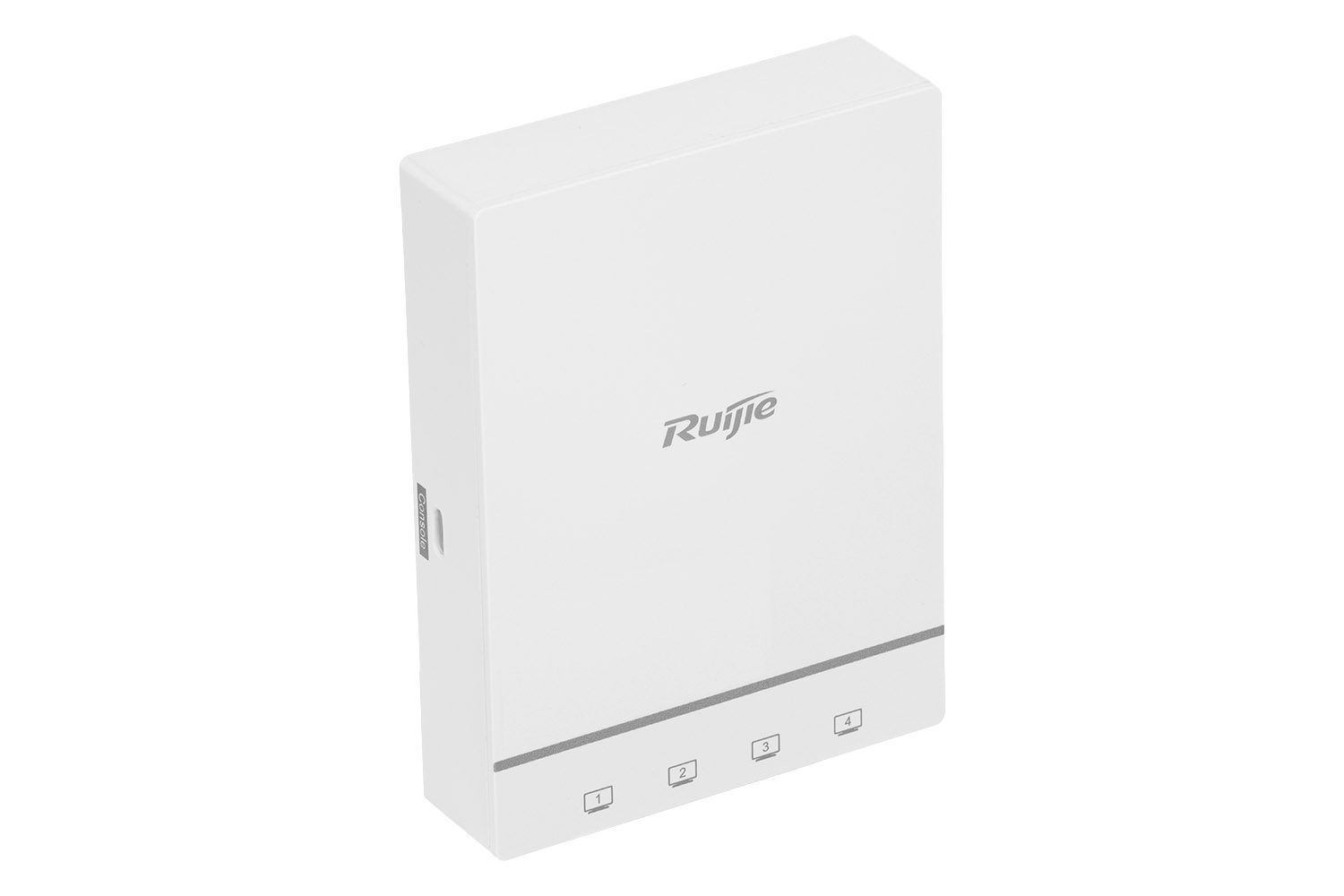
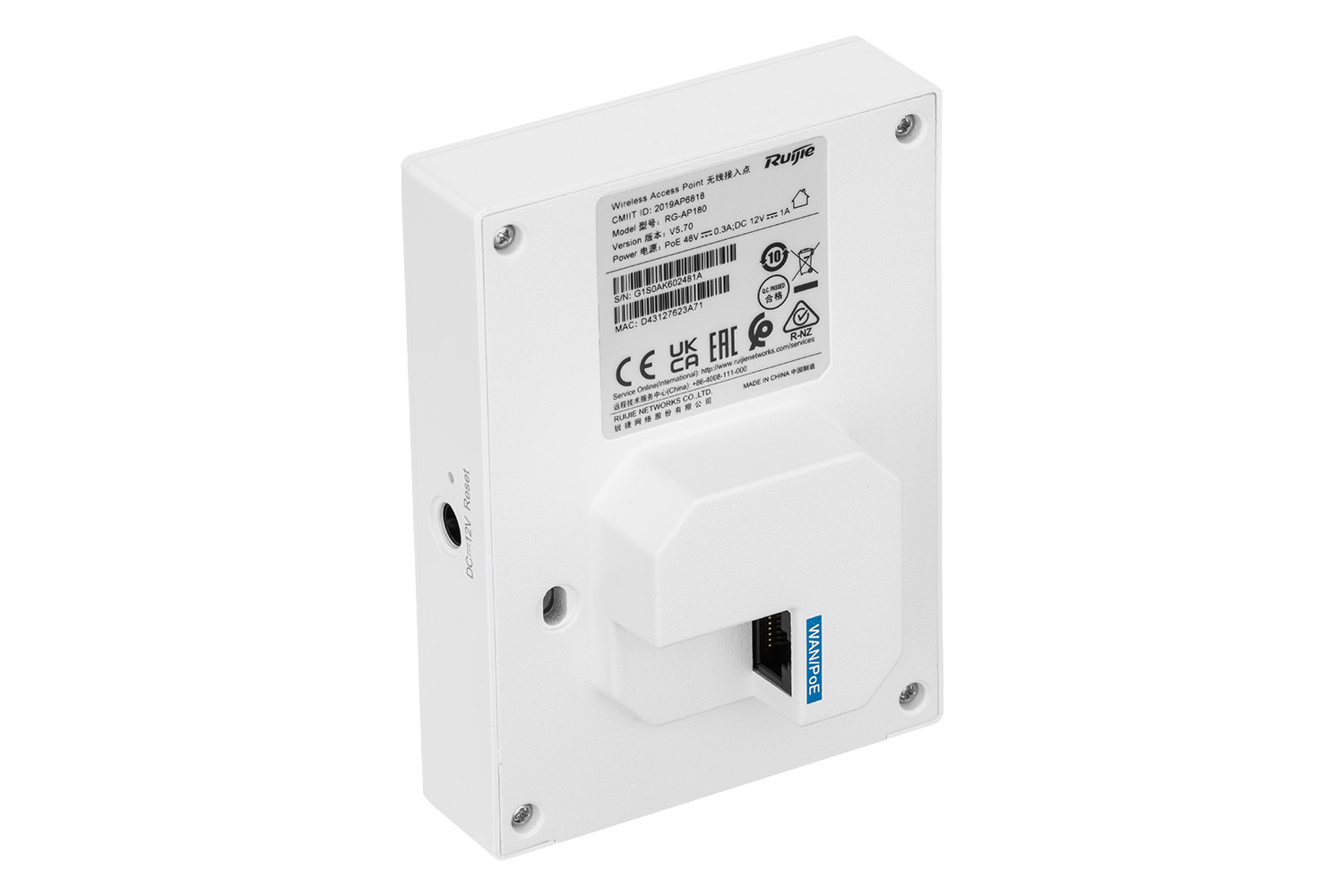
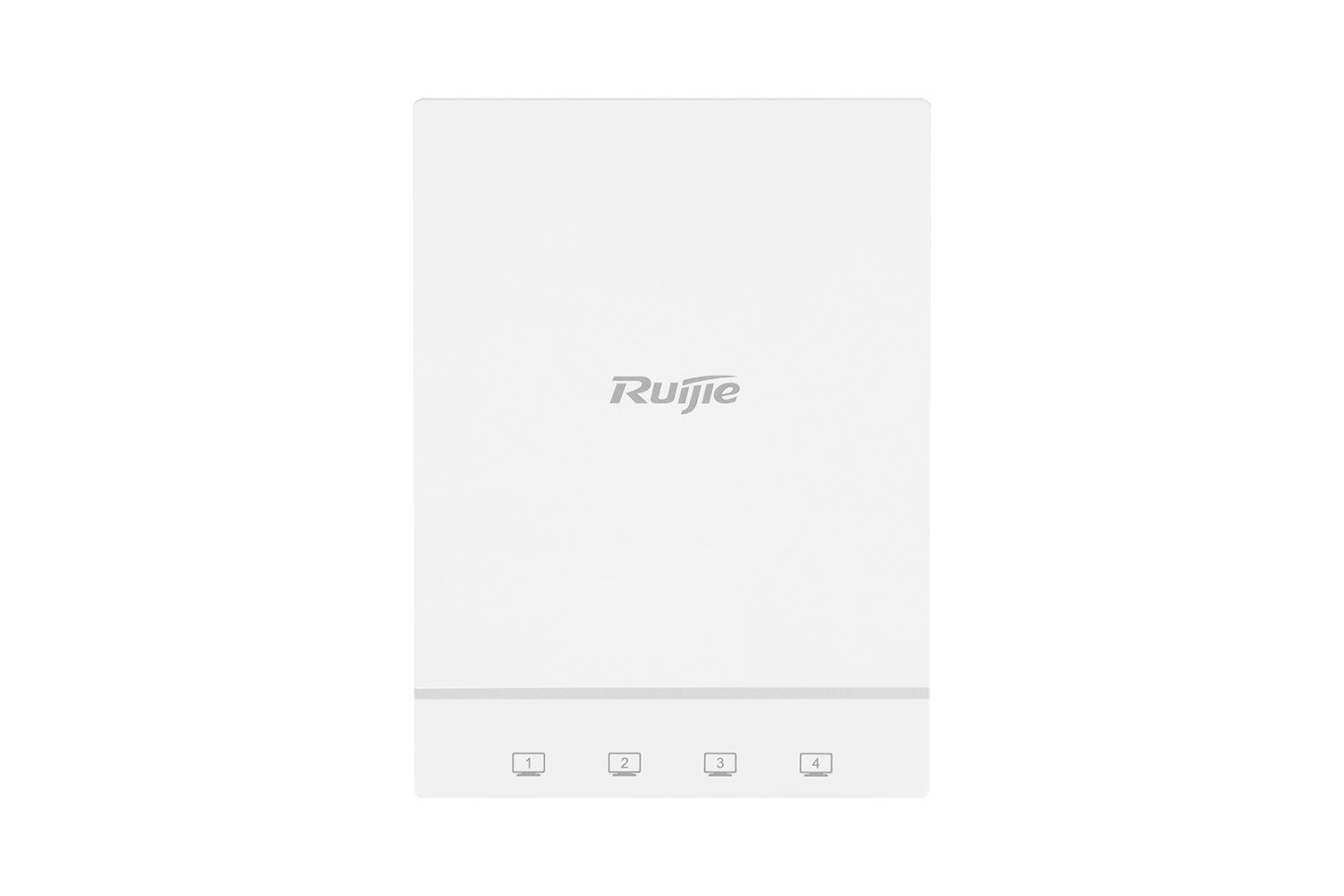
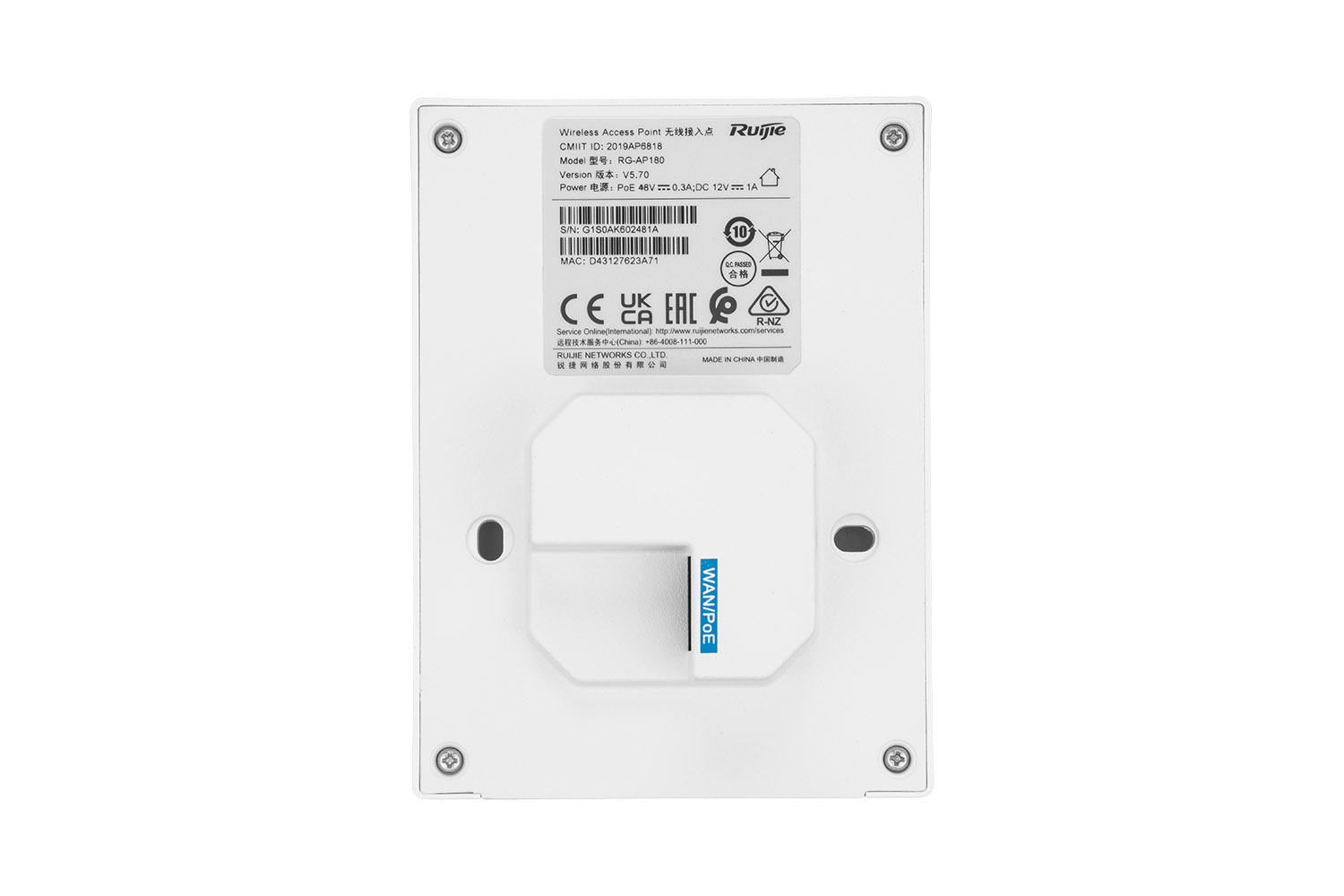
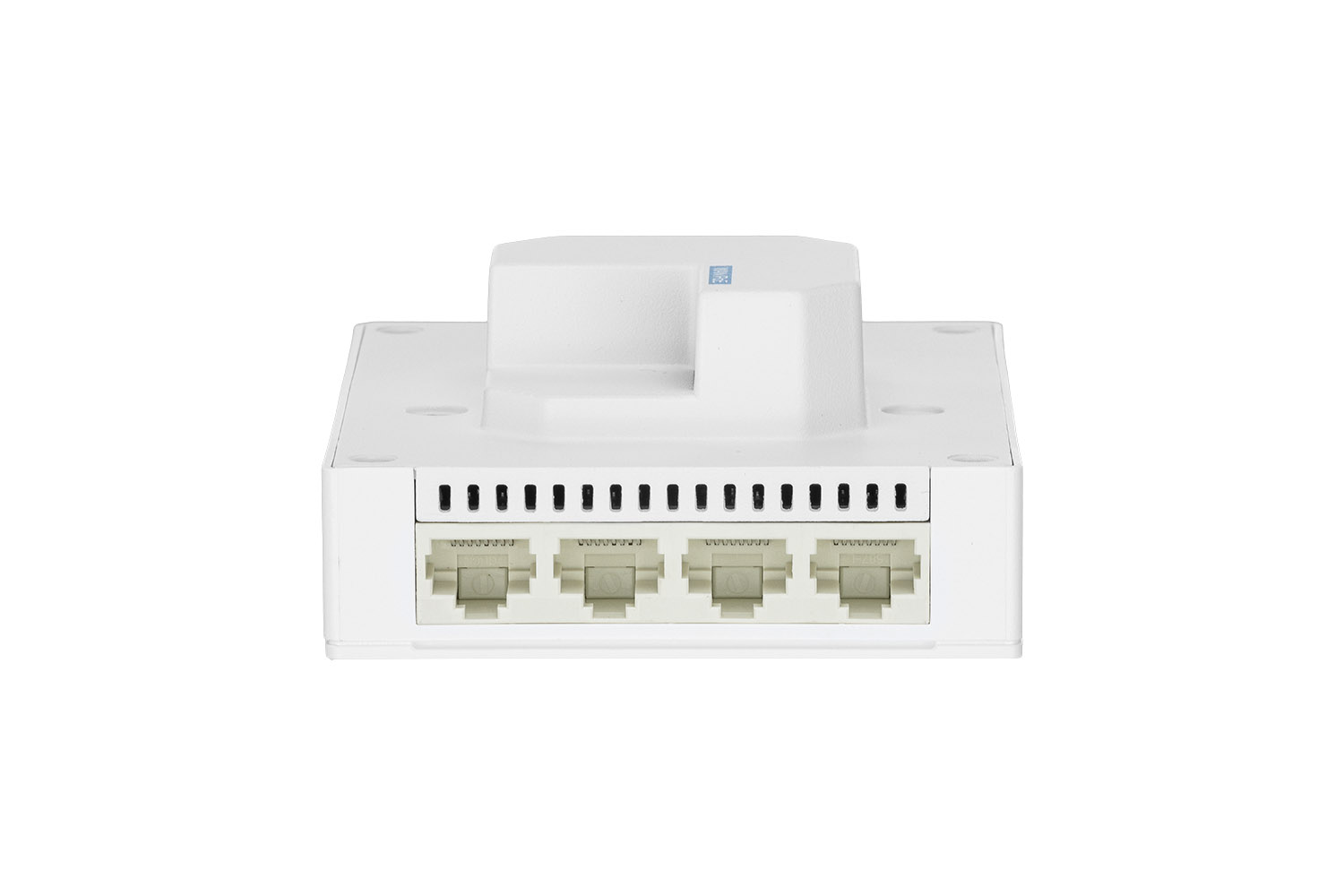
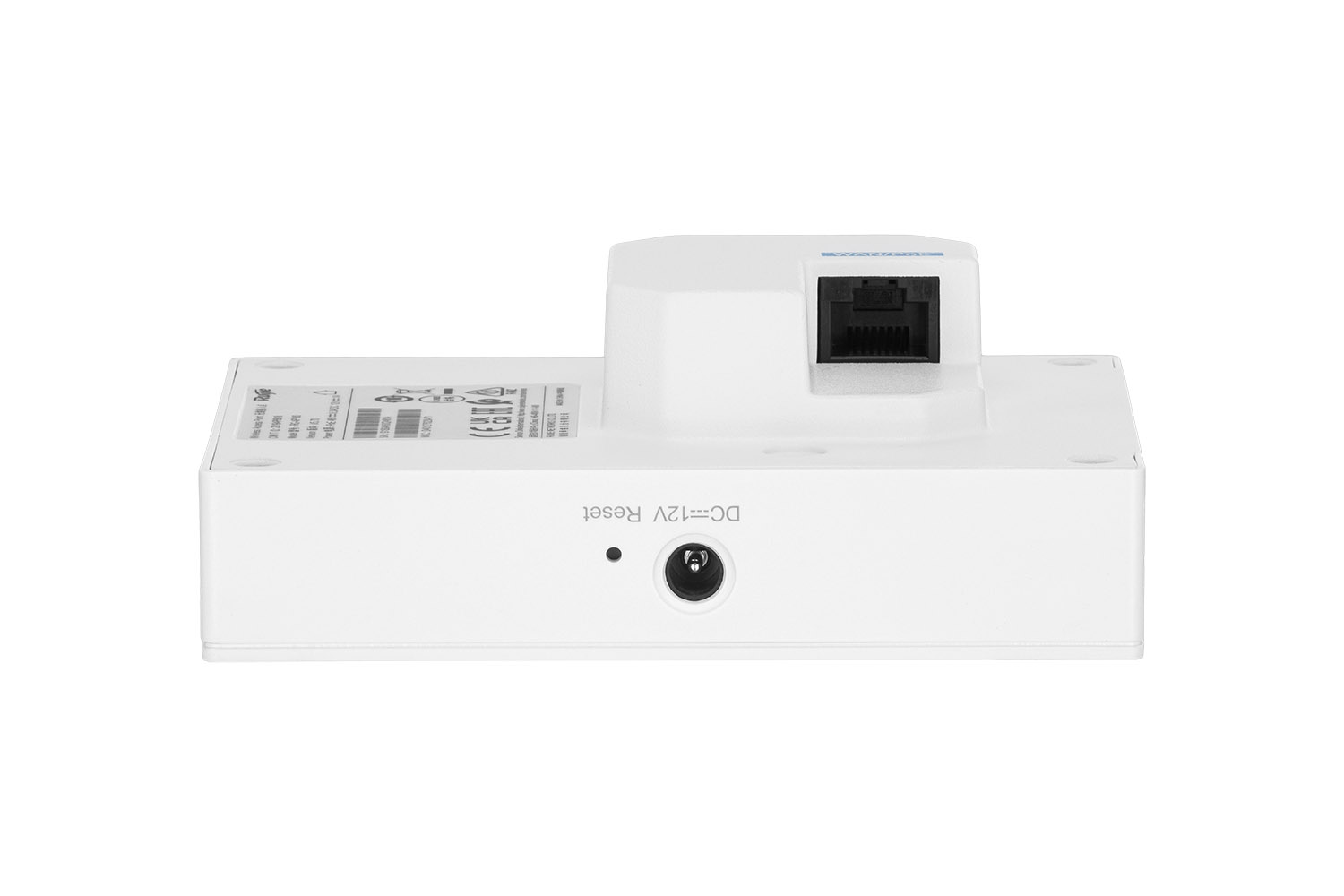
Preparing electronics for a product session
Here's a comprehensive guide on how to turn a standard router into a tech sculpture with a professional packshot.
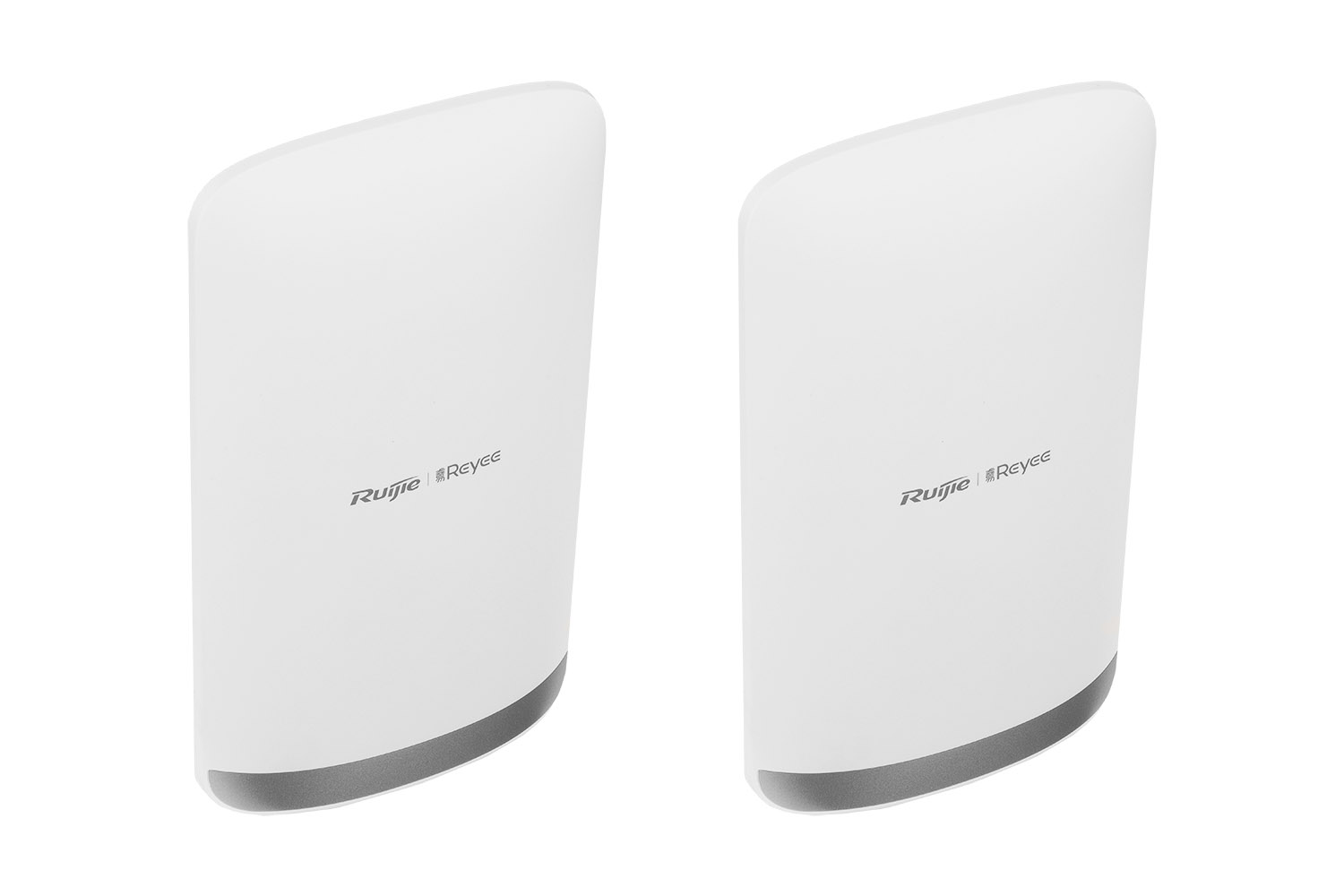
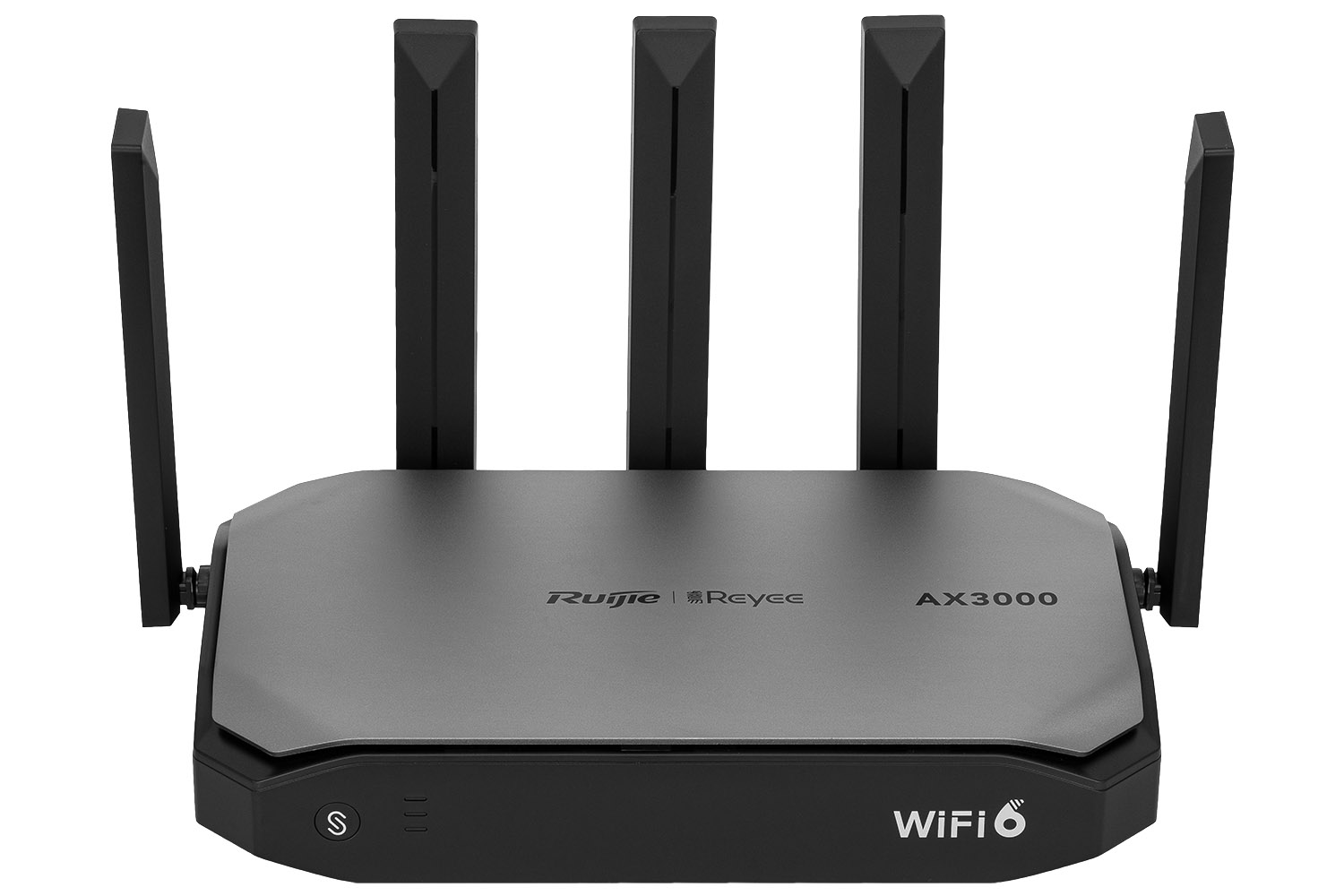
Electronics, especially those in dark colors or with a glossy finish (such as the Ruijie Reyee RG-EG105GW-T), are a magnet for dust and fingerprints. In the high-resolution photo, every speck of dust looks like a boulder, and the finger smudge looks like an oil slick.
-
Essentials: Cotton gloves, microfiber cloth and photo pear.
-
Rule: Clean the product just before the shutter is released. This will save you hours of tedious retouching in post-production.
Lighting: packshot set, and the play of shadows and textures
The key to a good electronics packshot is to show the texture of the material – whether it's matte polymer or brushed metal.
-
Soft light: Use large softboxes or diffusion panels. Routers have sharp edges that generate ugly, burnt hotspots in hard light.
-
Contouring: To prevent the device from "blending" with the background, use counter lights. A gentle line of light on the top edge of the case (the so-called rim light) will separate the product from the background and give it three-dimensionality.
-
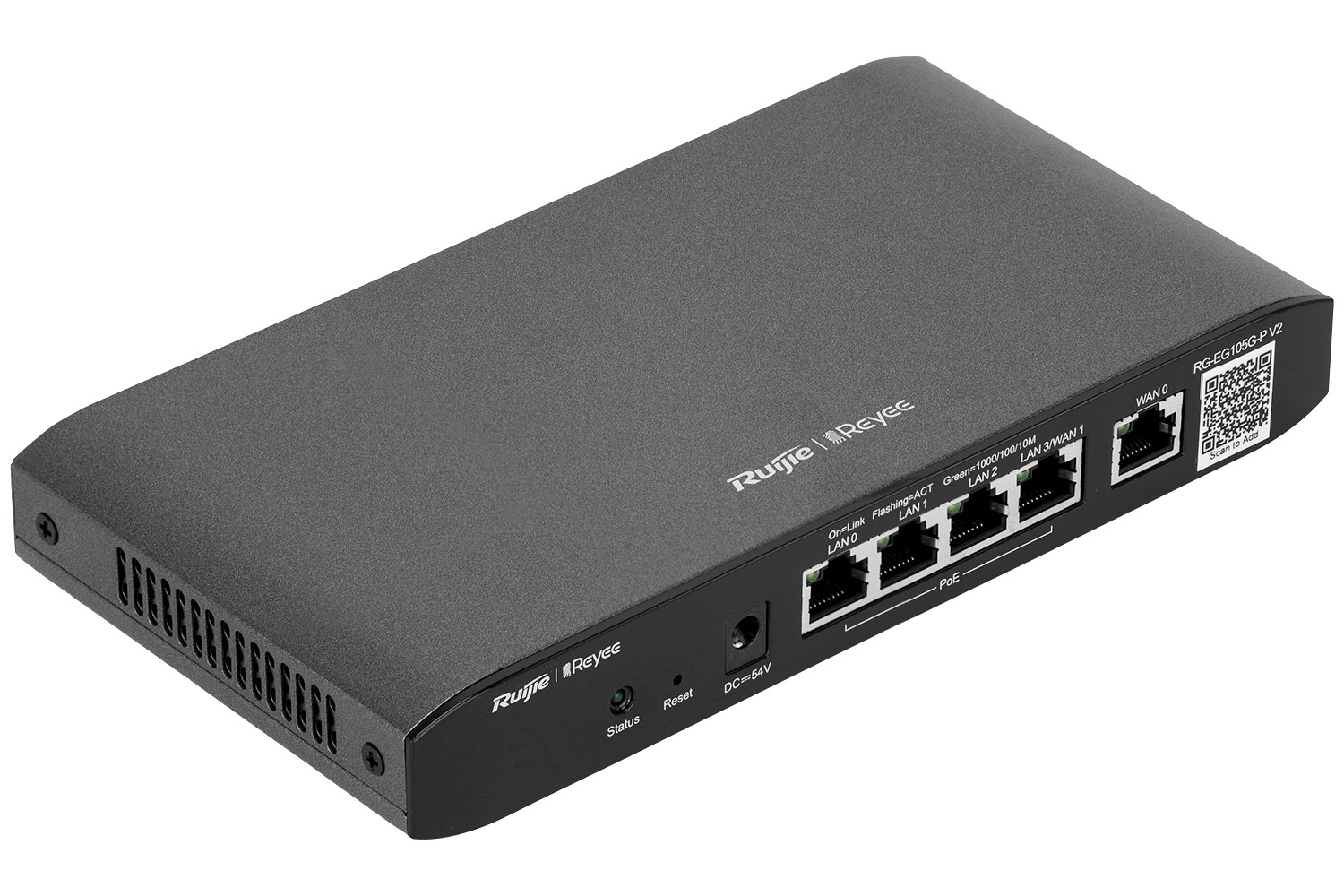
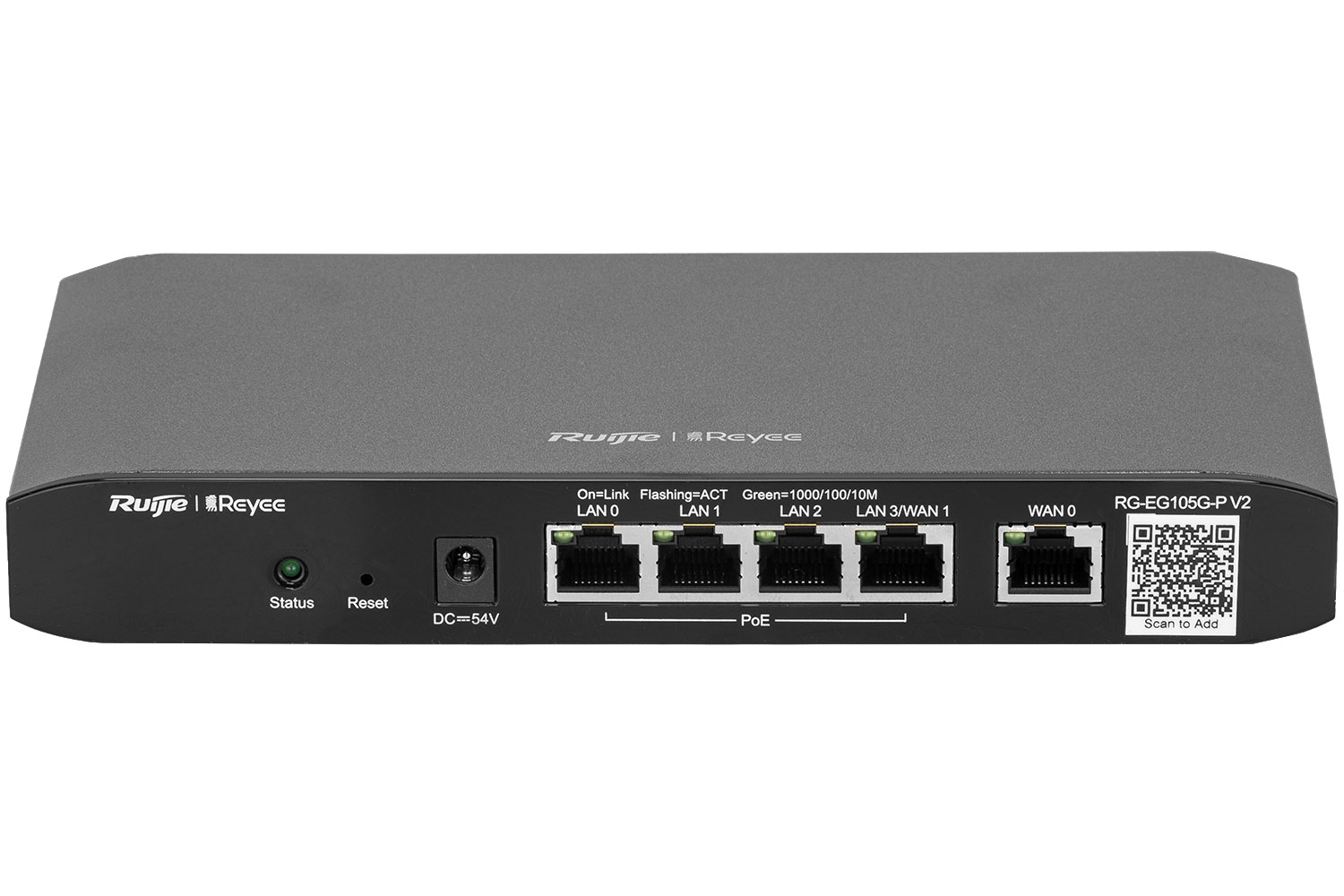
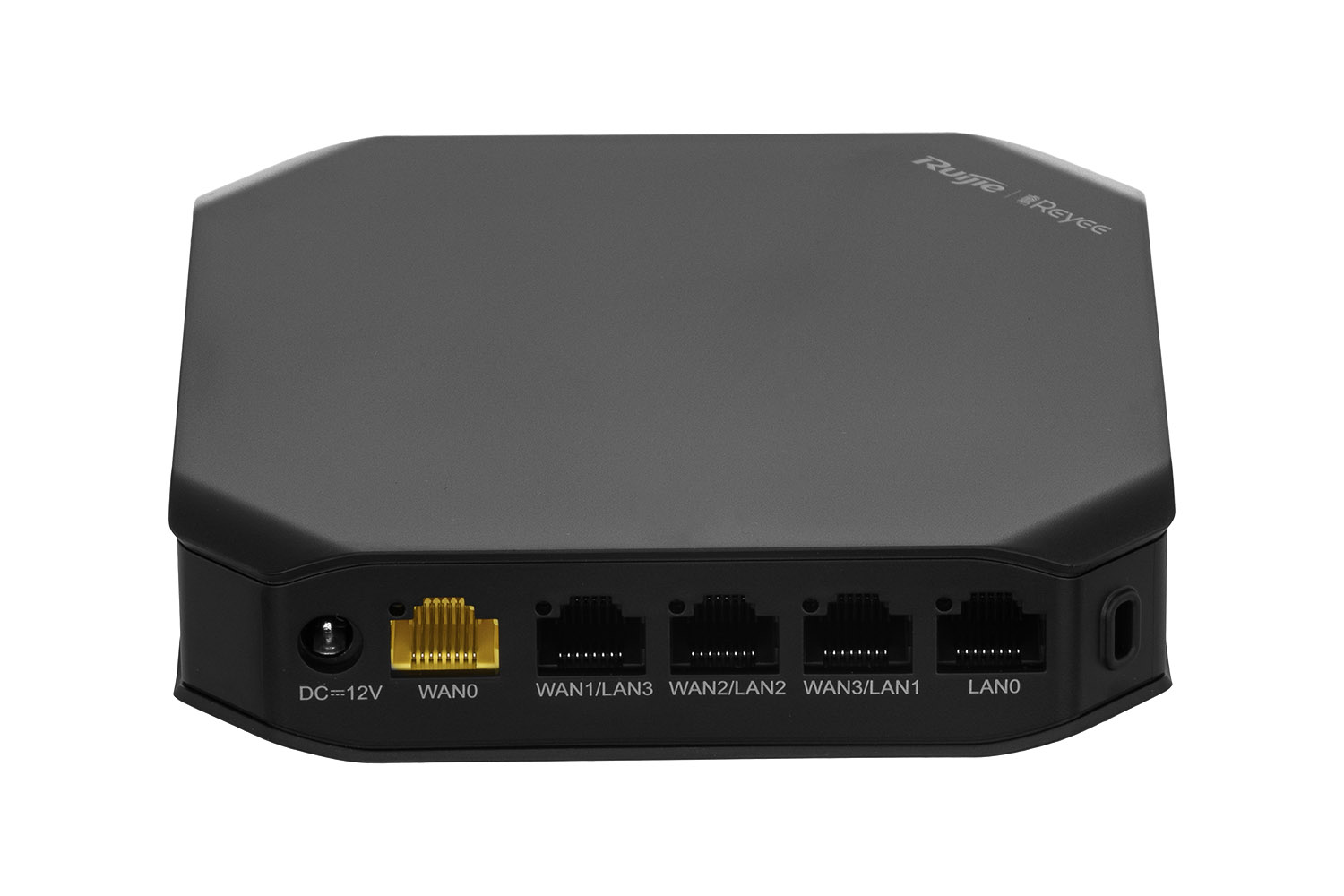
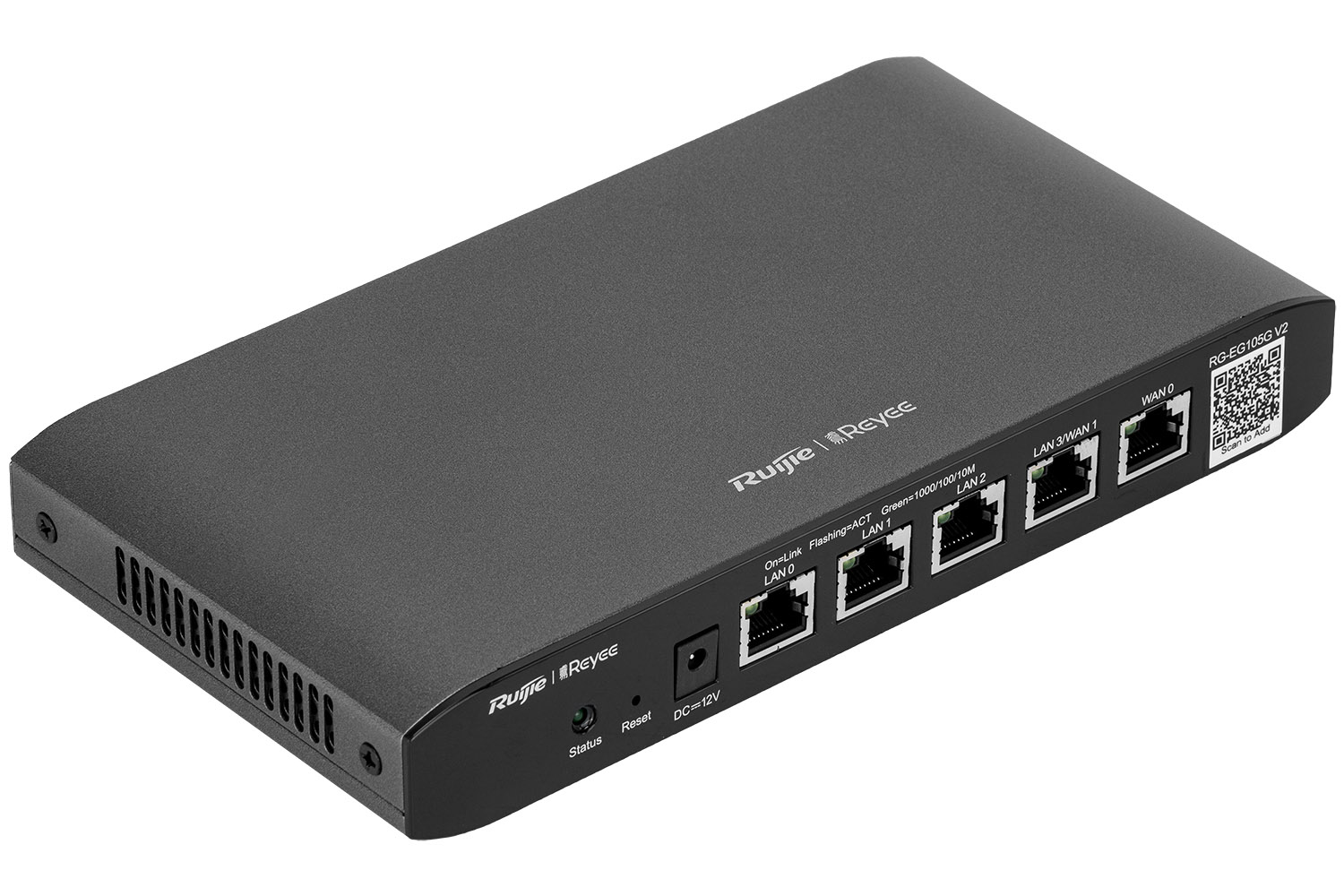
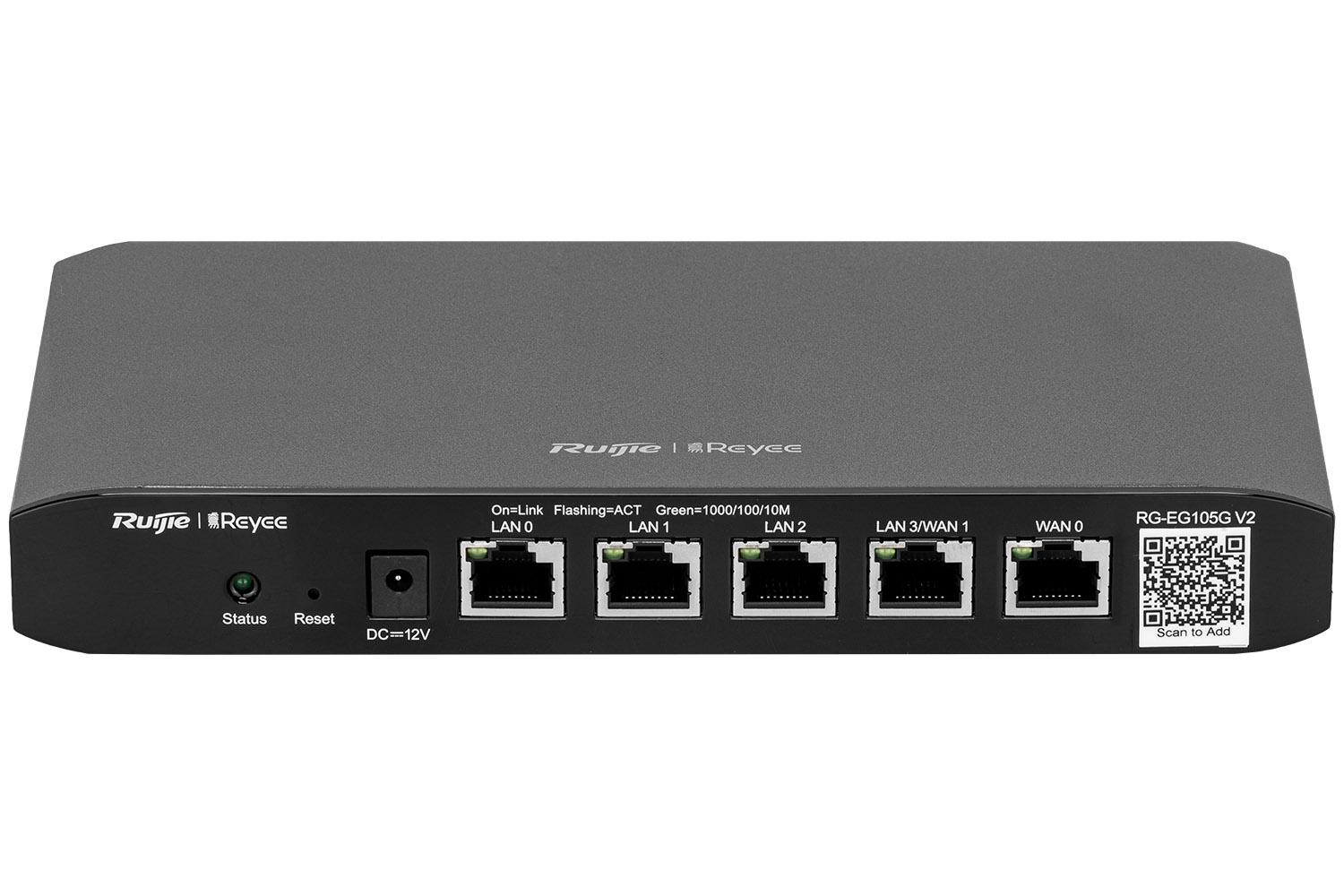
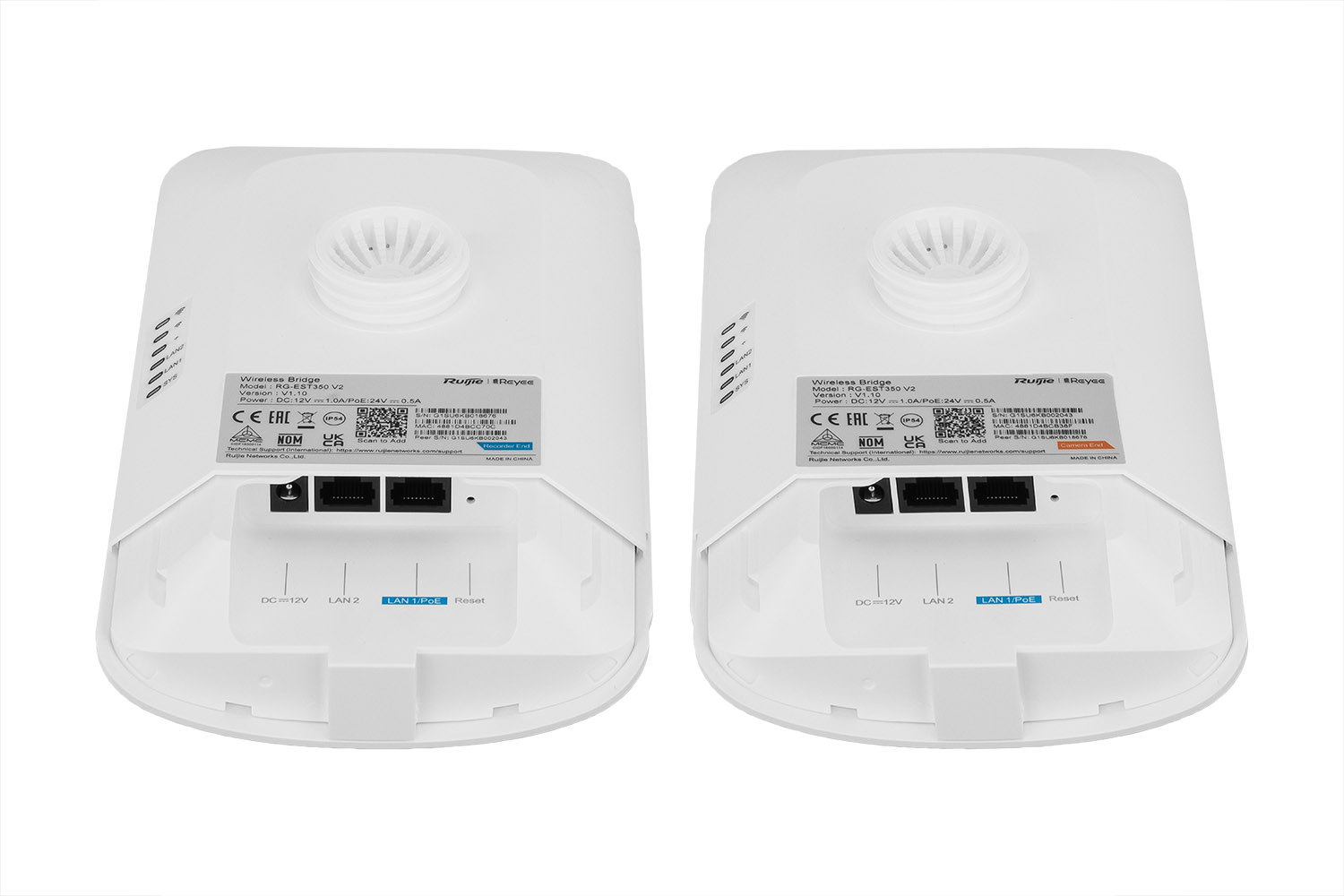
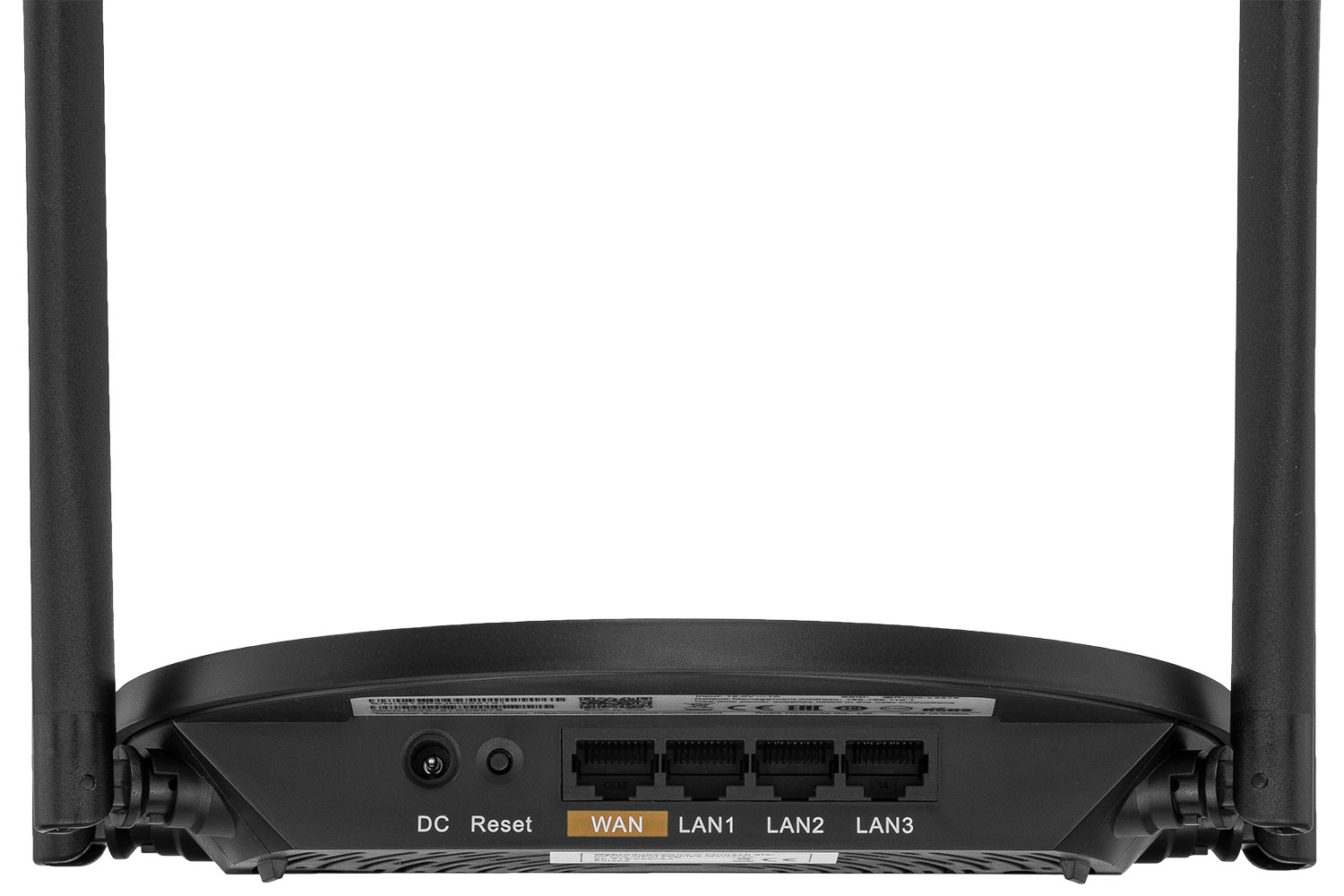
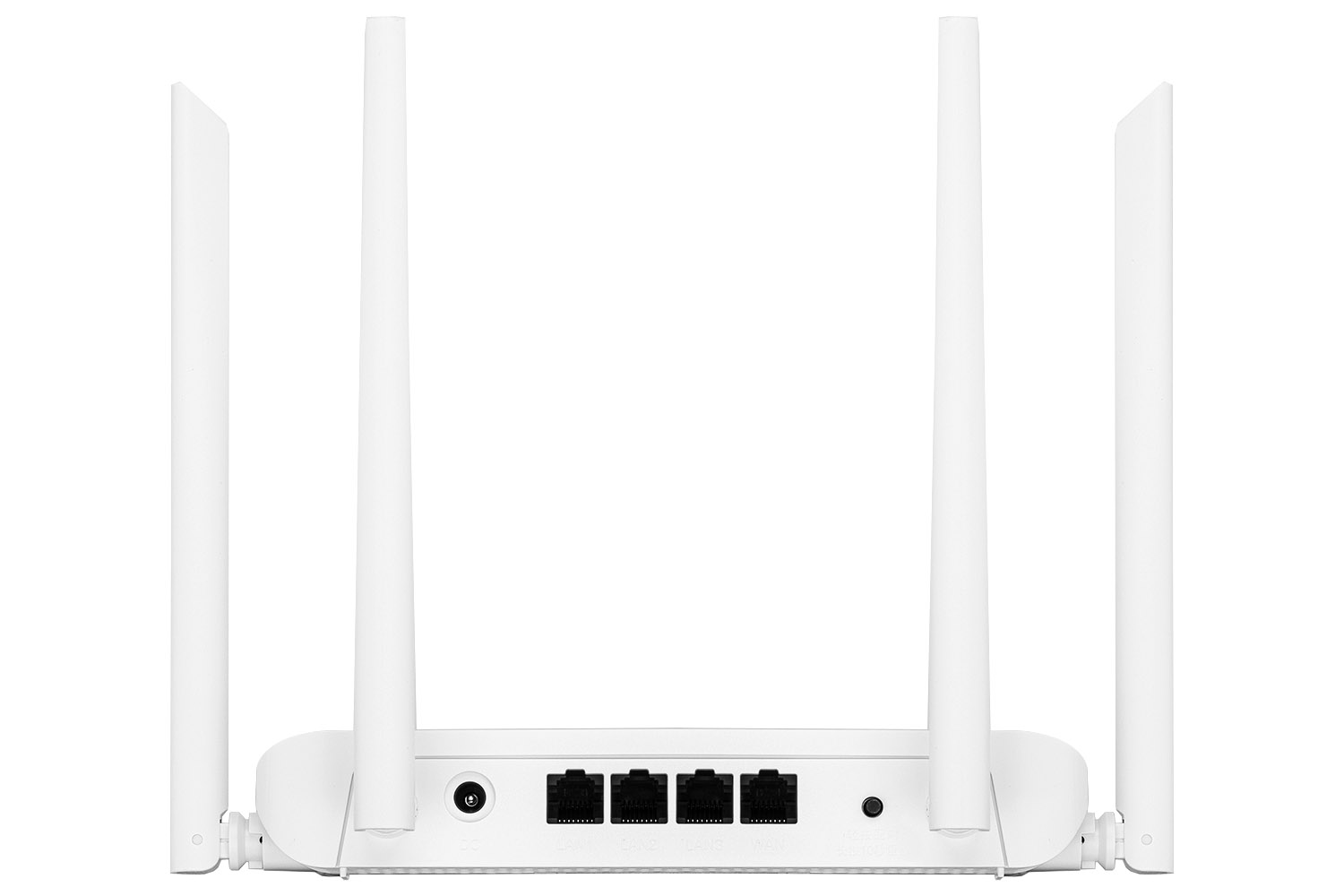
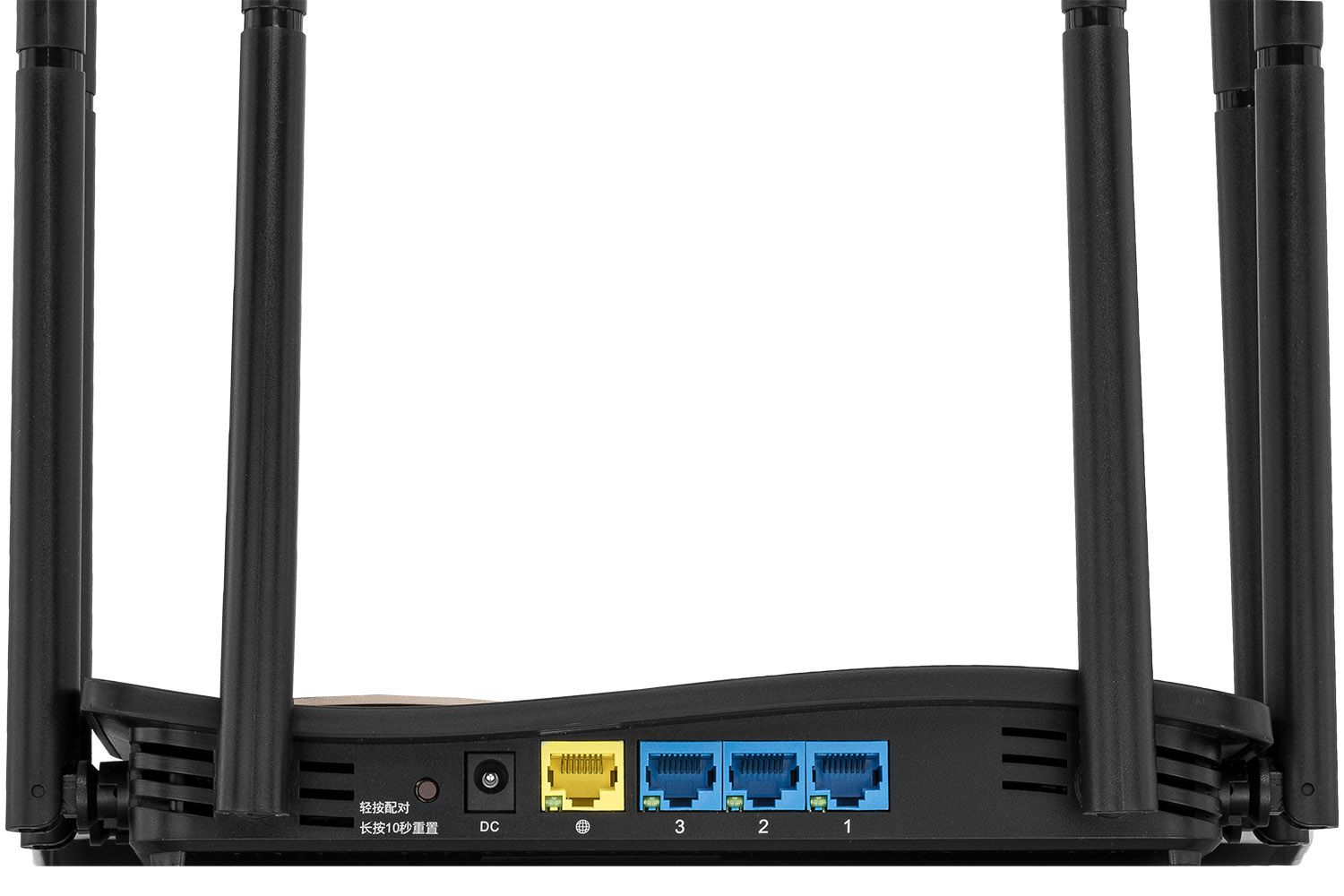
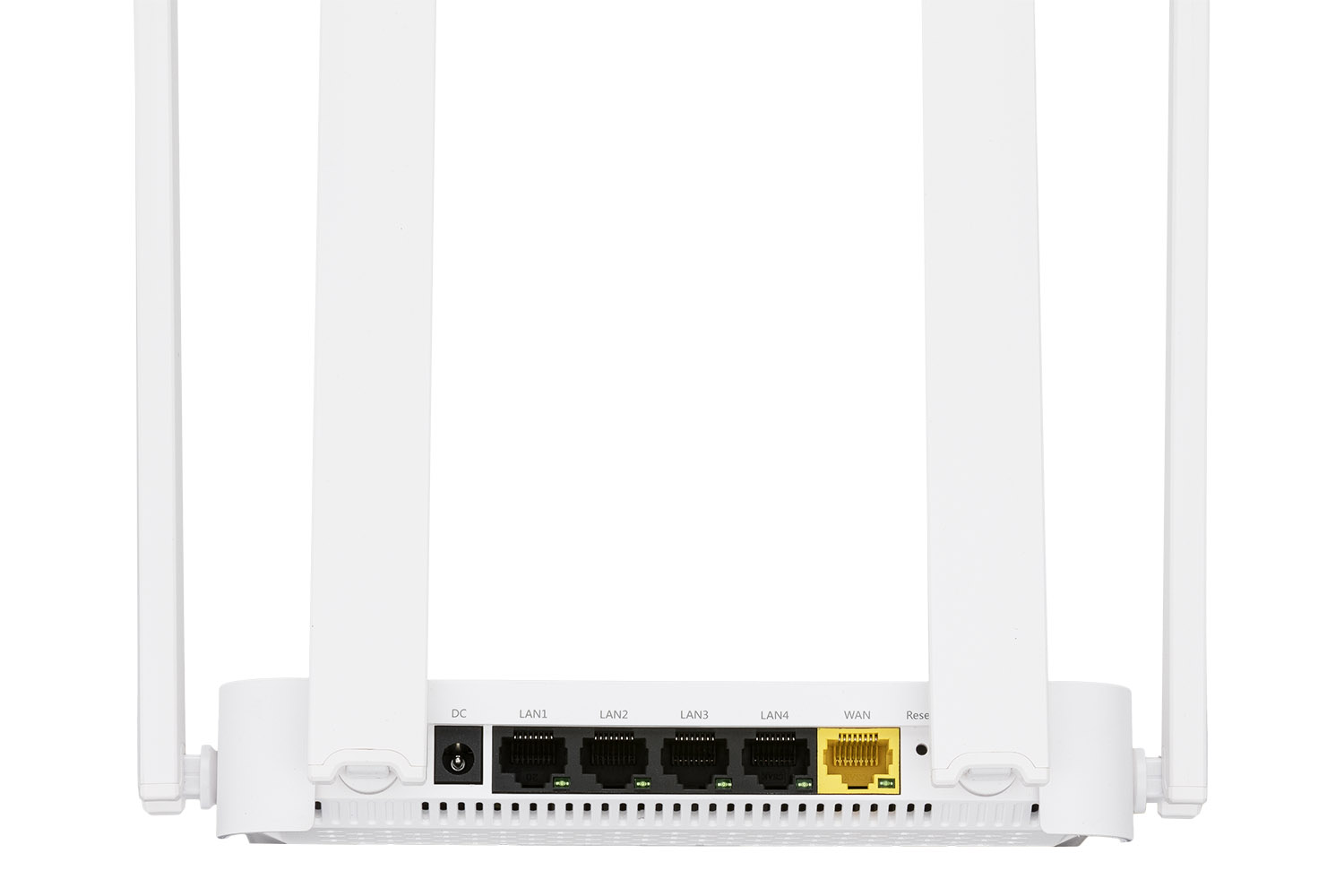
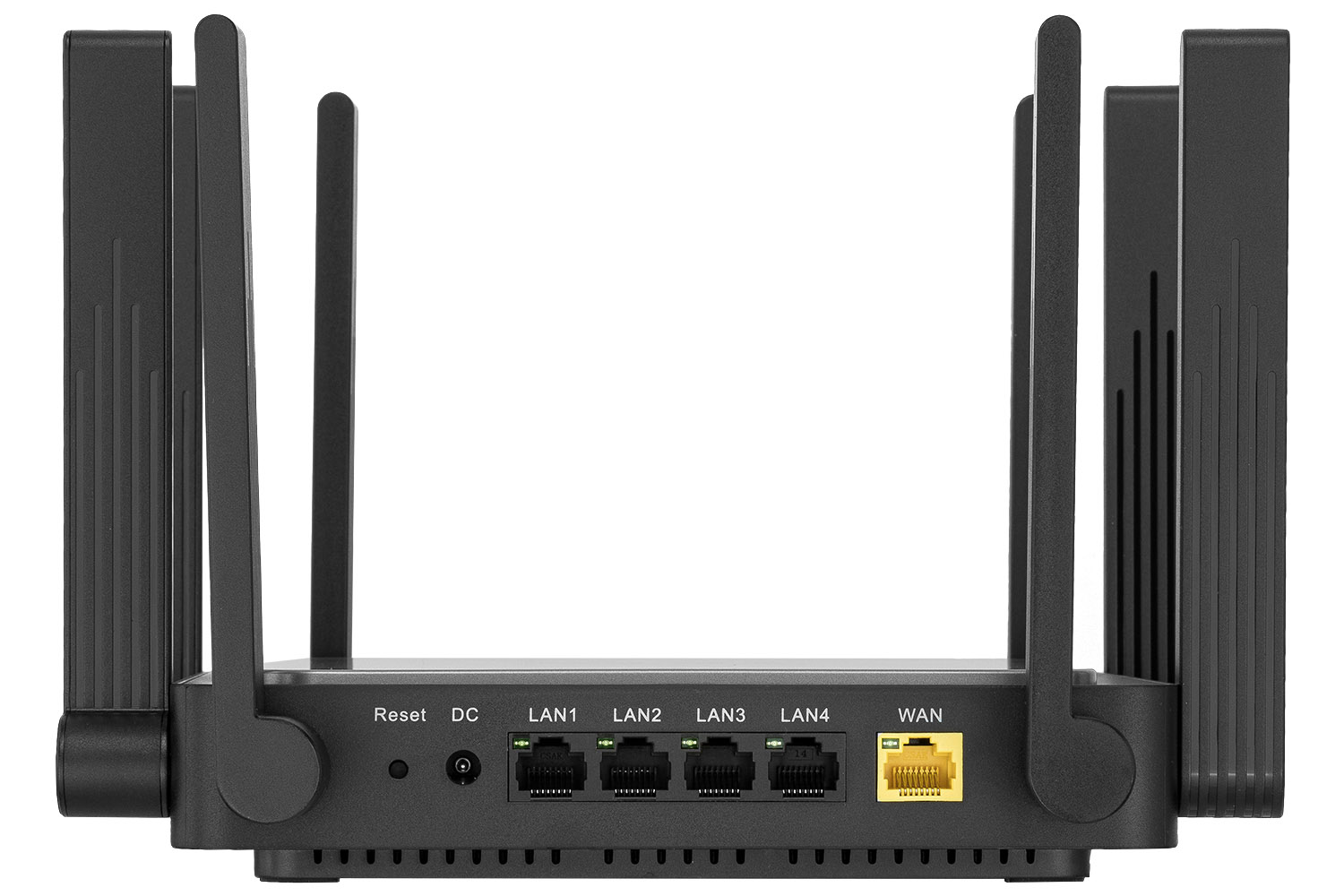
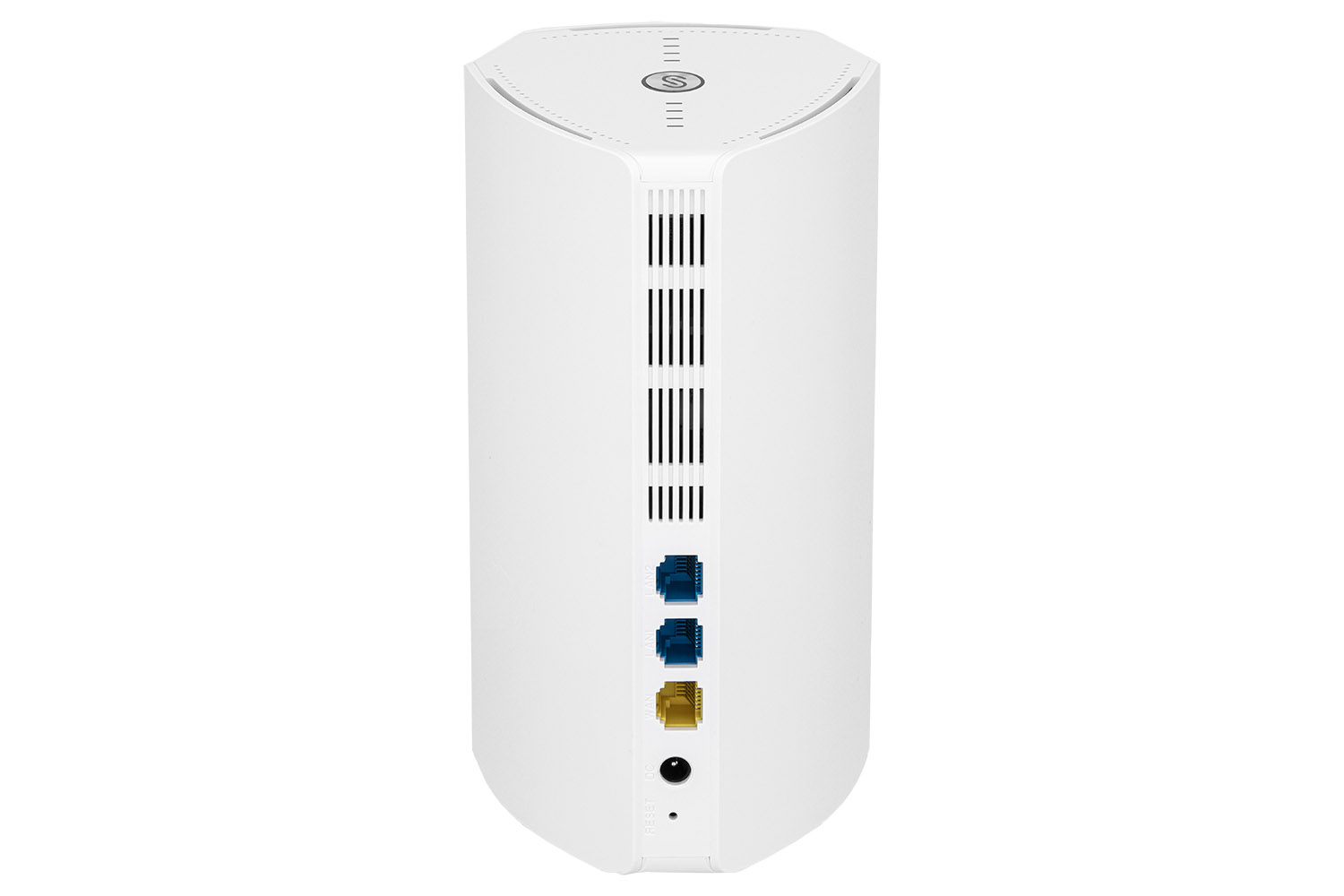
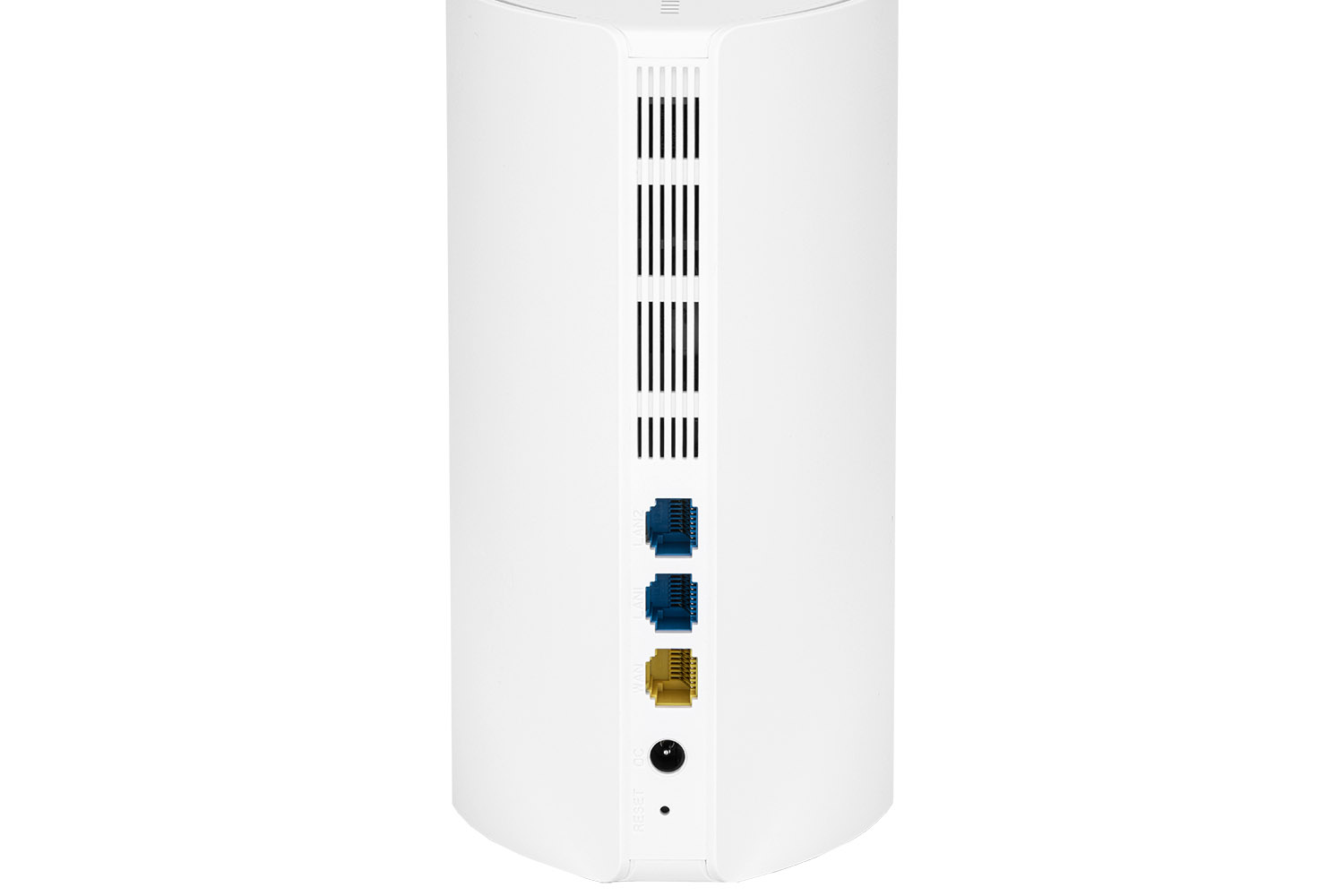
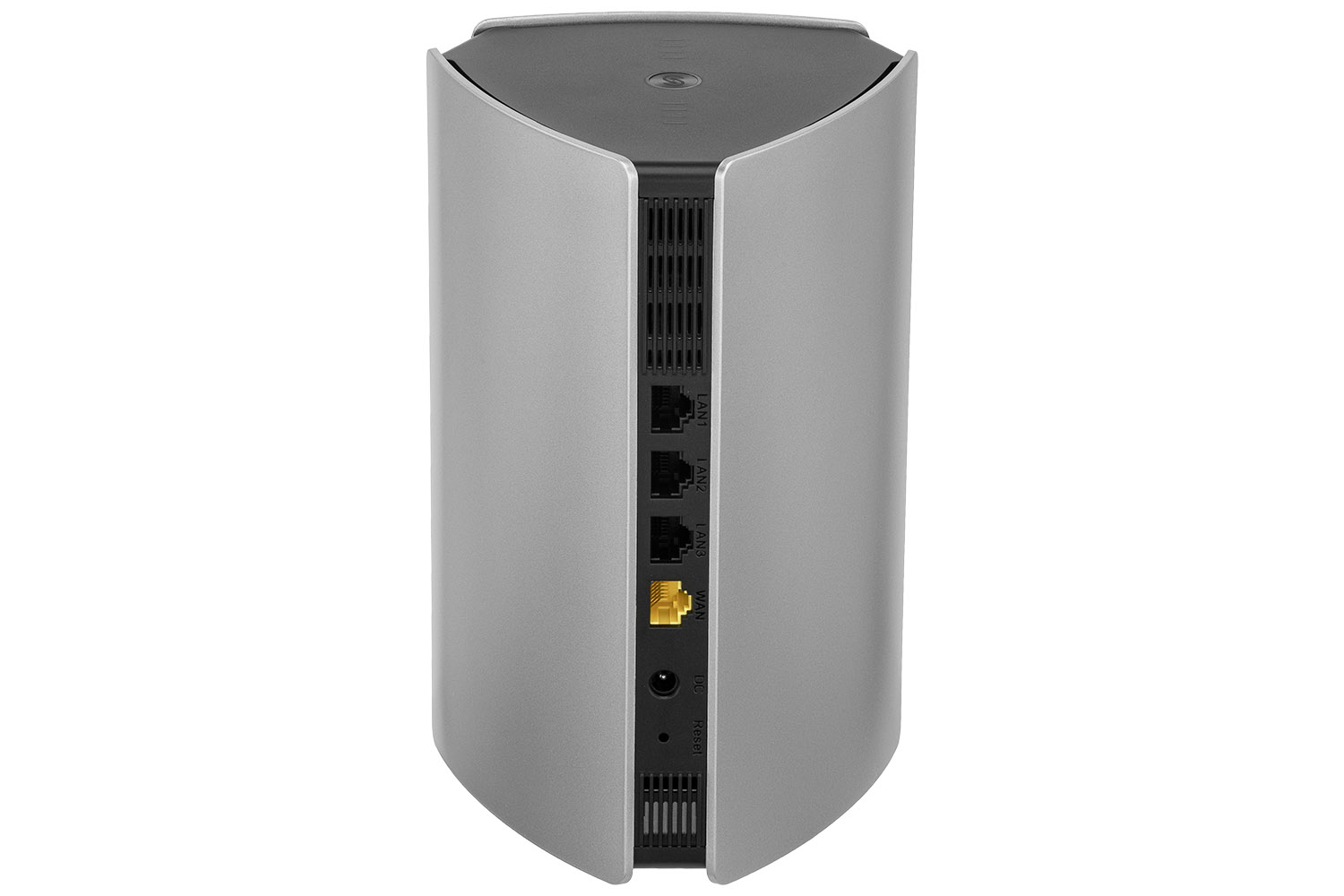
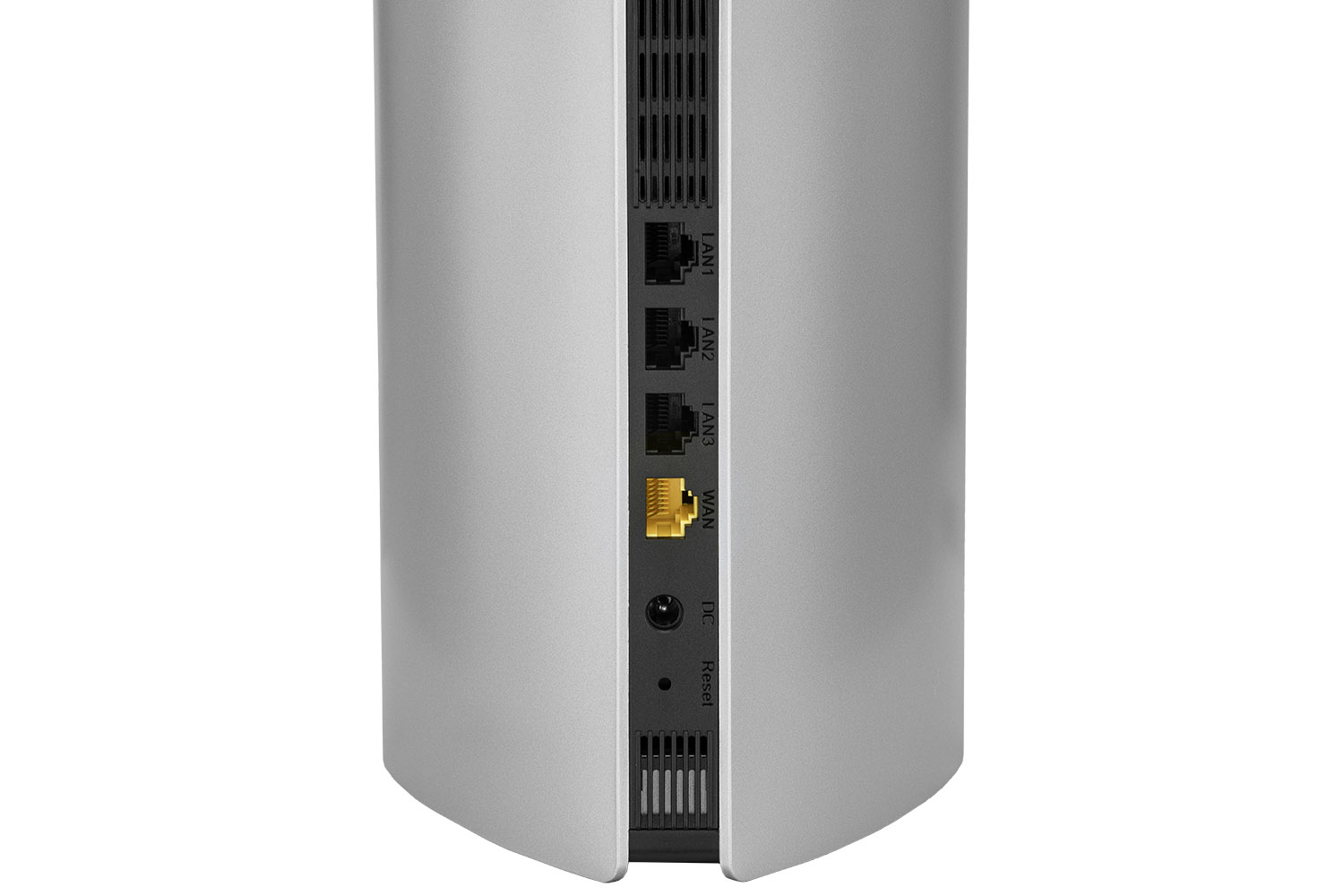
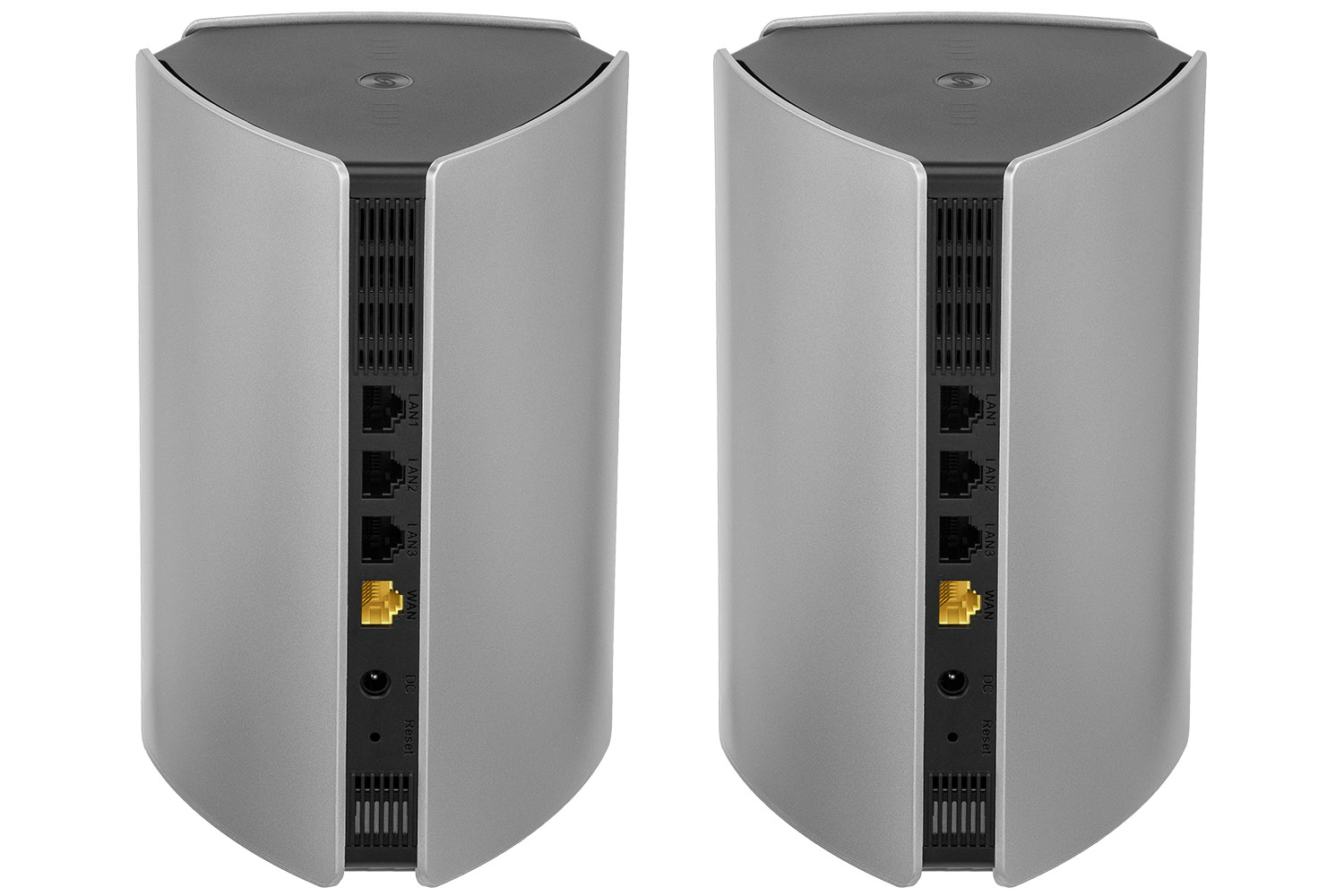
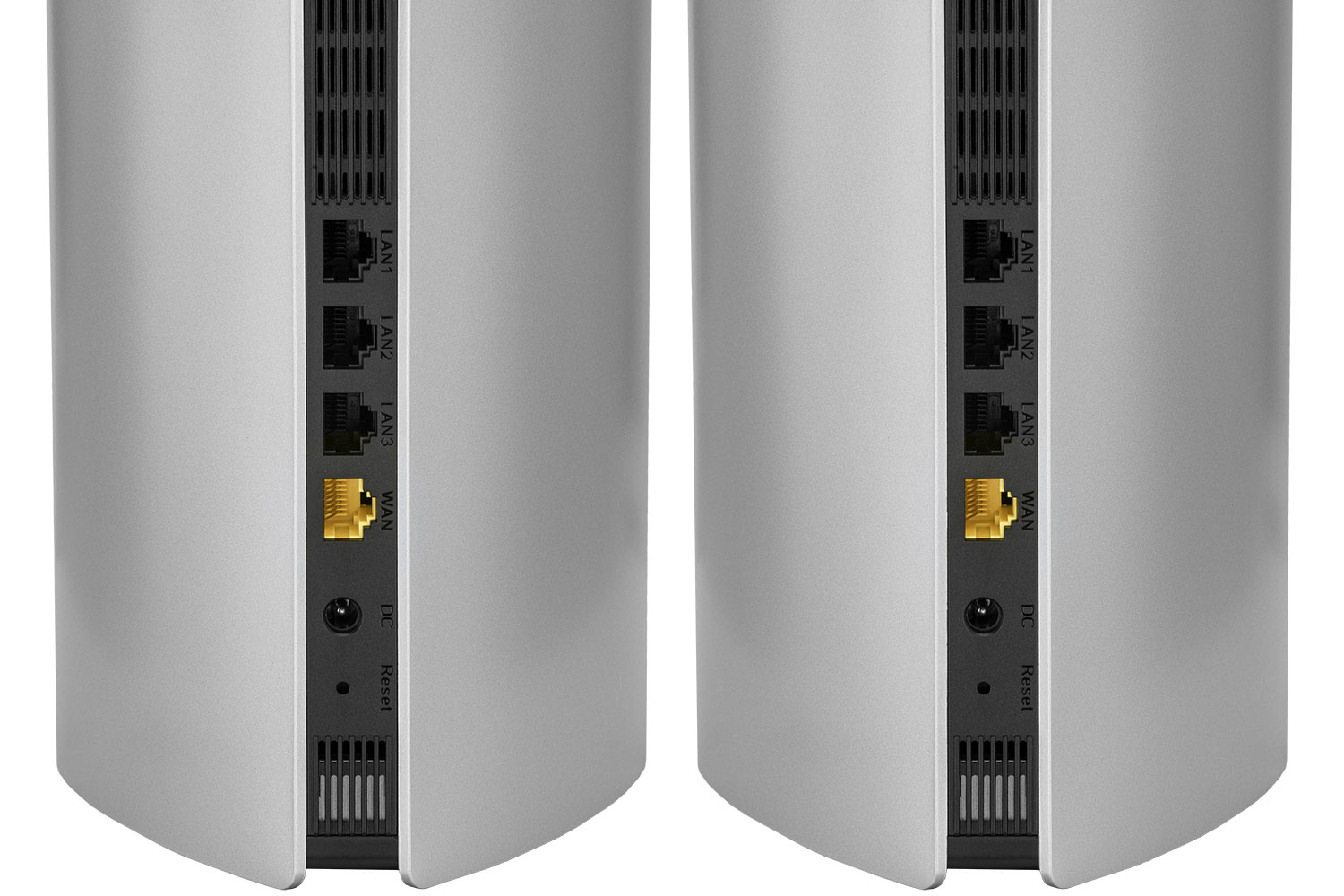
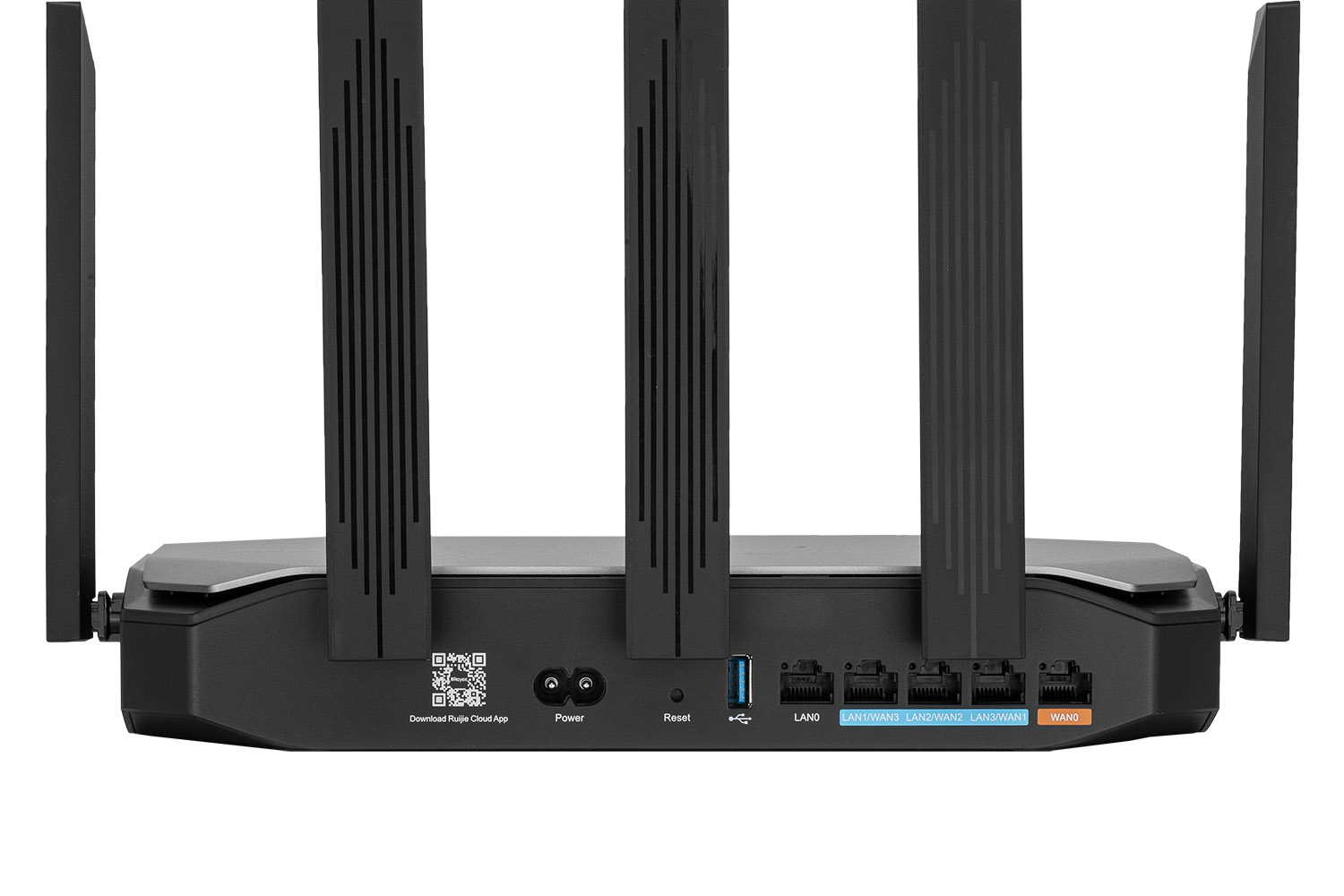
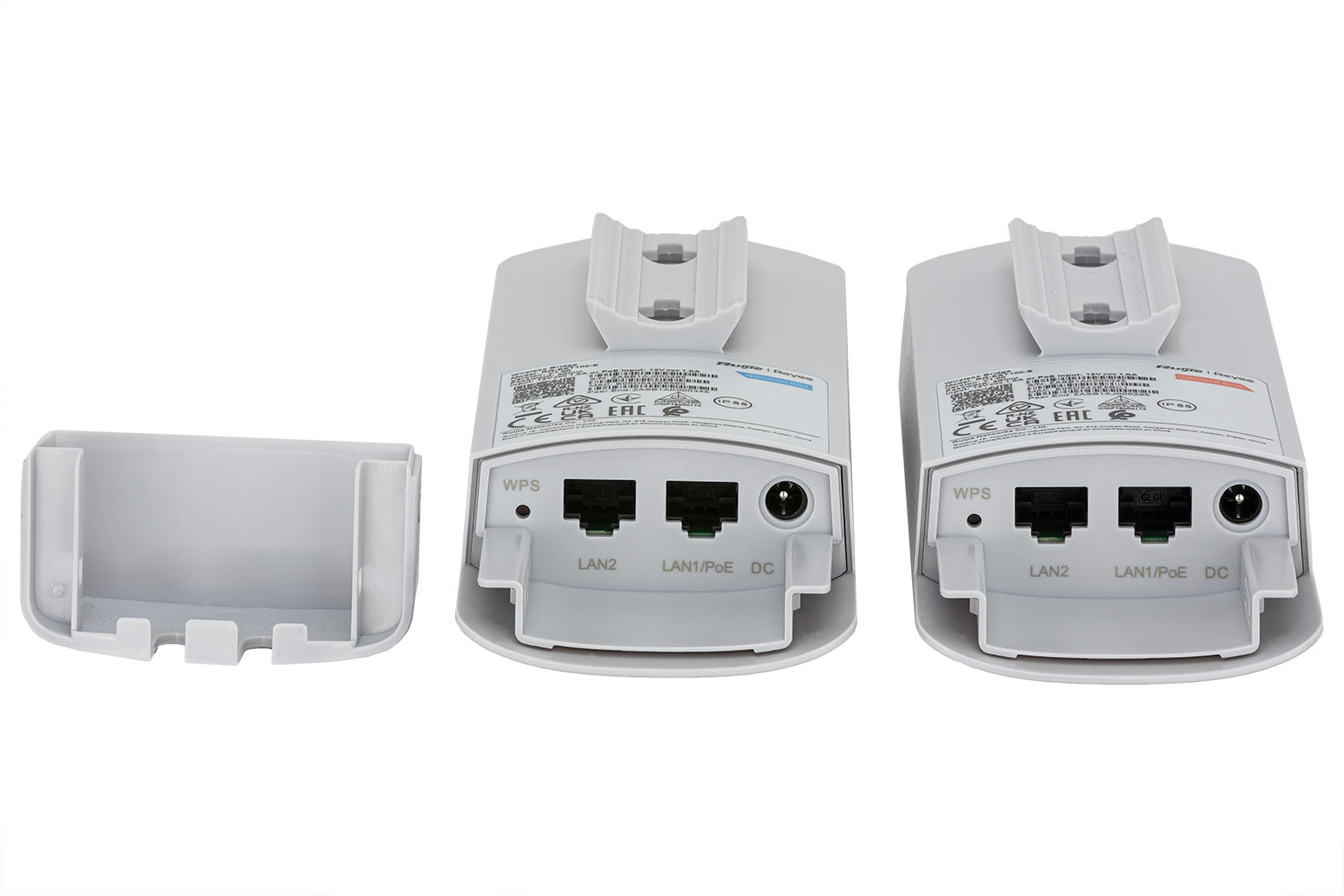
Port highlighting: LAN/WAN ports are crucial in routers (such as the RG-EG105G-P V2). It's a good idea to use a small shutter or mirror to direct a little light inside the ports, avoiding black, unreadable holes.
Composition and viewing angles
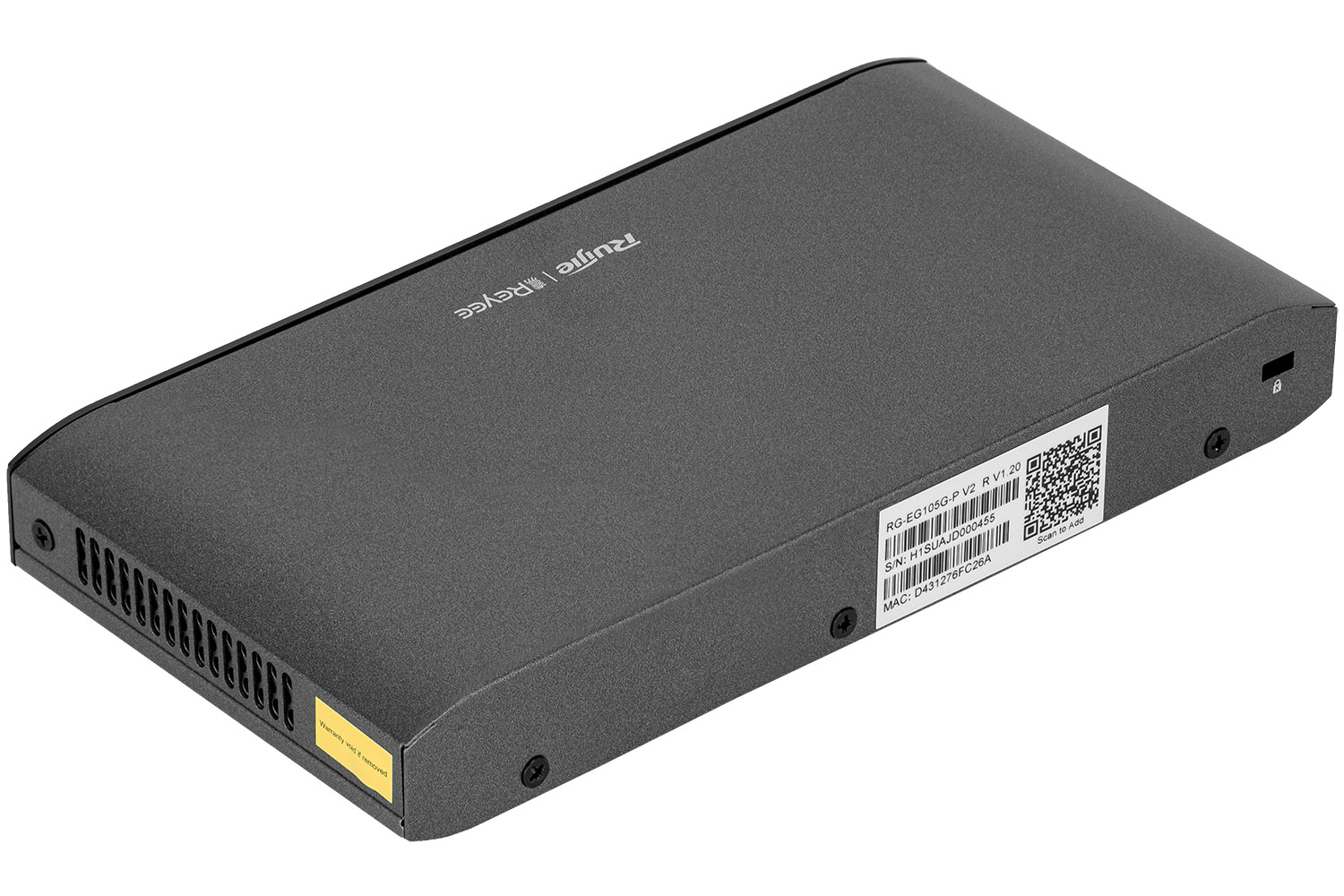
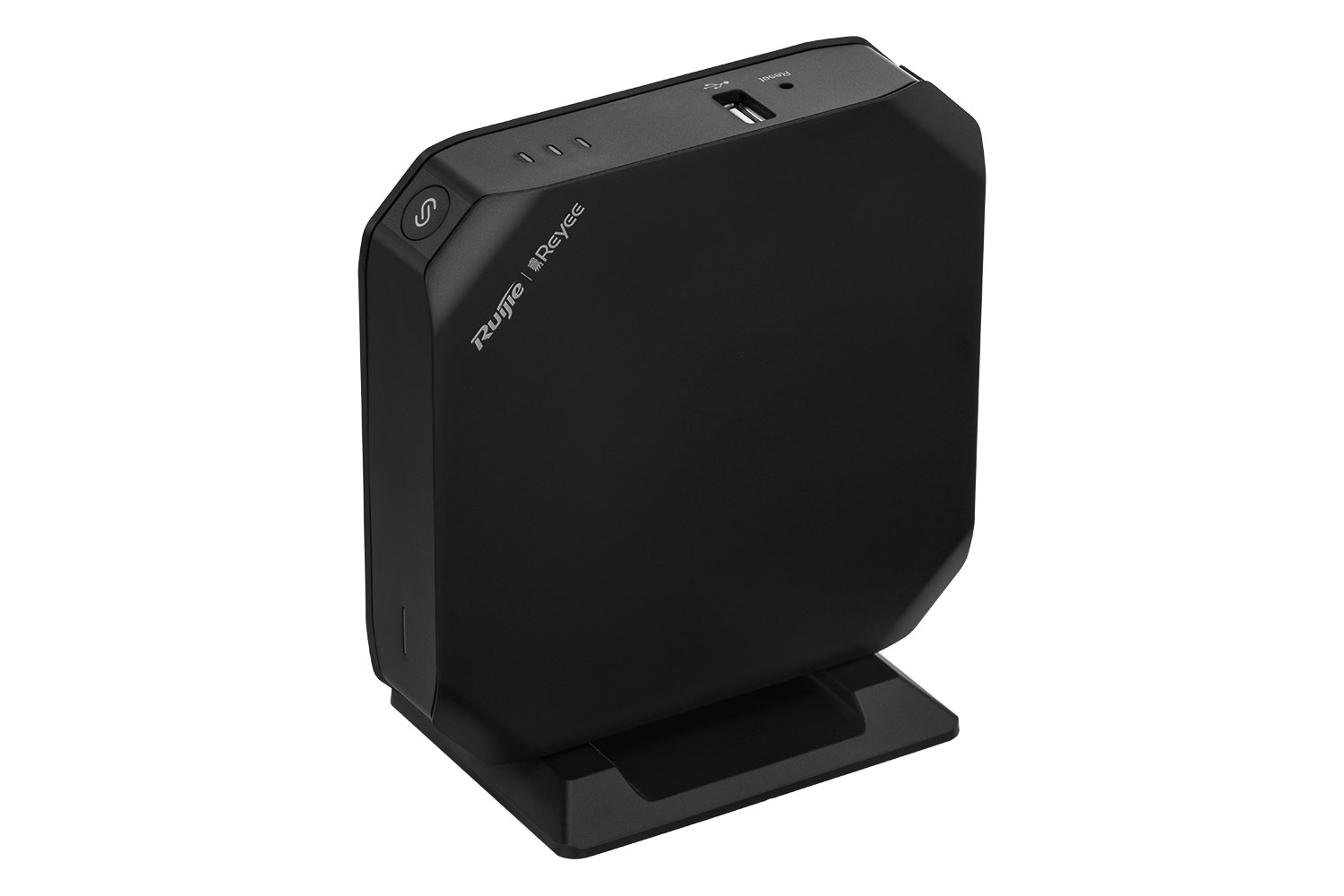
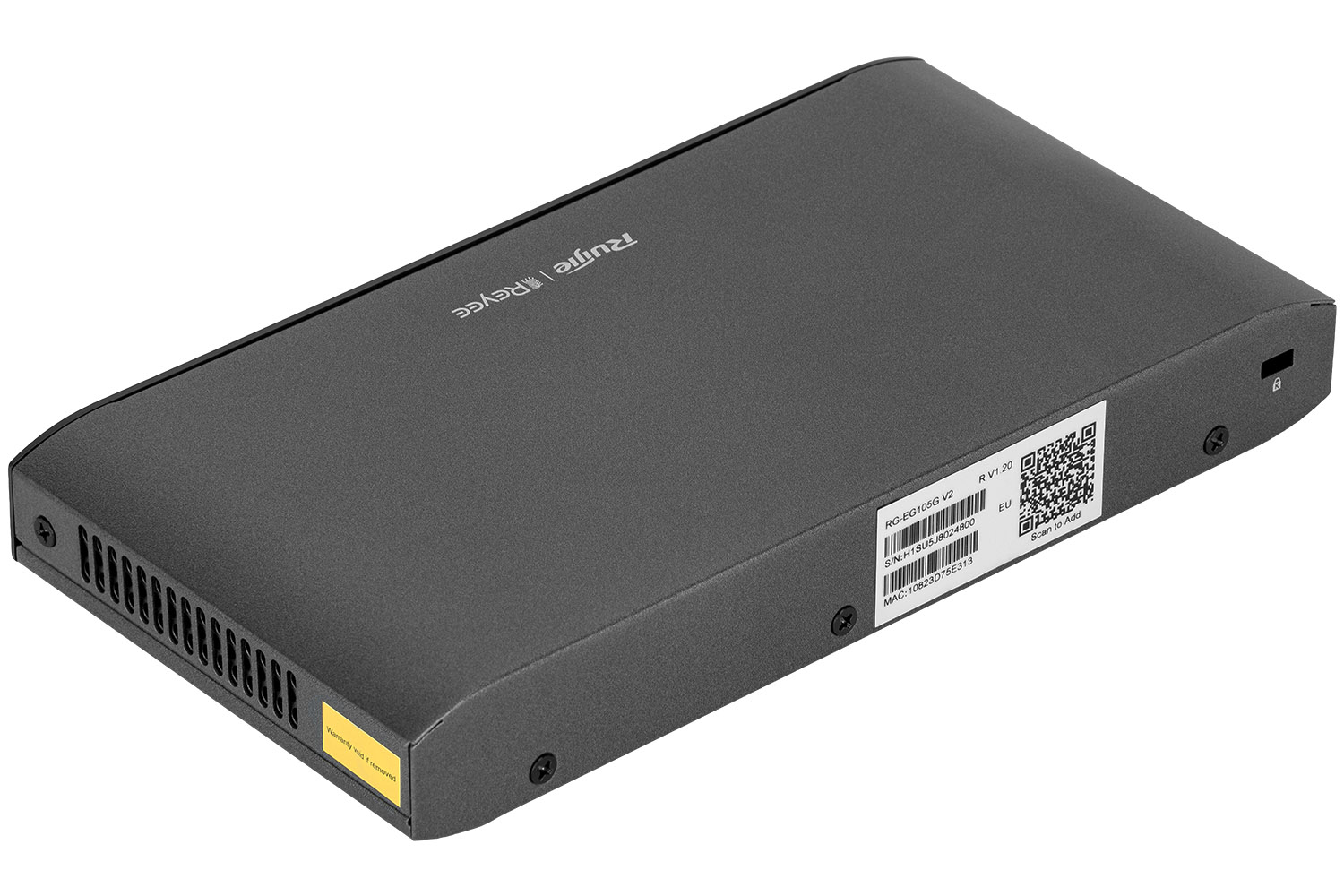
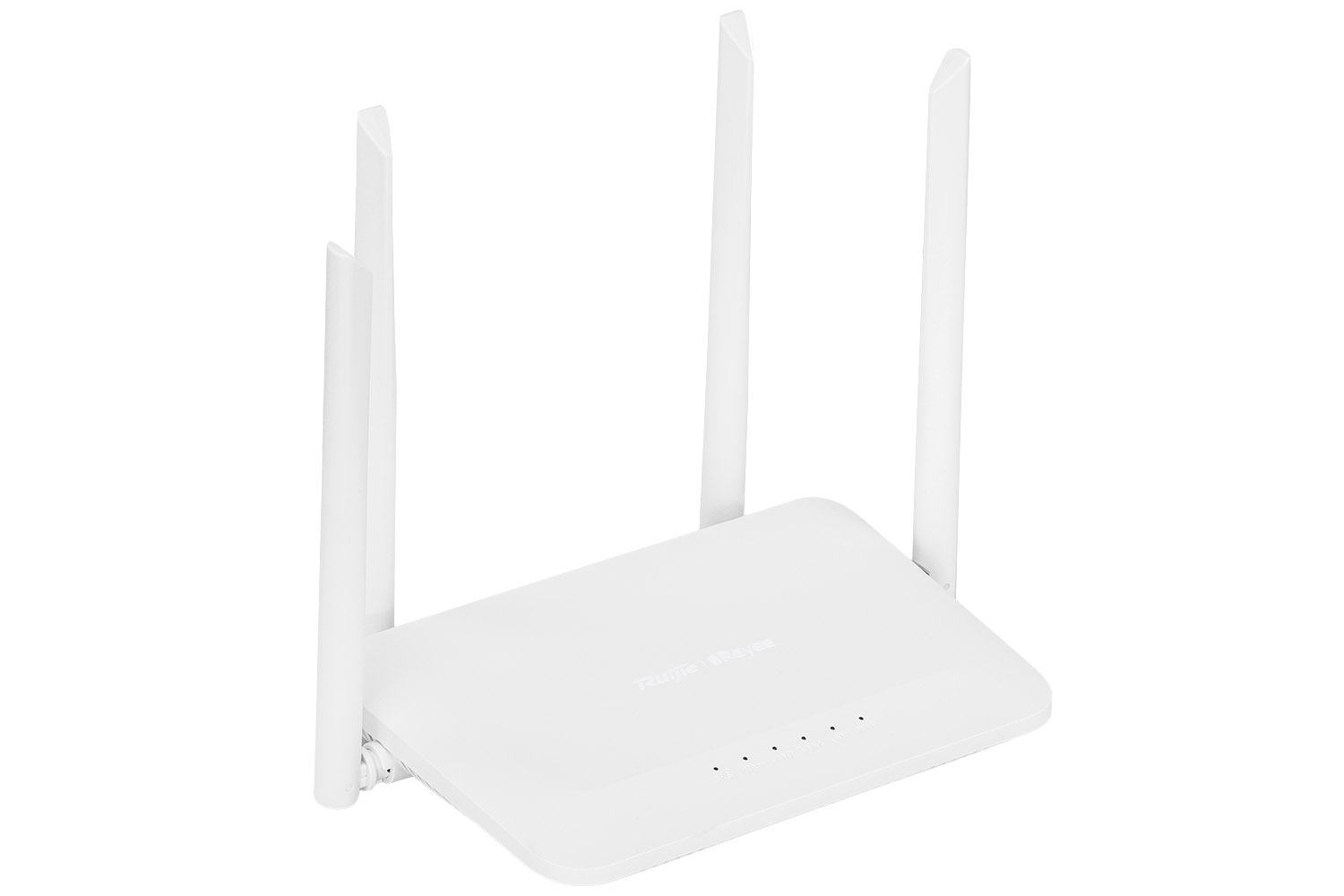
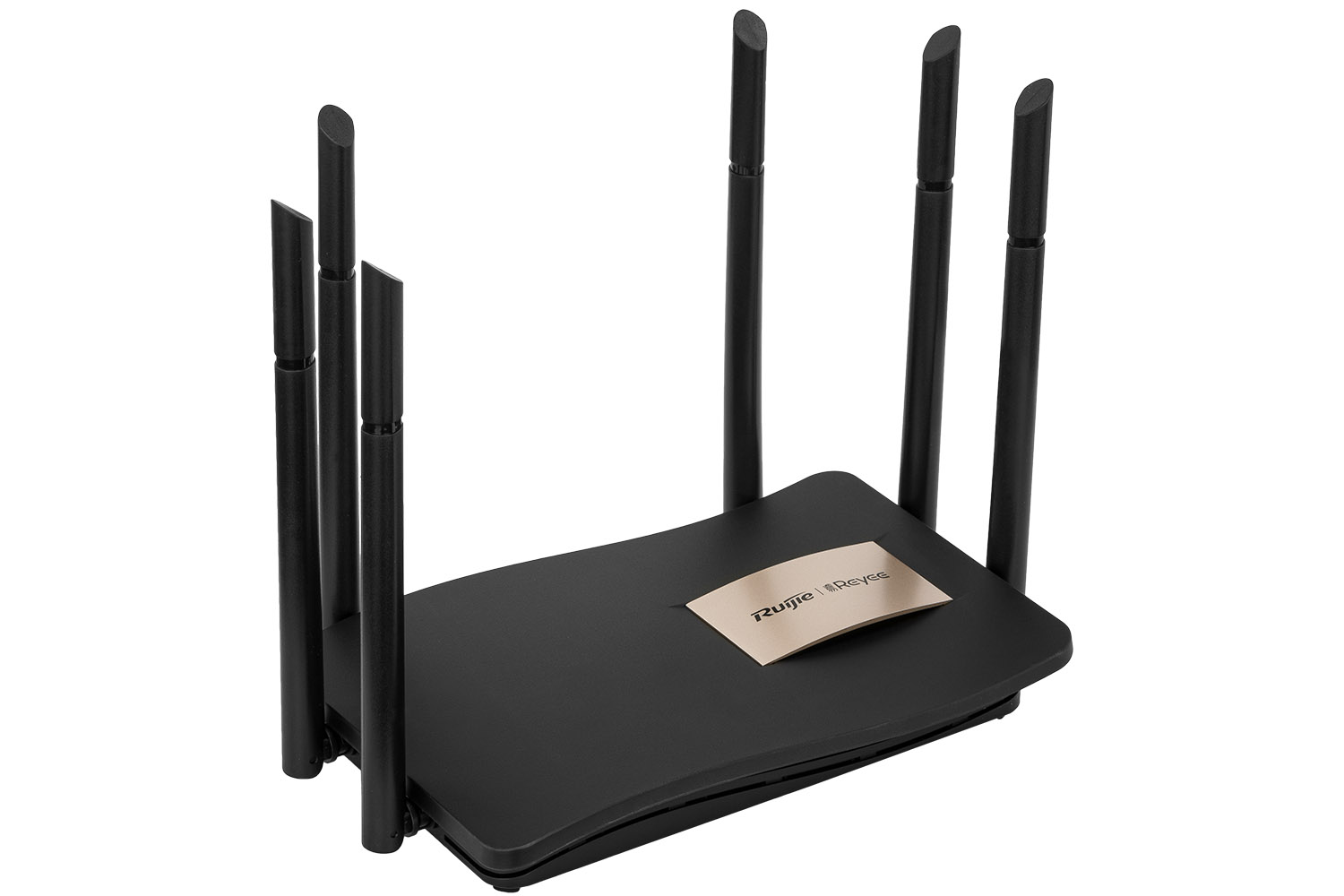
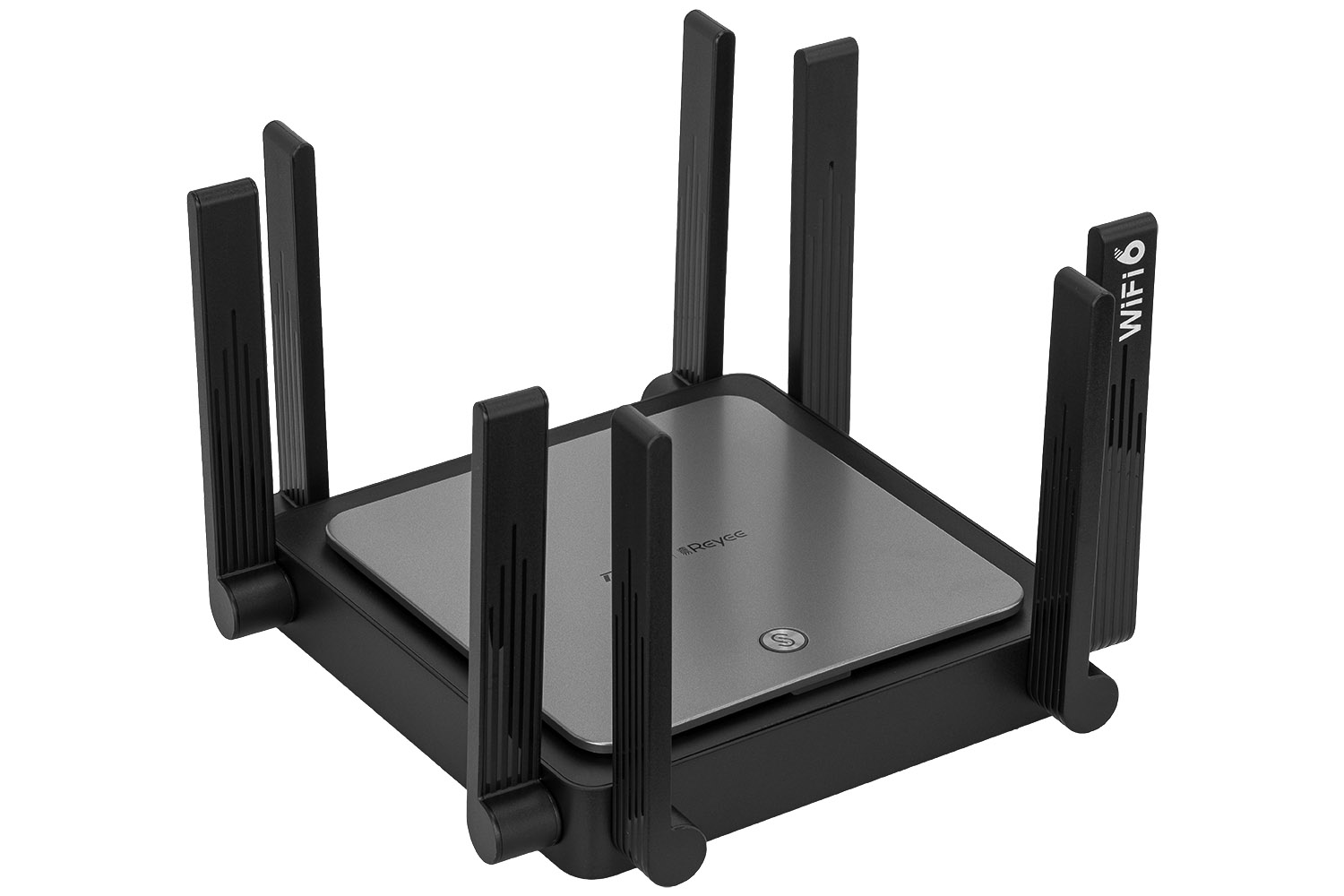
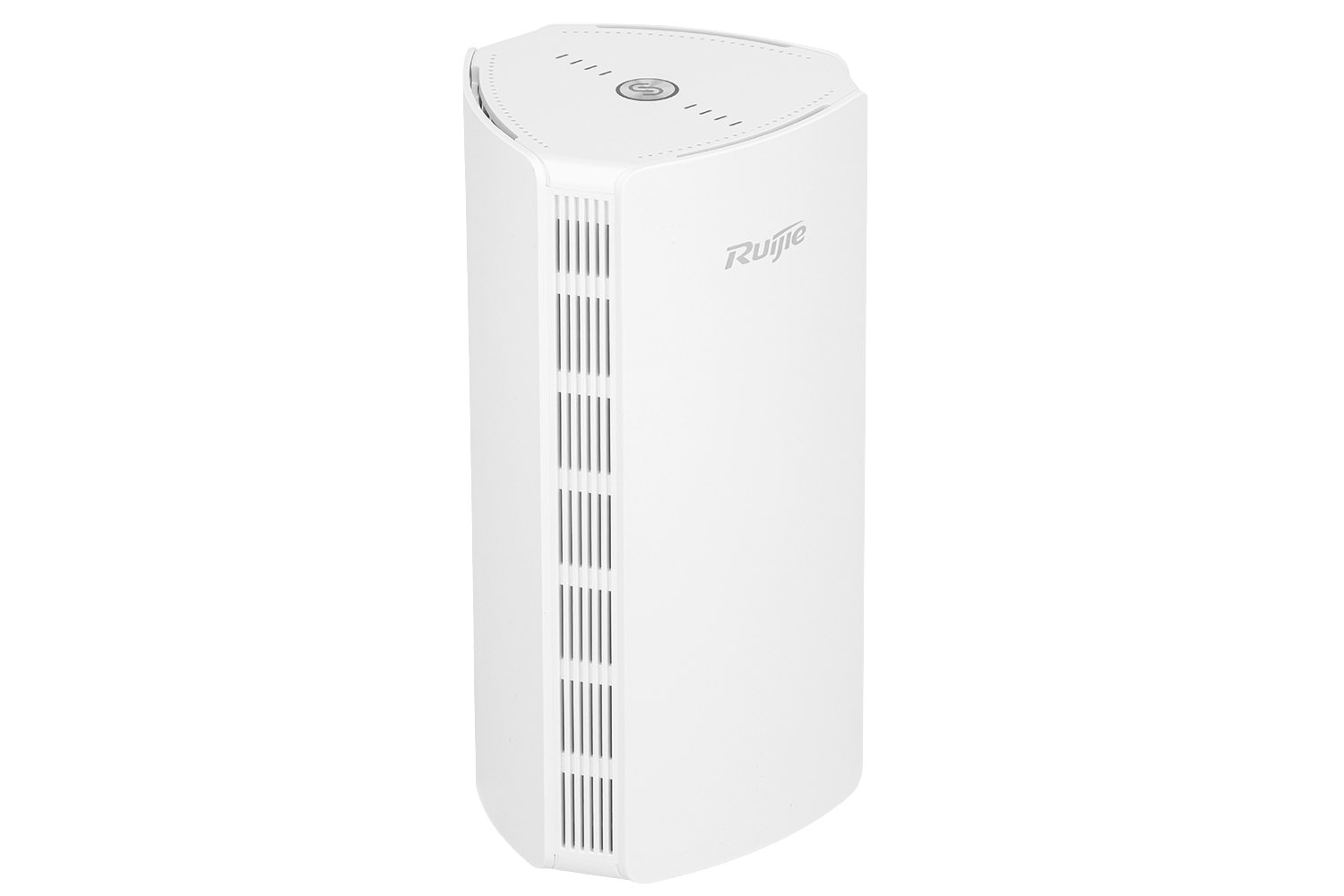
A standard packshot is usually a 45-degree shot. Why? Because it allows you to see the front, side and top of the device at the same time, giving you a full idea of its shape.
-
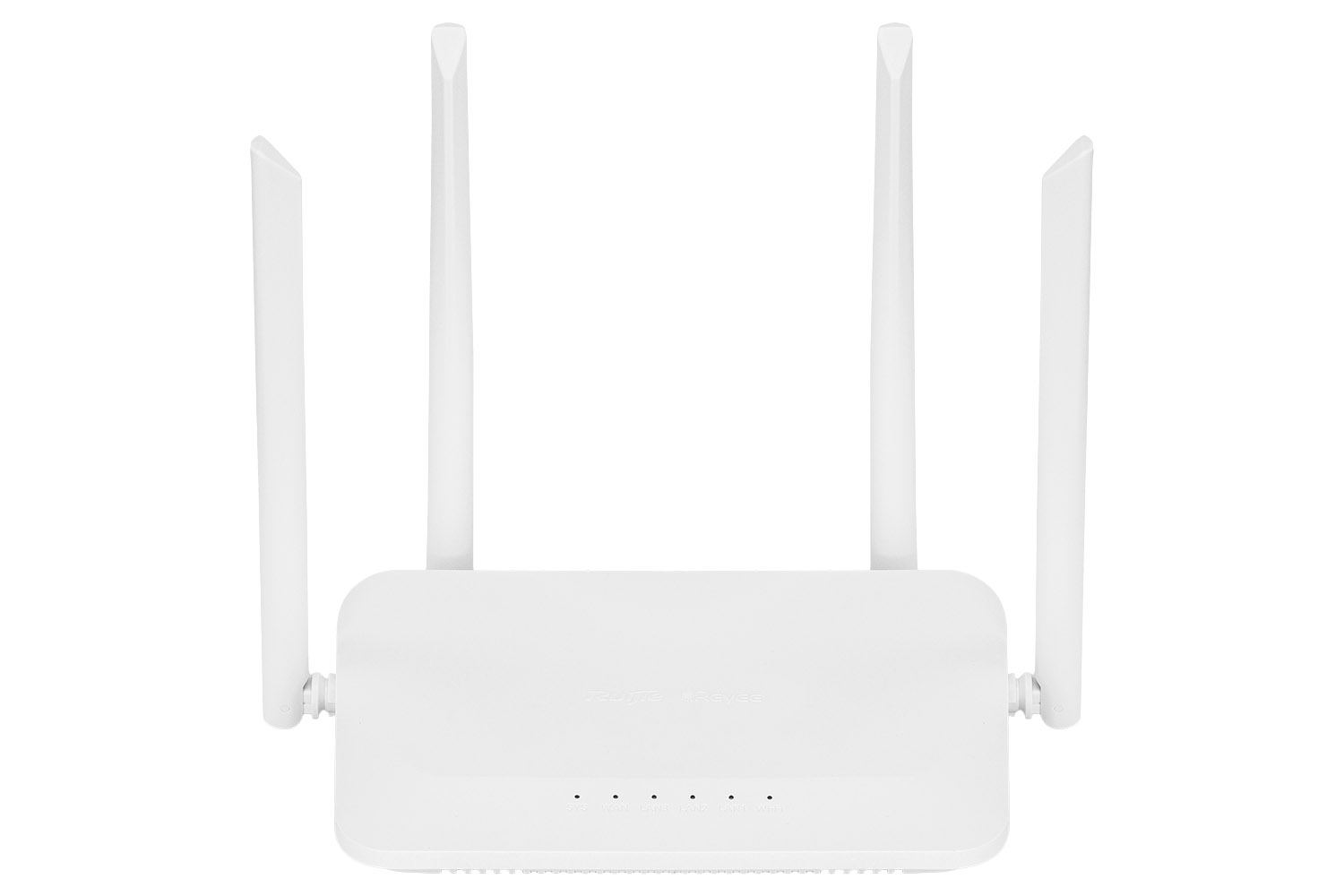
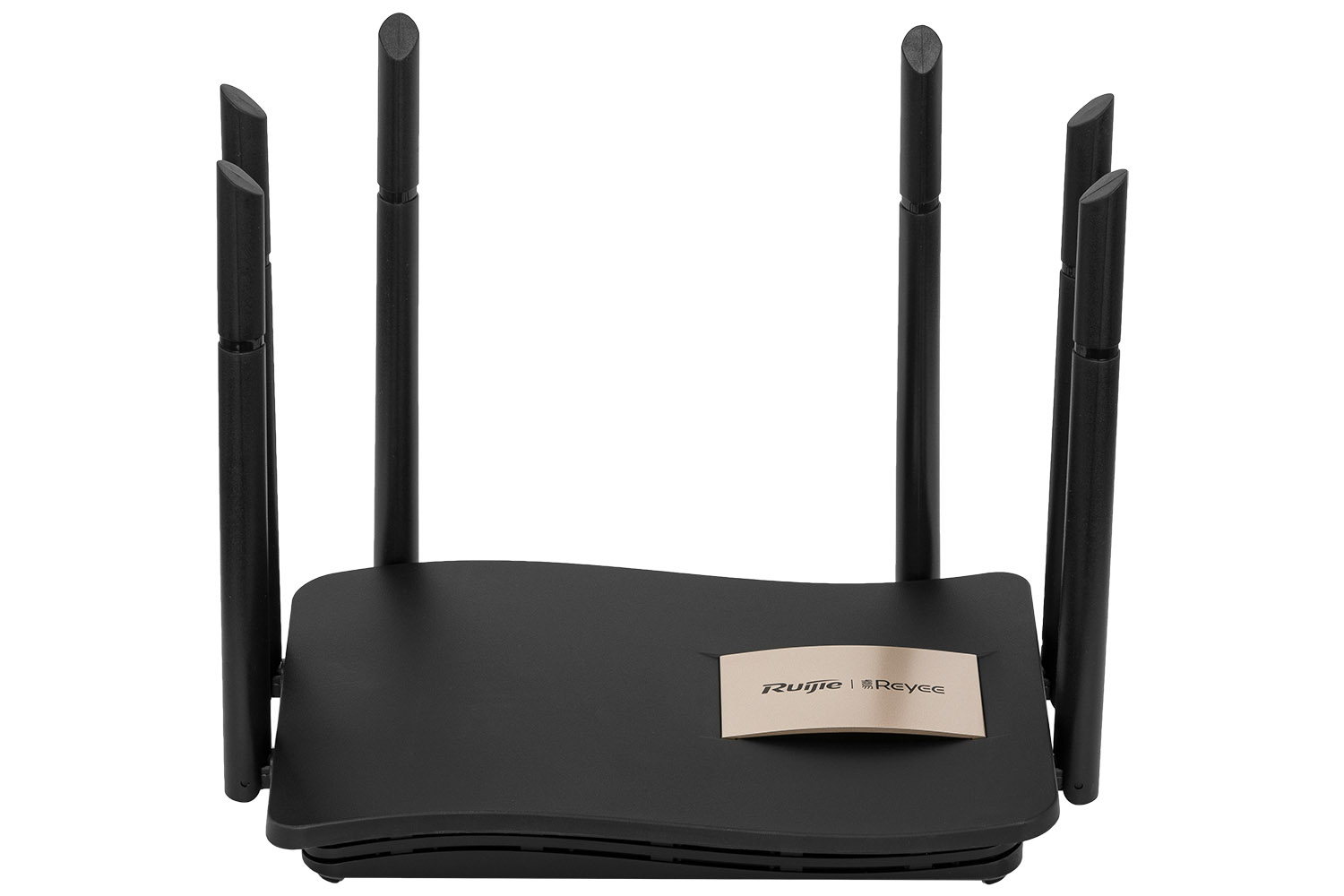
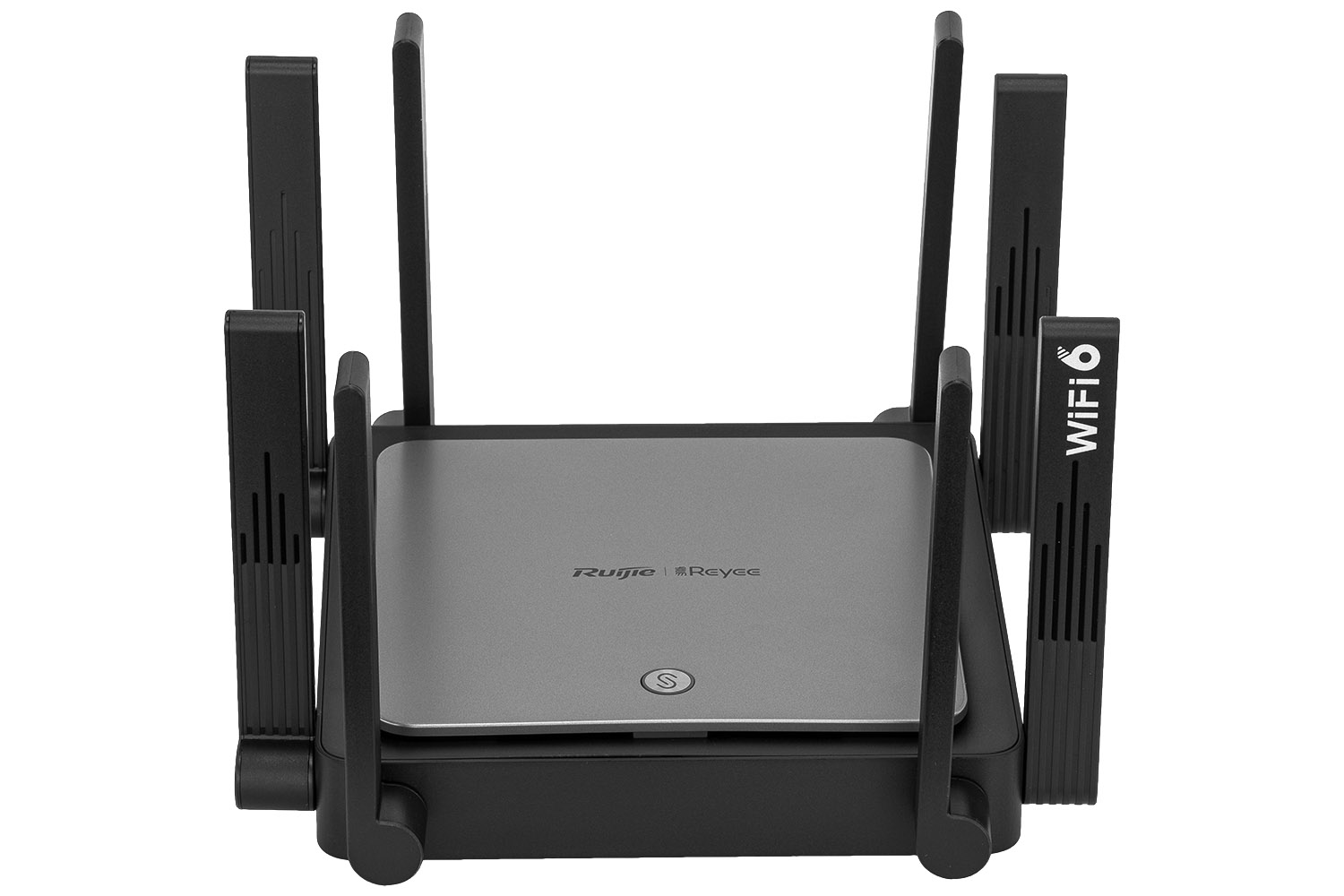
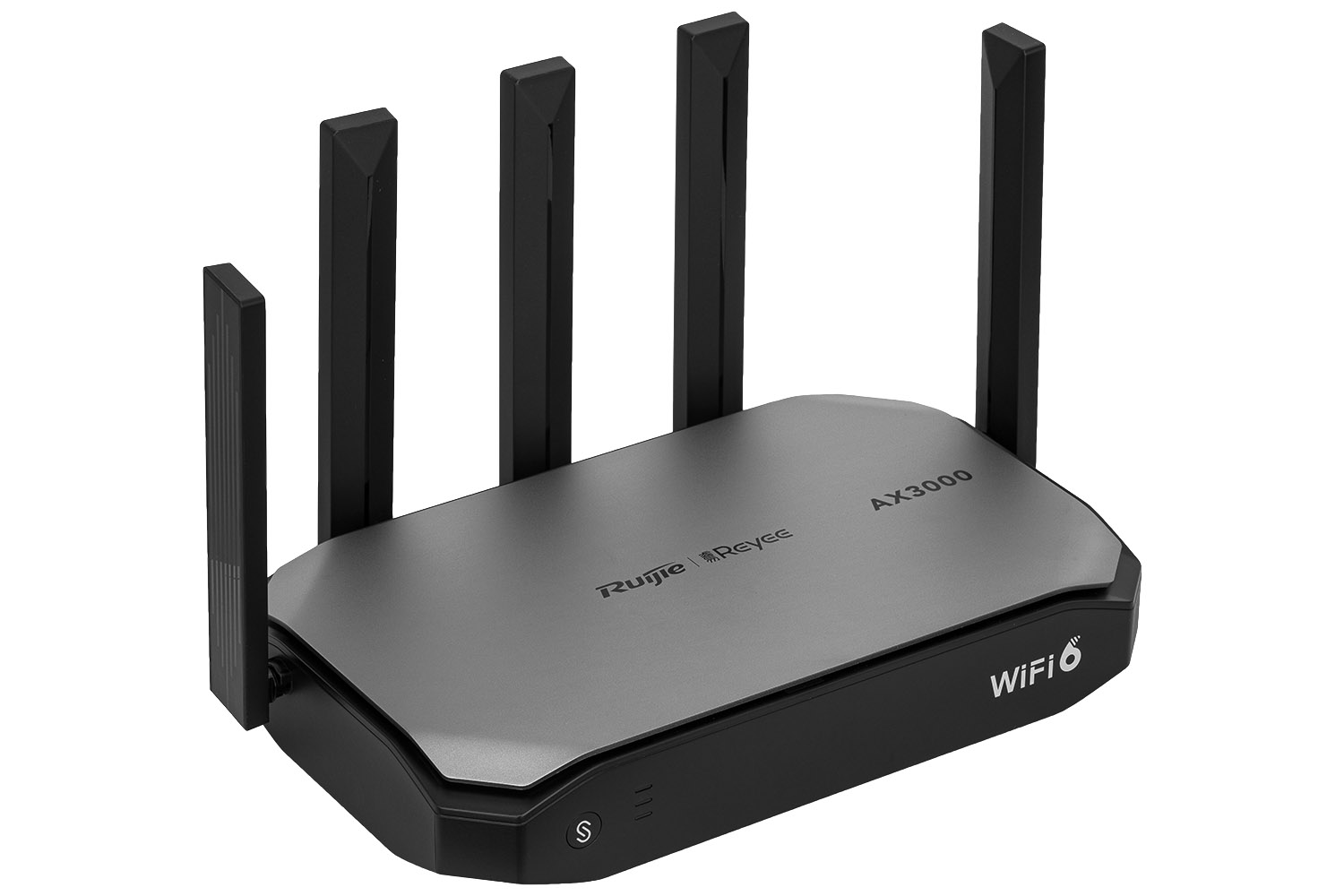
Antennas – a curse and a blessing: Models like the RG-EW3200GX-PRO with six powerful antennas require precise alignment. The antennas must be perfectly symmetrical or arranged in a well-thought-out, rhythmic way. Even 1 degree of deviation will be visible and will give the impression of "sloppy".
-
Perspective: Avoid wide angles. A lens with a focal length of 85mm or 100mm (macro) will avoid distortion. The router needs to maintain its natural proportions – we don't want it to look bent.
Technical Focus Parameters
In product photography, "artistic blur" is usually the enemy. The customer wants to see every lettering, every LED and every port marking with absolute sharpness.
-
Aperture: Set values from f/8 to f/11. This is the "sweet spot" of most lenses, providing a large depth of field while maintaining the highest resolution.
-
Focus Stacking: For very long devices or macro shots, even f/11 aperture may not be enough. This is when focus stacking is used – taking several photos with focus set on different parts of the product and combining them in a graphics program.
Details that make a difference
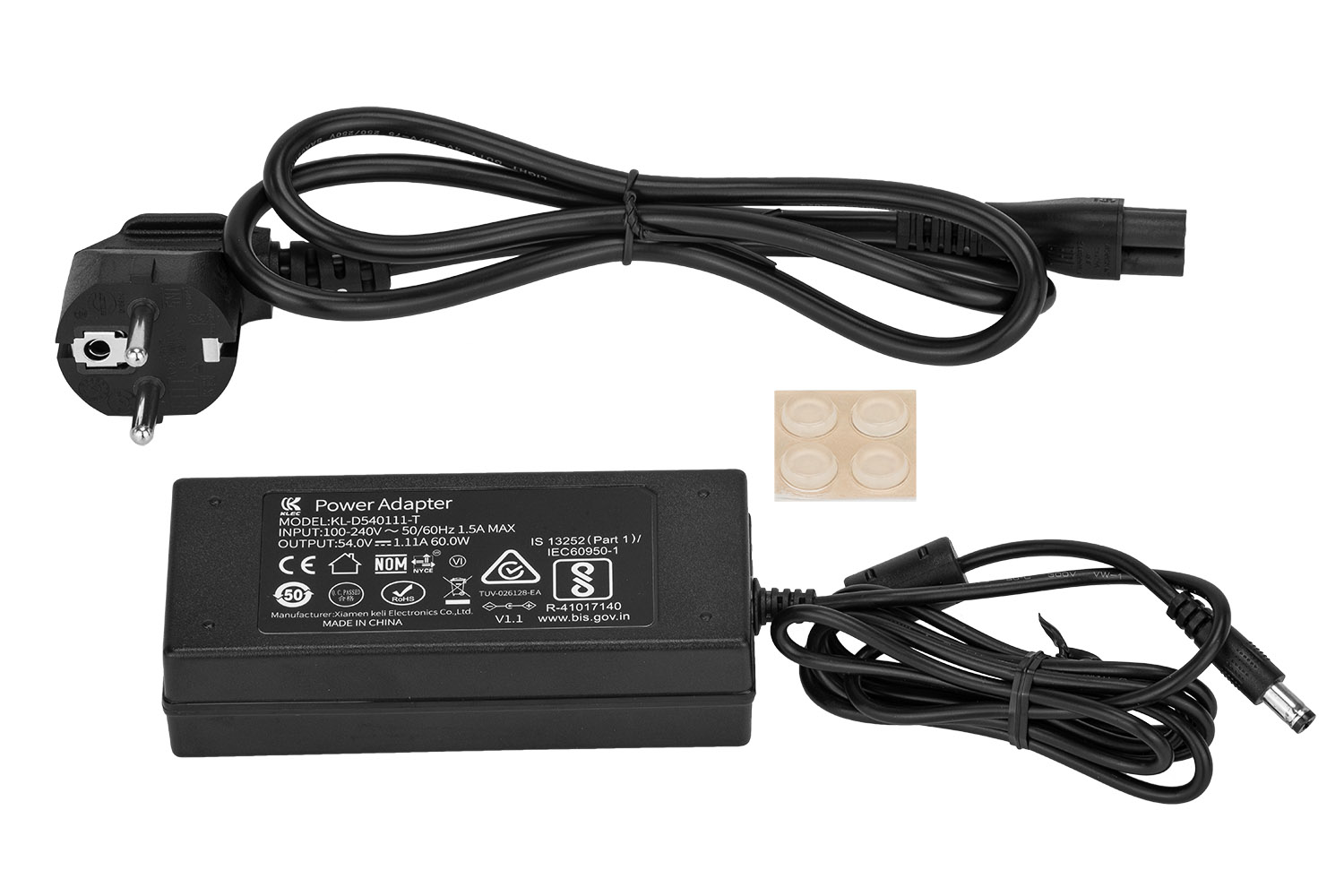
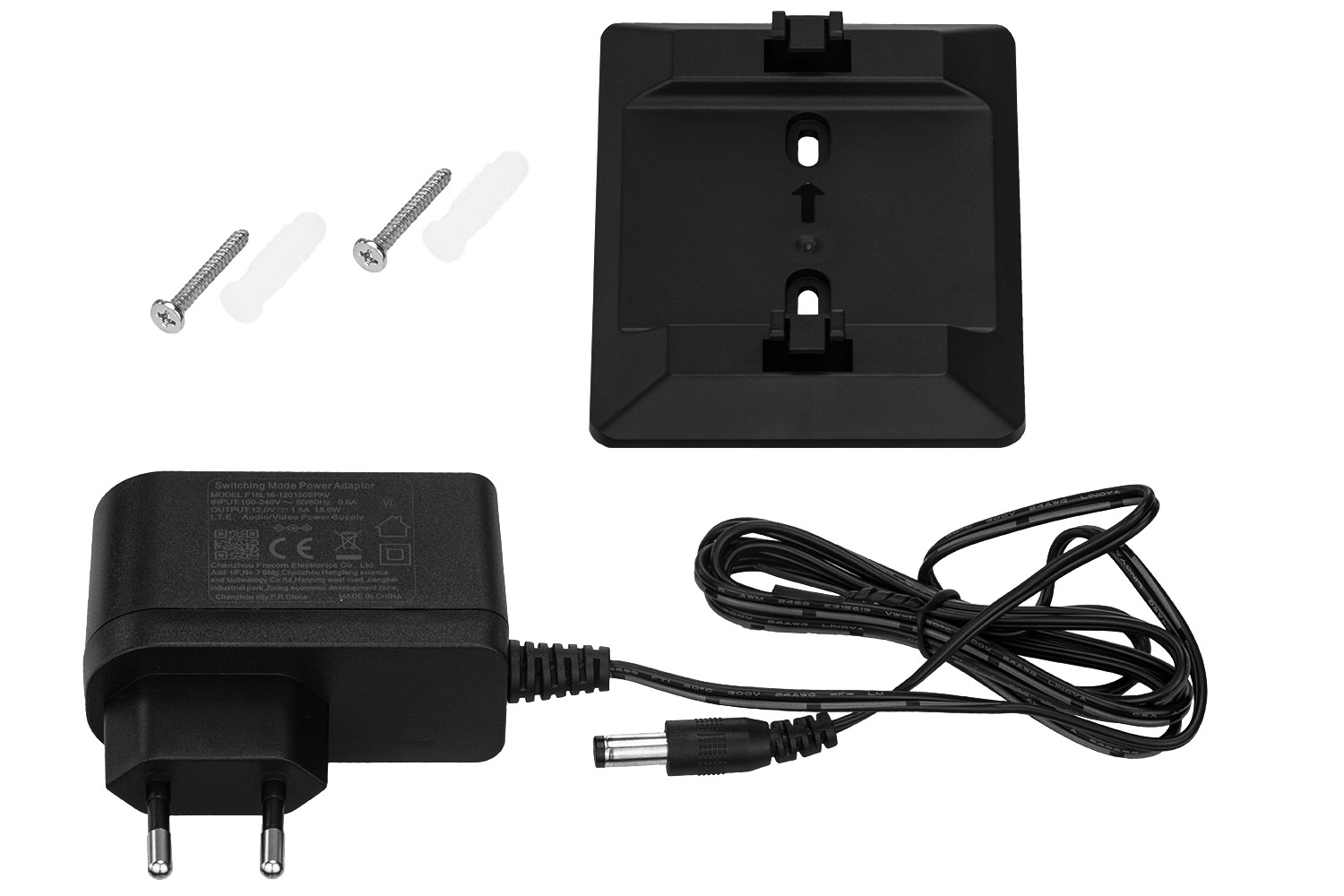
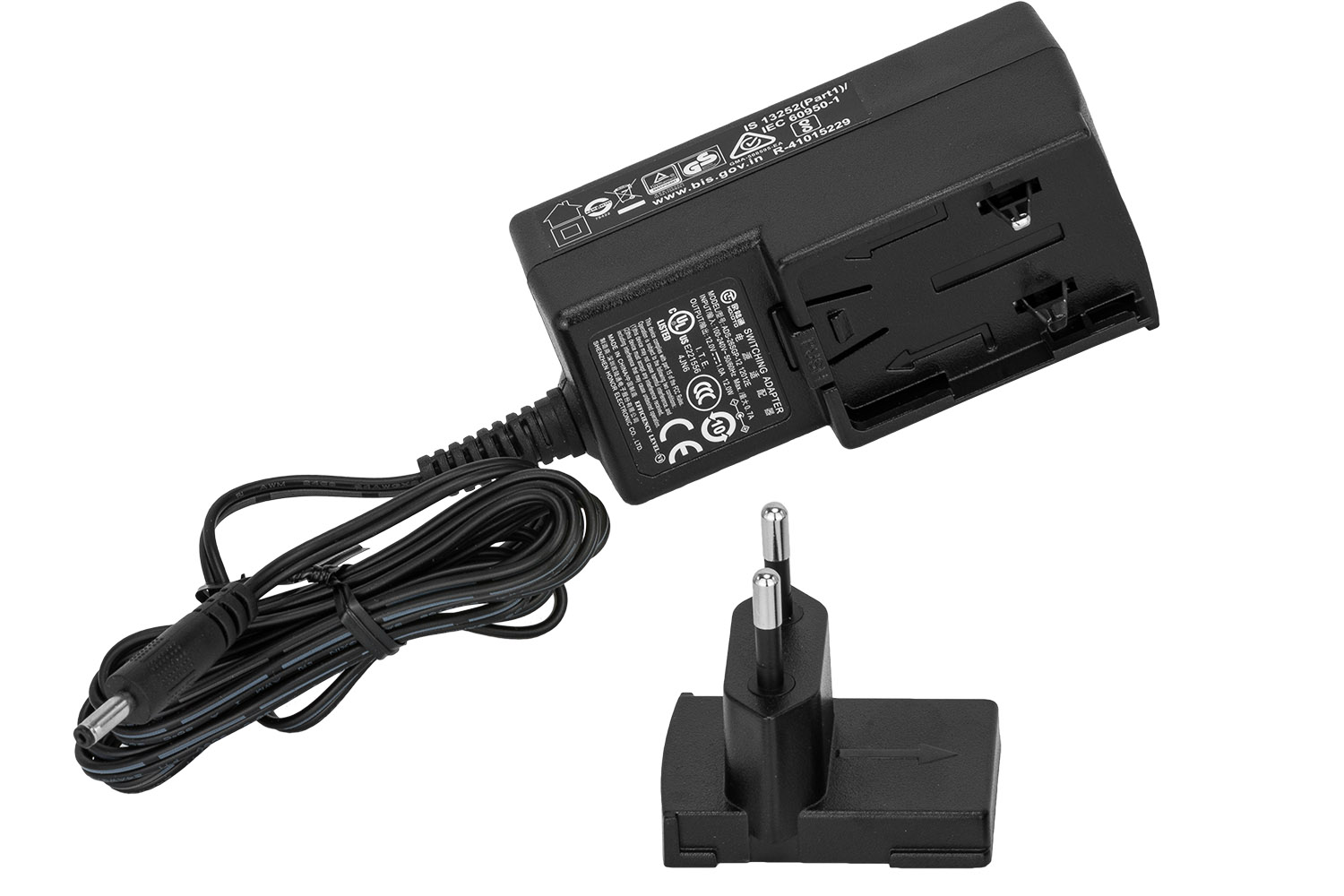
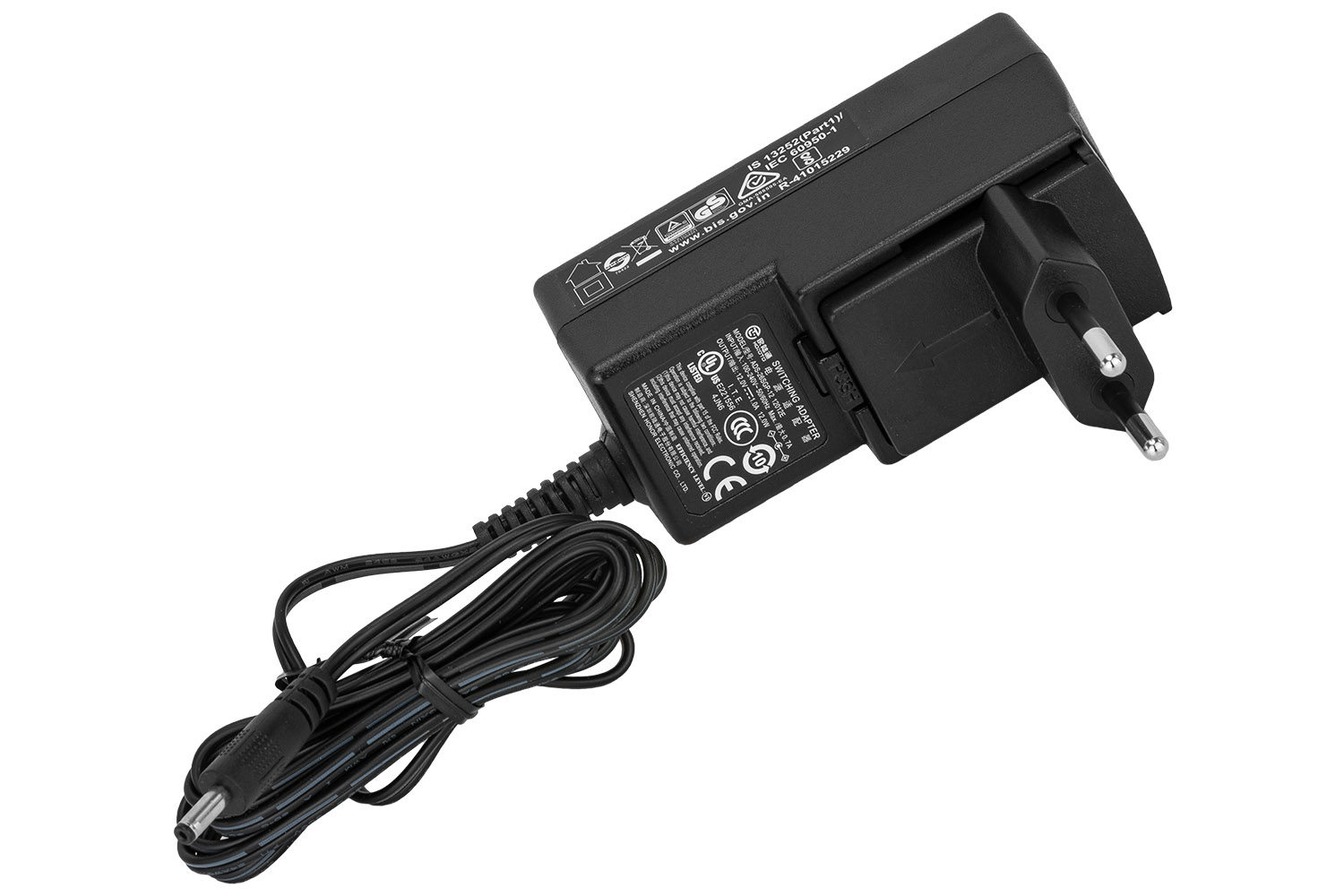
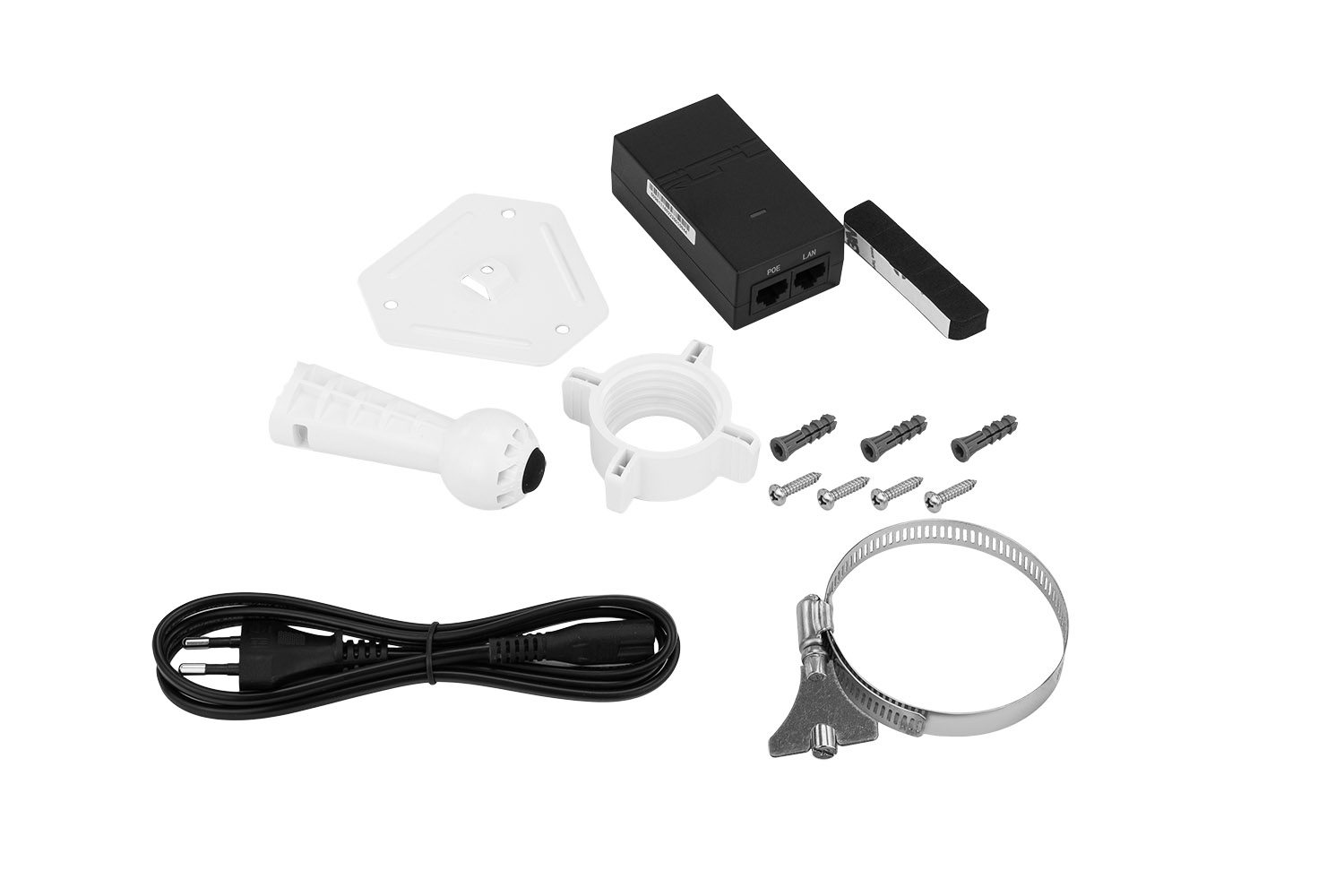
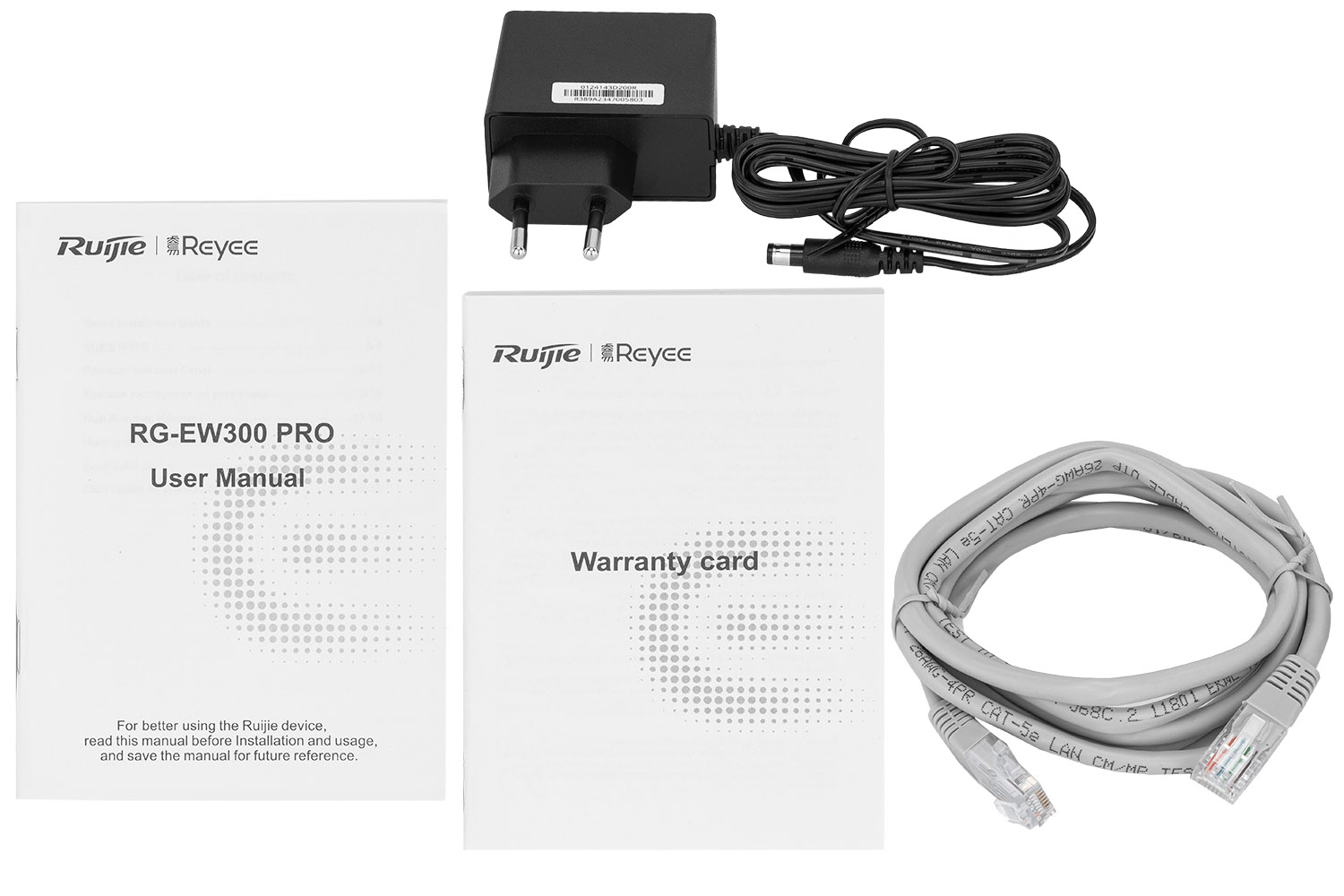
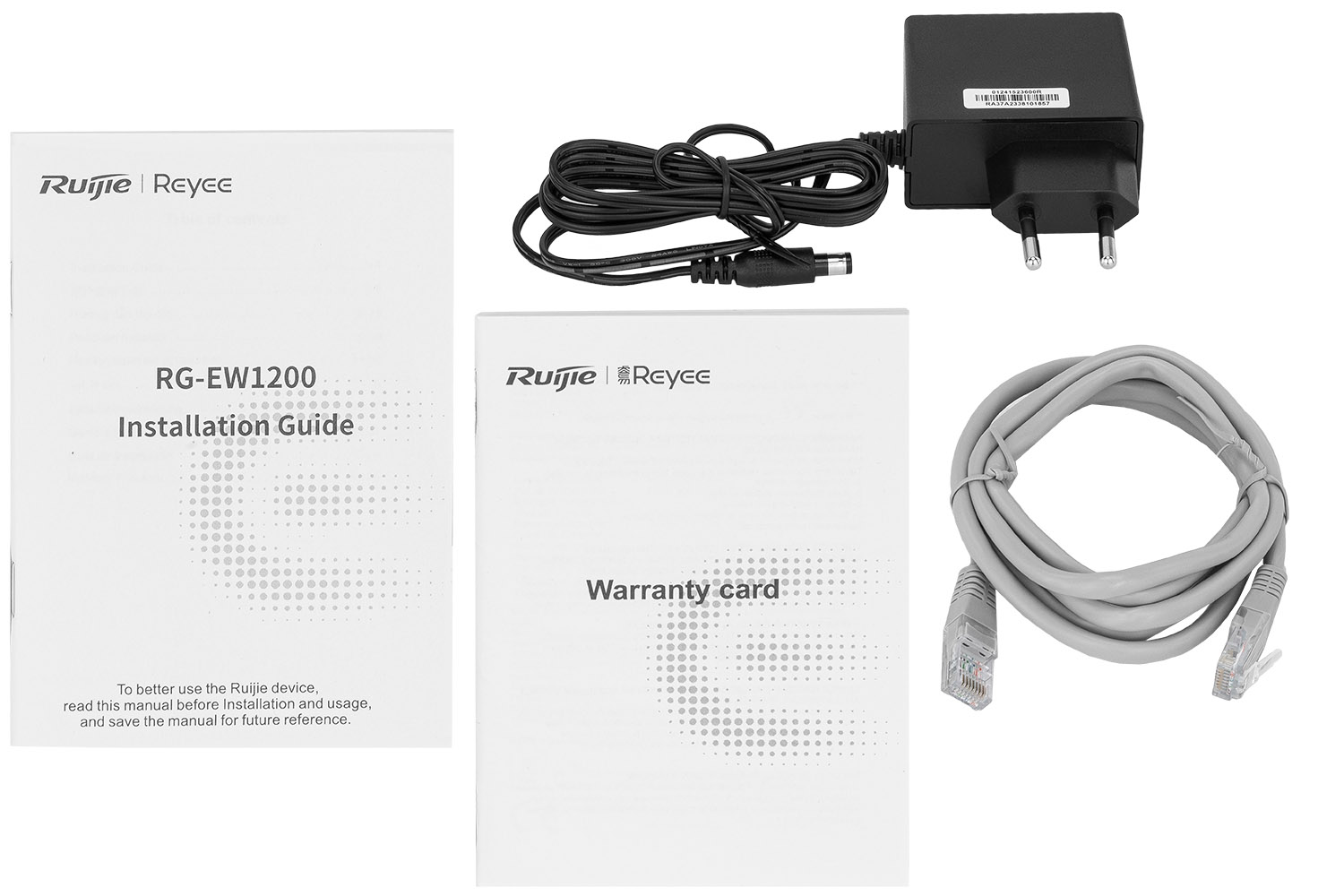
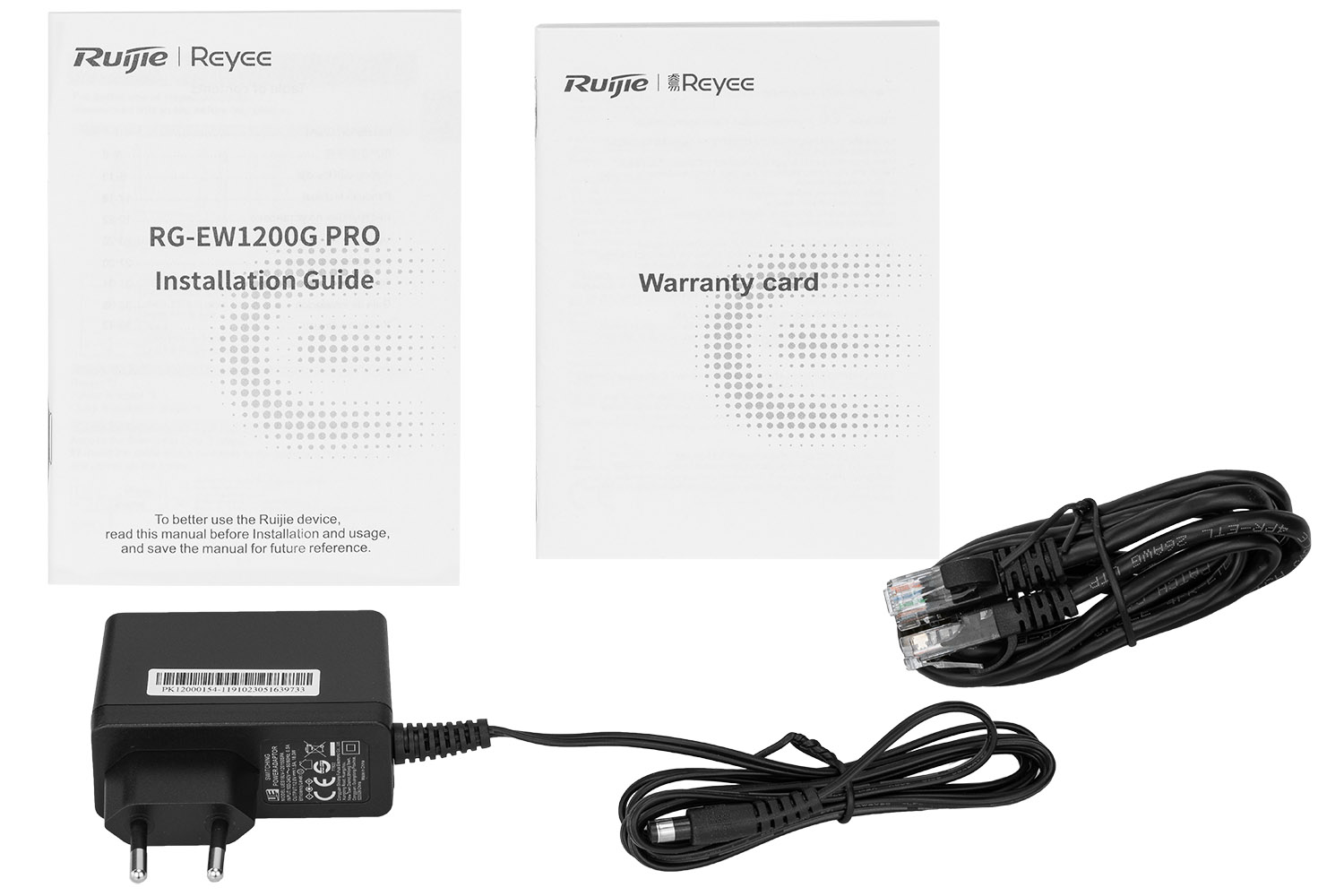
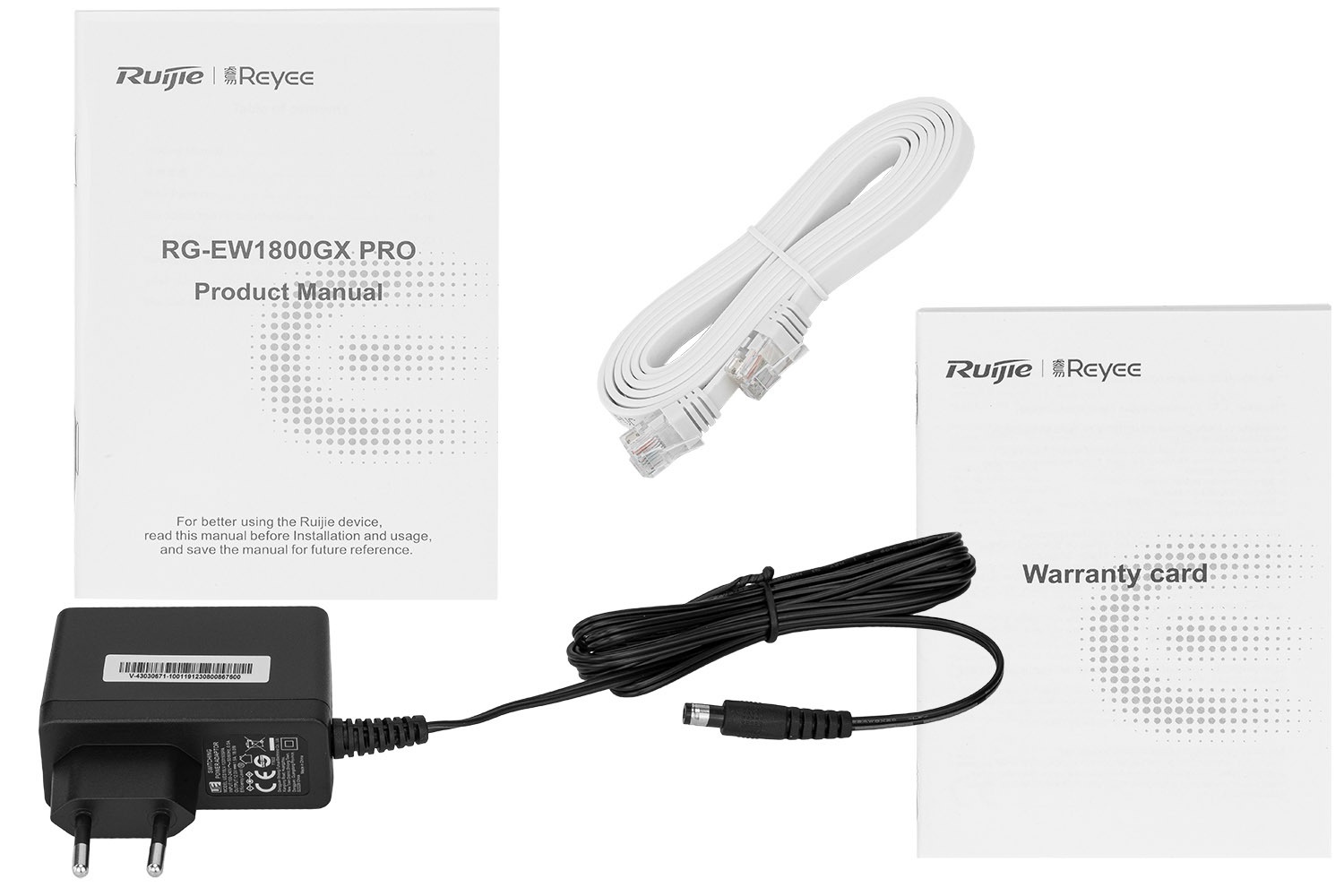
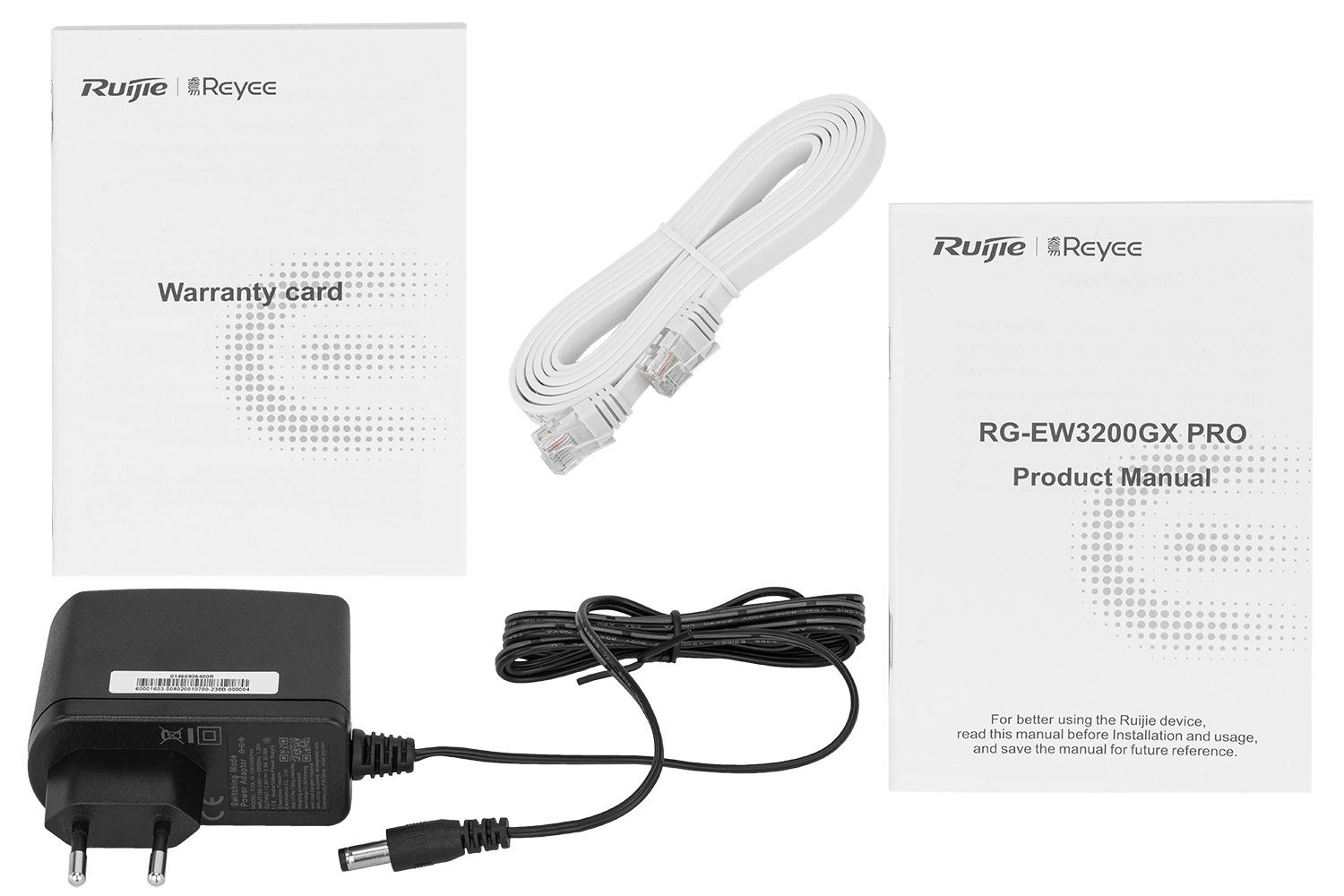
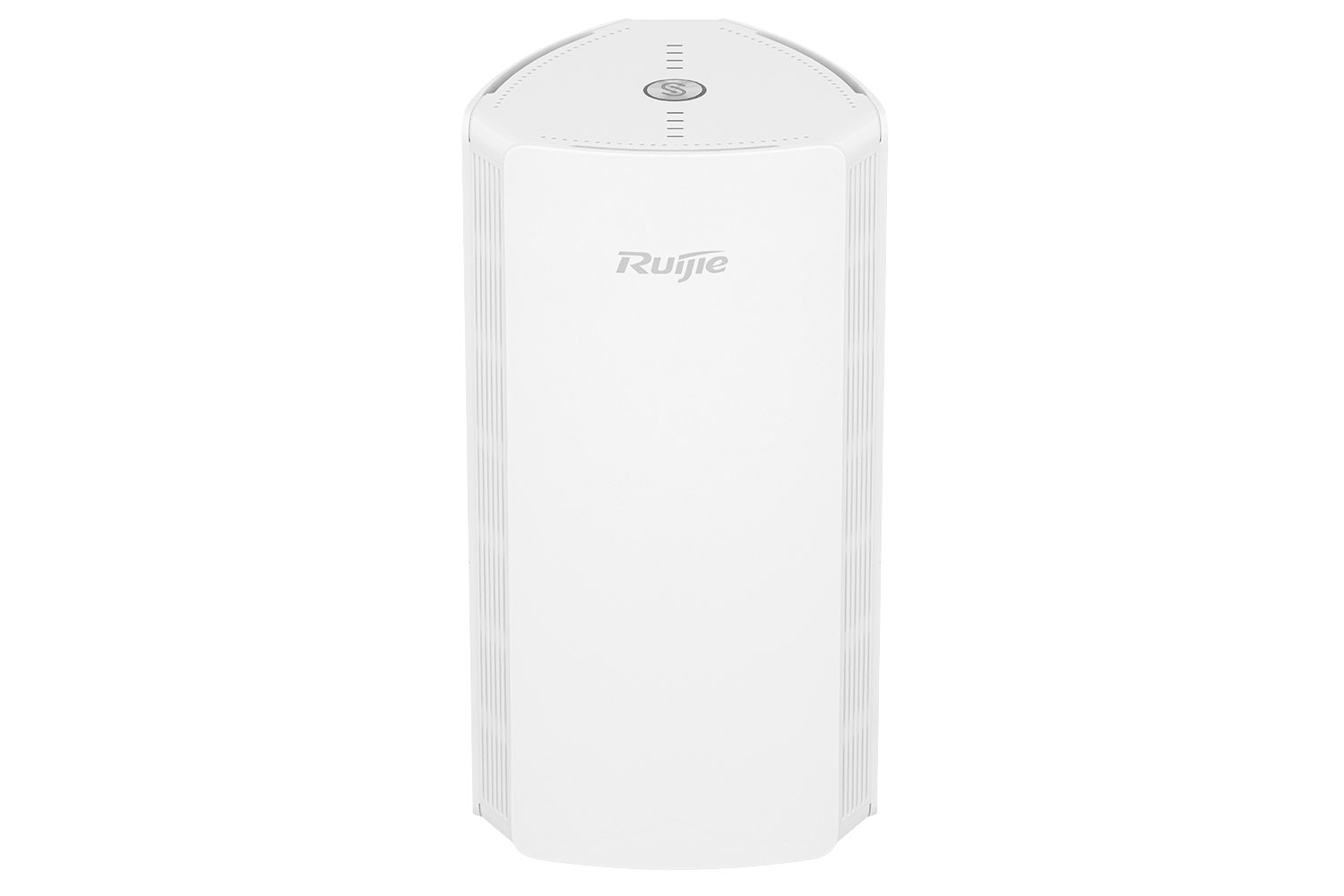
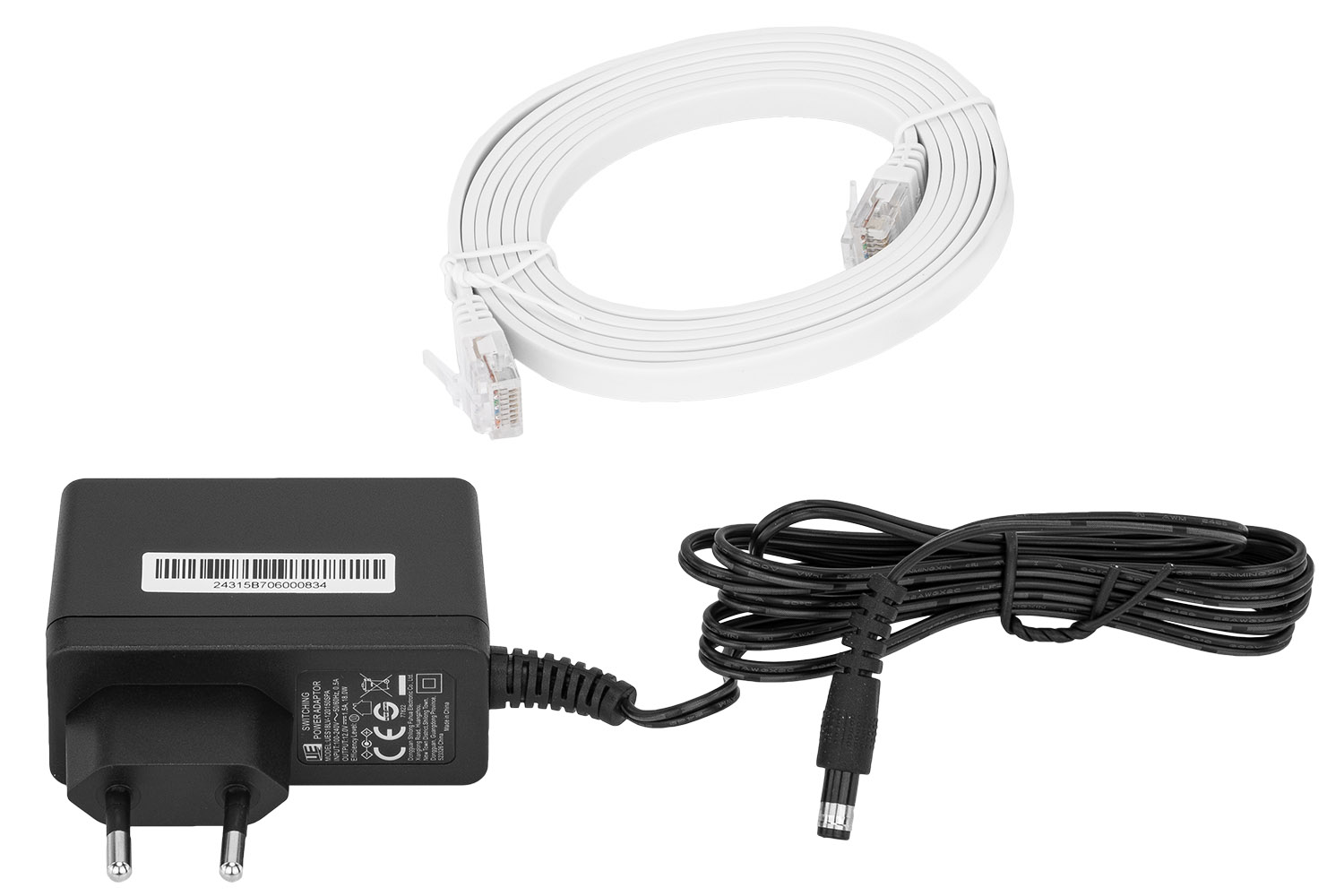
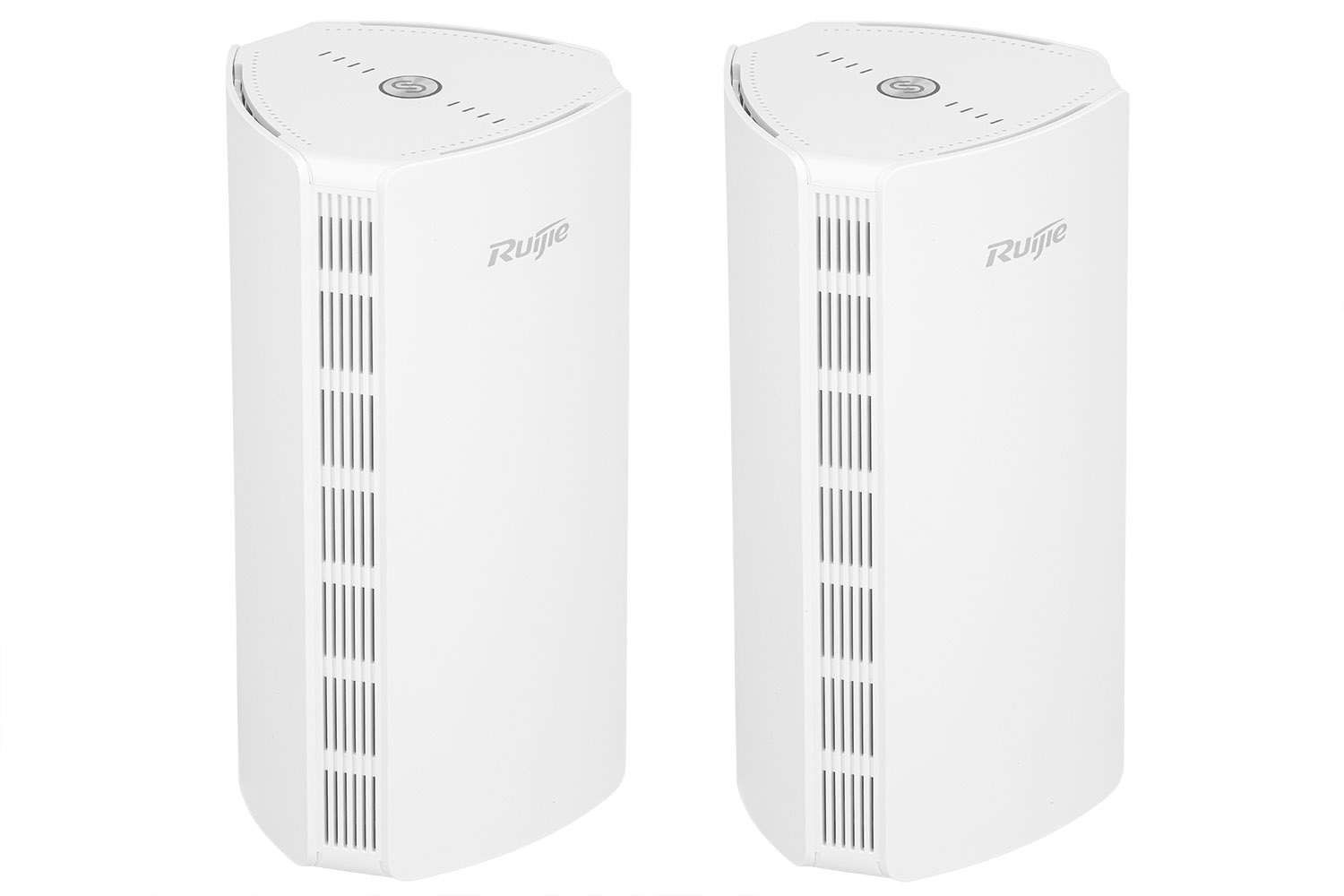
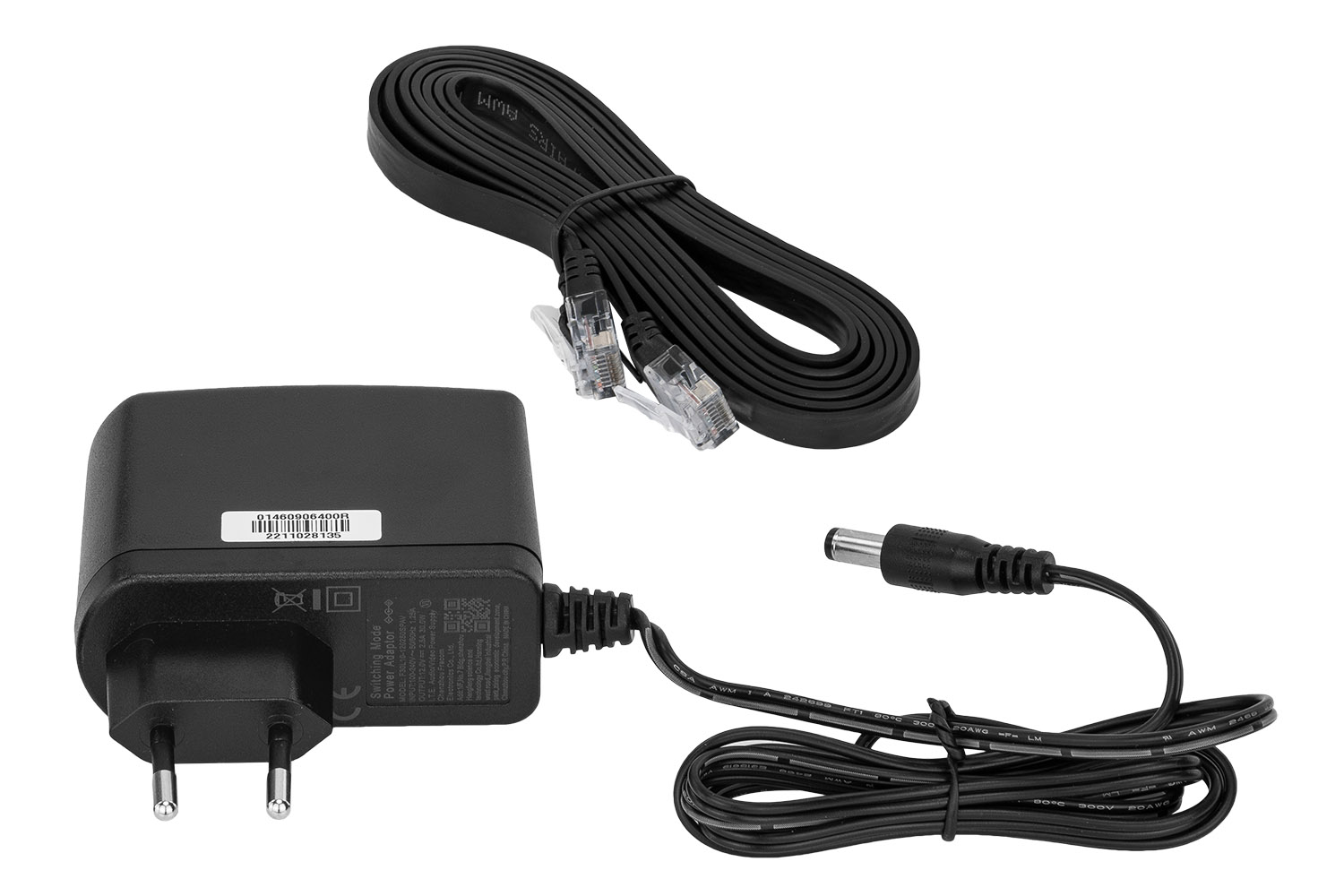
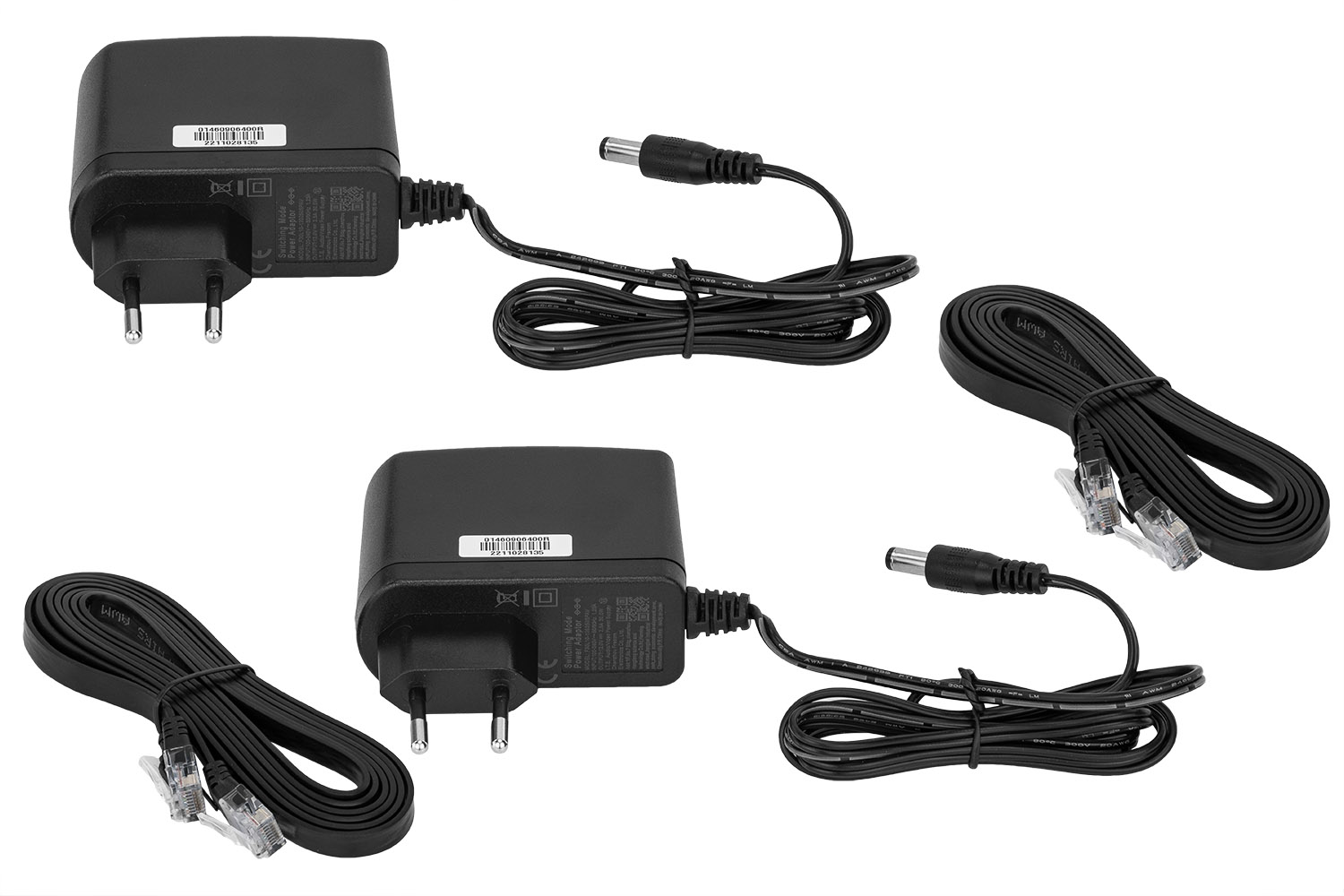
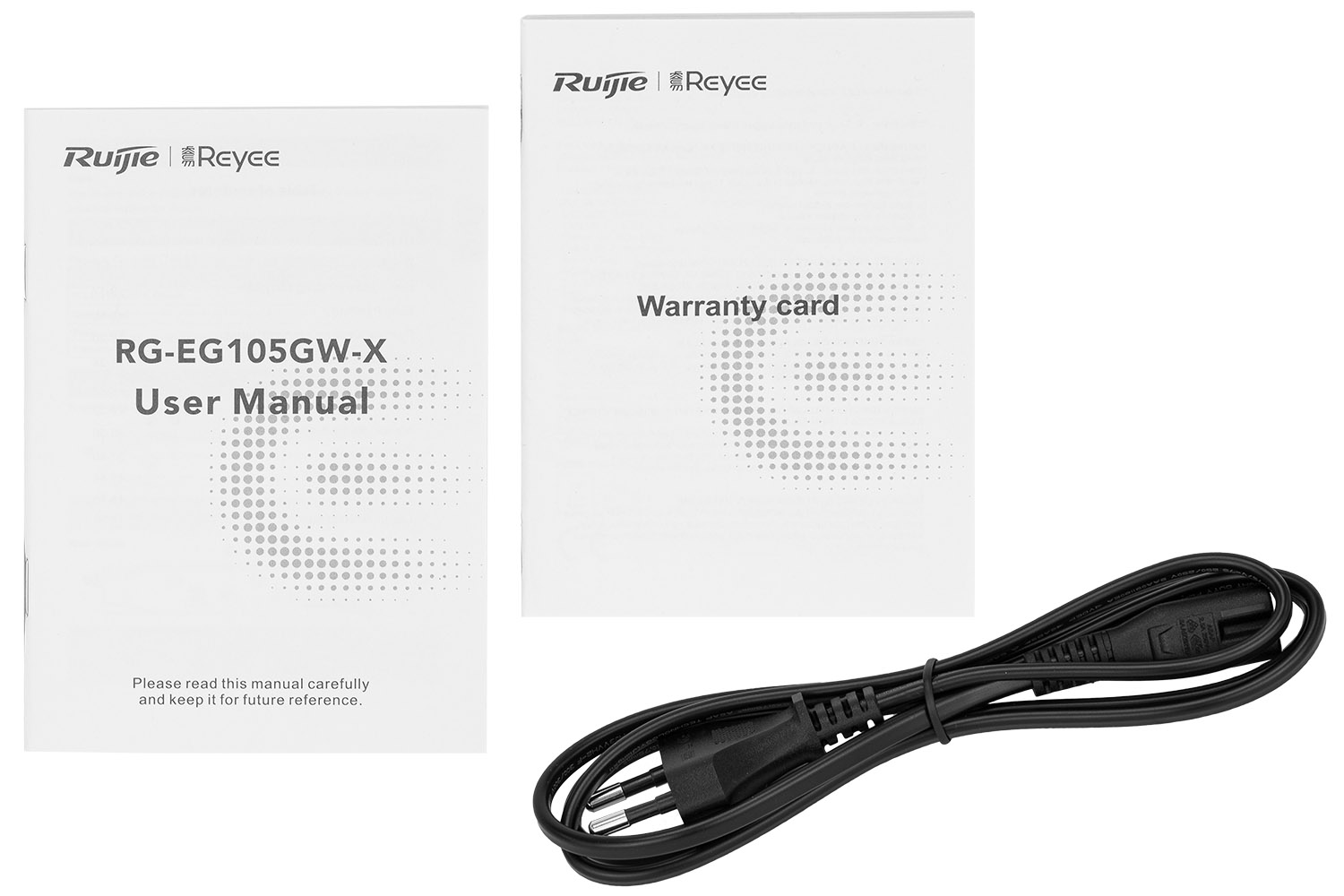
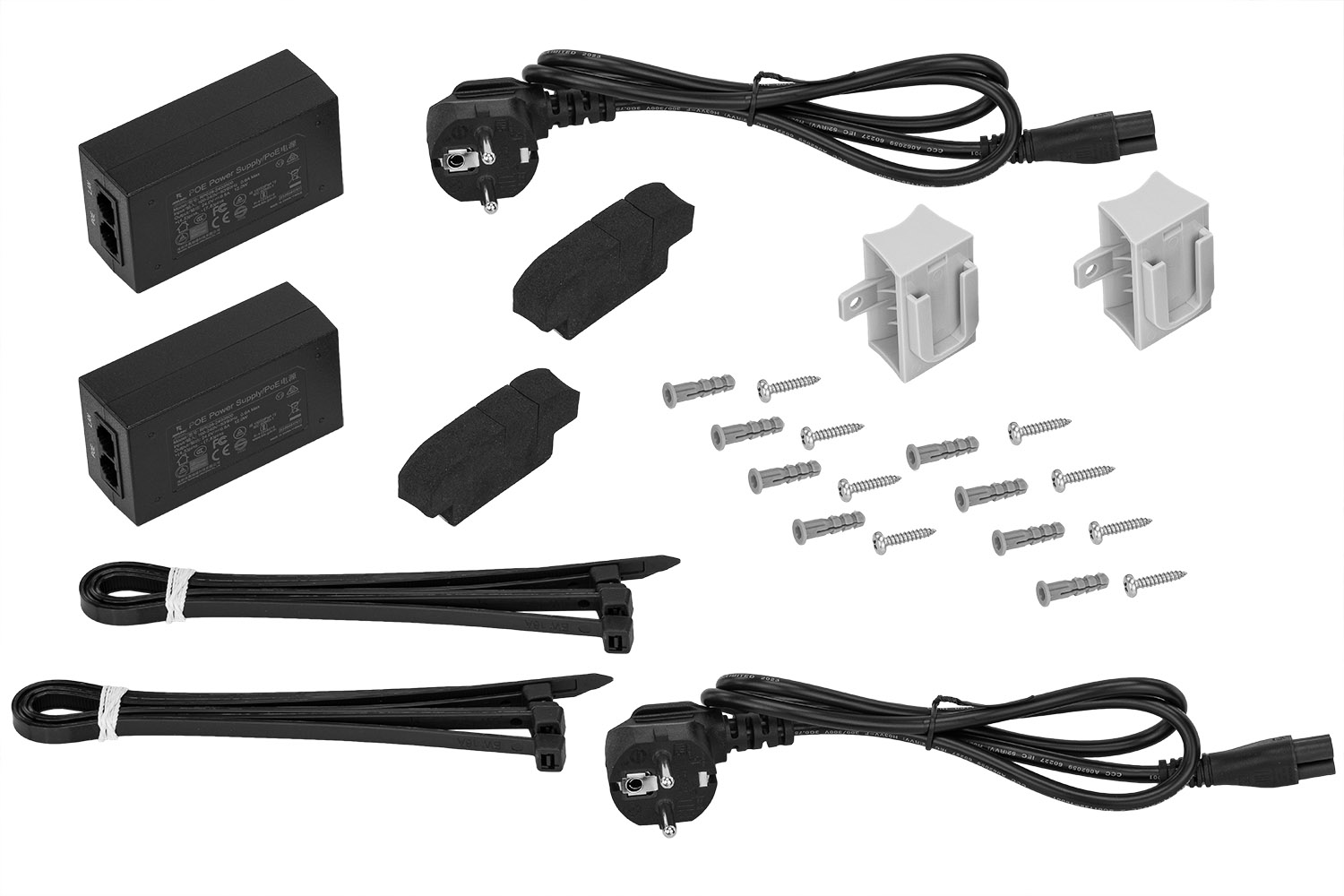
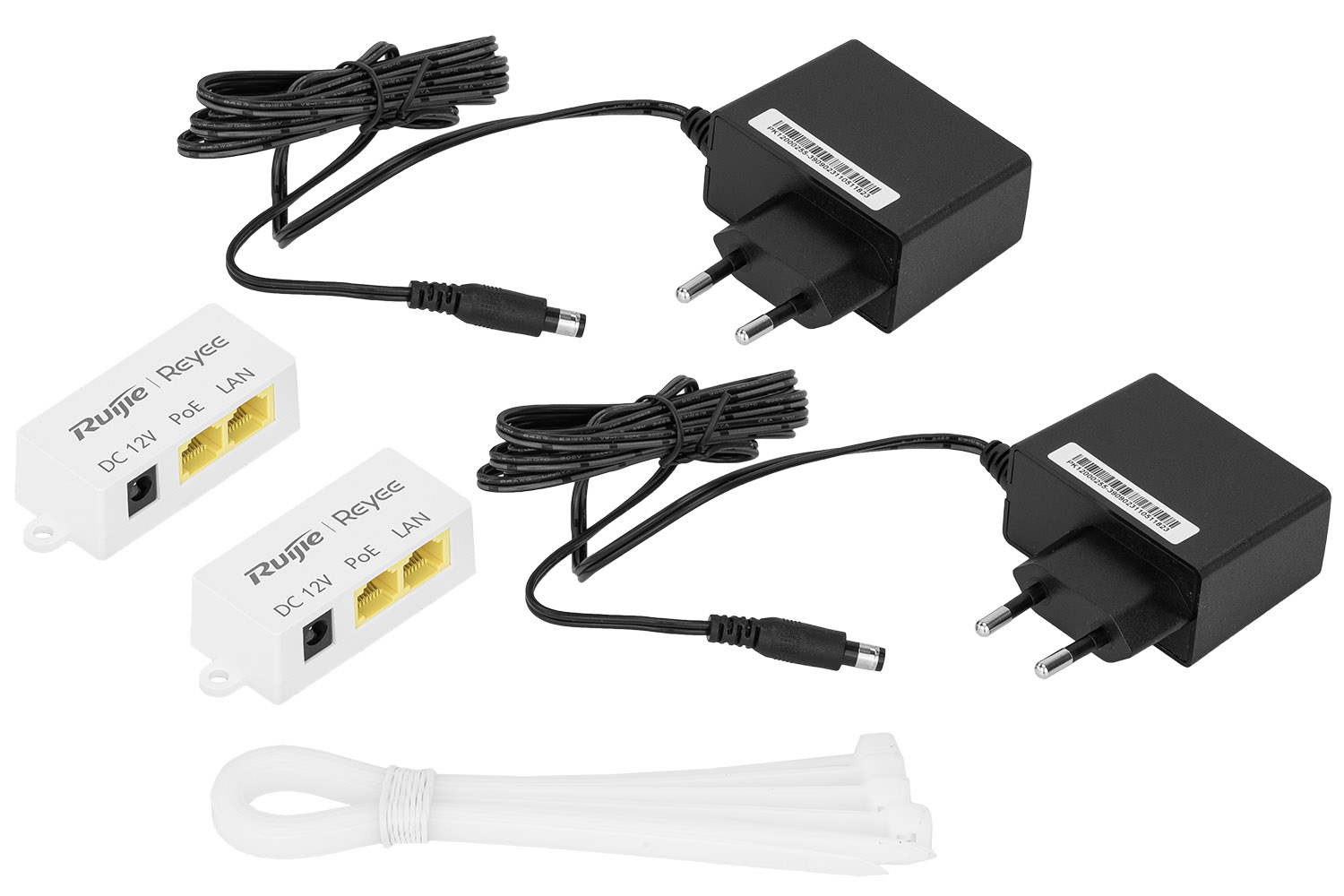
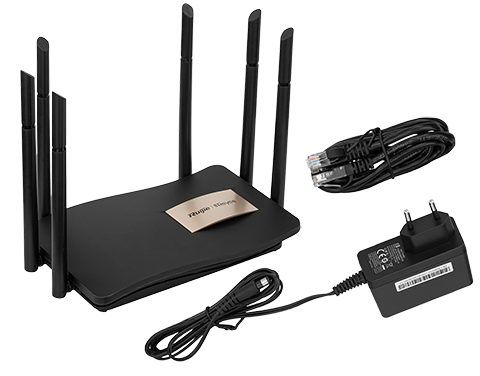
Don't forget about accessories. Often, a photo of the kit (router + power supply + cables, as in the case of the RG-M32 mesh system) is more important to the buyer than the portrait of the device itself. The cables should be perfectly coiled (use wires or double-sided tape to "tame" them) and the power supplies should be at the same angle as the main device.
Post-production: Digital grinding
Even the best photo straight from the camera needs refinement:
-
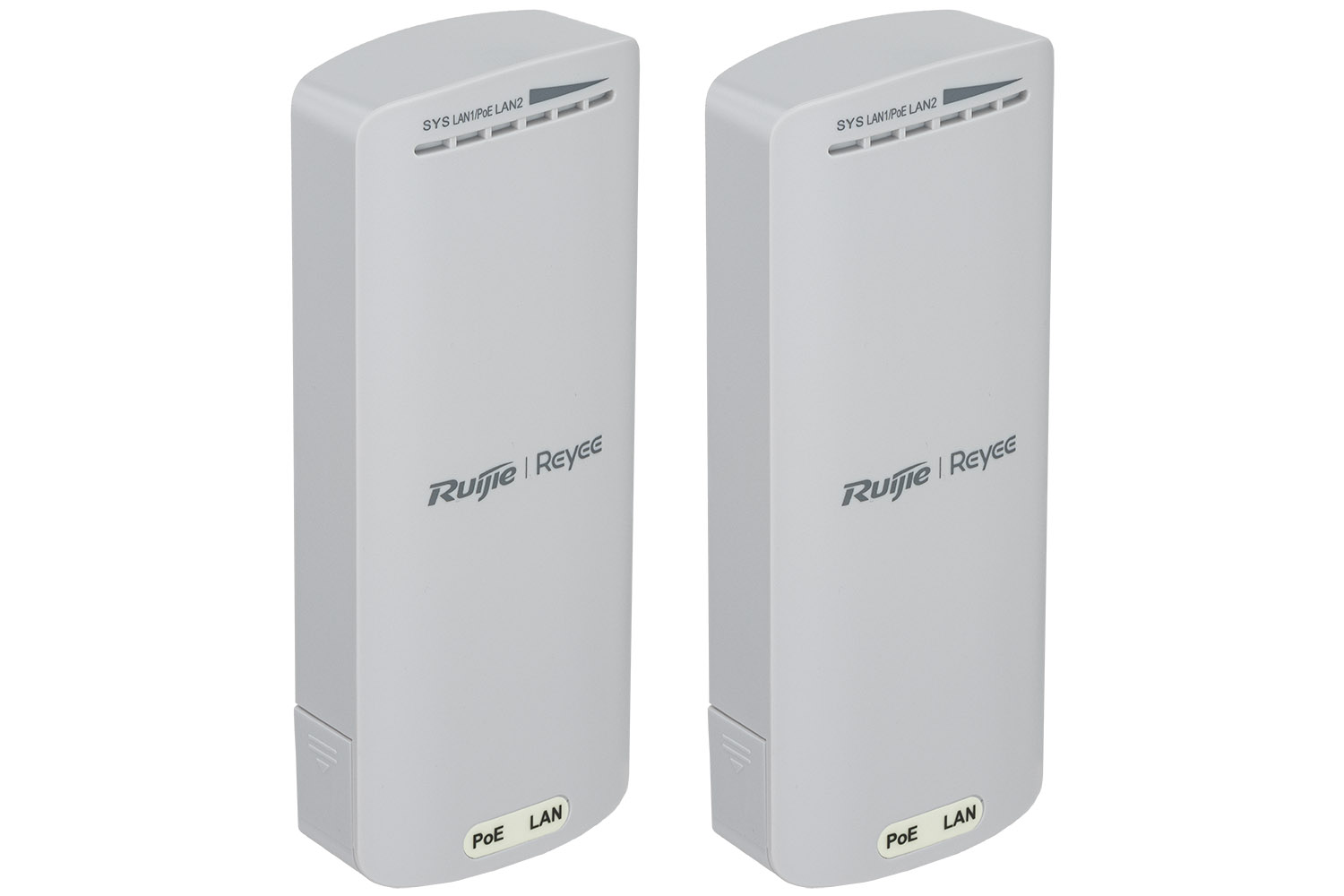
Sparing: Cut the product out of the background and place it on top of the perfect white. This is standard in most online stores.
-
LED retouching: LEDs on routers often come out too bright or too dark in photos. It is worth "lighting up" them digitally in post-production, giving them a slight glow, which suggests that the device is at work.
-
Micro-Dust Cleaning: Use the "Patch" or "Healing Brush" tool to remove the last imperfections that escaped physical cleaning.
To sum up, the router's professional packshot is a combination of sterile cleanliness, technical lighting precision and attention to geometry. When you manage to capture this technological flair, the product ceases to be just "Internet equipment" and becomes an object of desire.

